Install and configure Transmission Remote
TransGUI lets you control the Transmission client on your seedbox from your computer.
Install Transmission and enable remote access
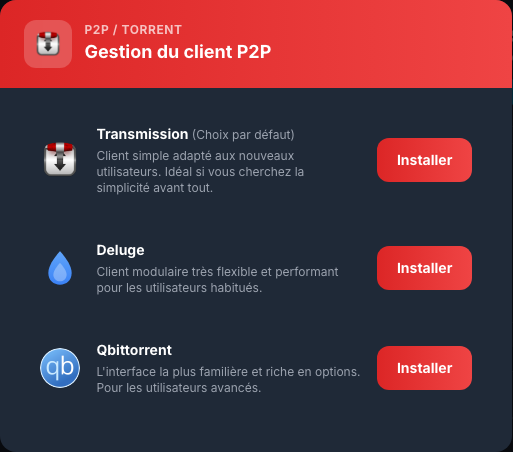
In My Console, open P2P / Torrent > ⋮ > Configure, choose Transmission, then select Install. Next, open Public and private sharing > Options and enable External access.
Copy the Remote settings
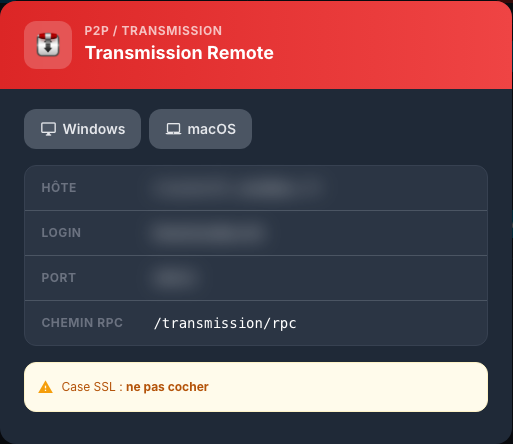
Open Plugins > Remote (Transmission). Copy the displayed host, port and login. Use your Seedbox services password, set the RPC path to /transmission/rpc, and leave SSL unchecked.
Install and configure TransGUI
Download TransGUI from its official releases page. On macOS, open the .dmg and move the app to Applications. On Windows, run the 64-bit installer.
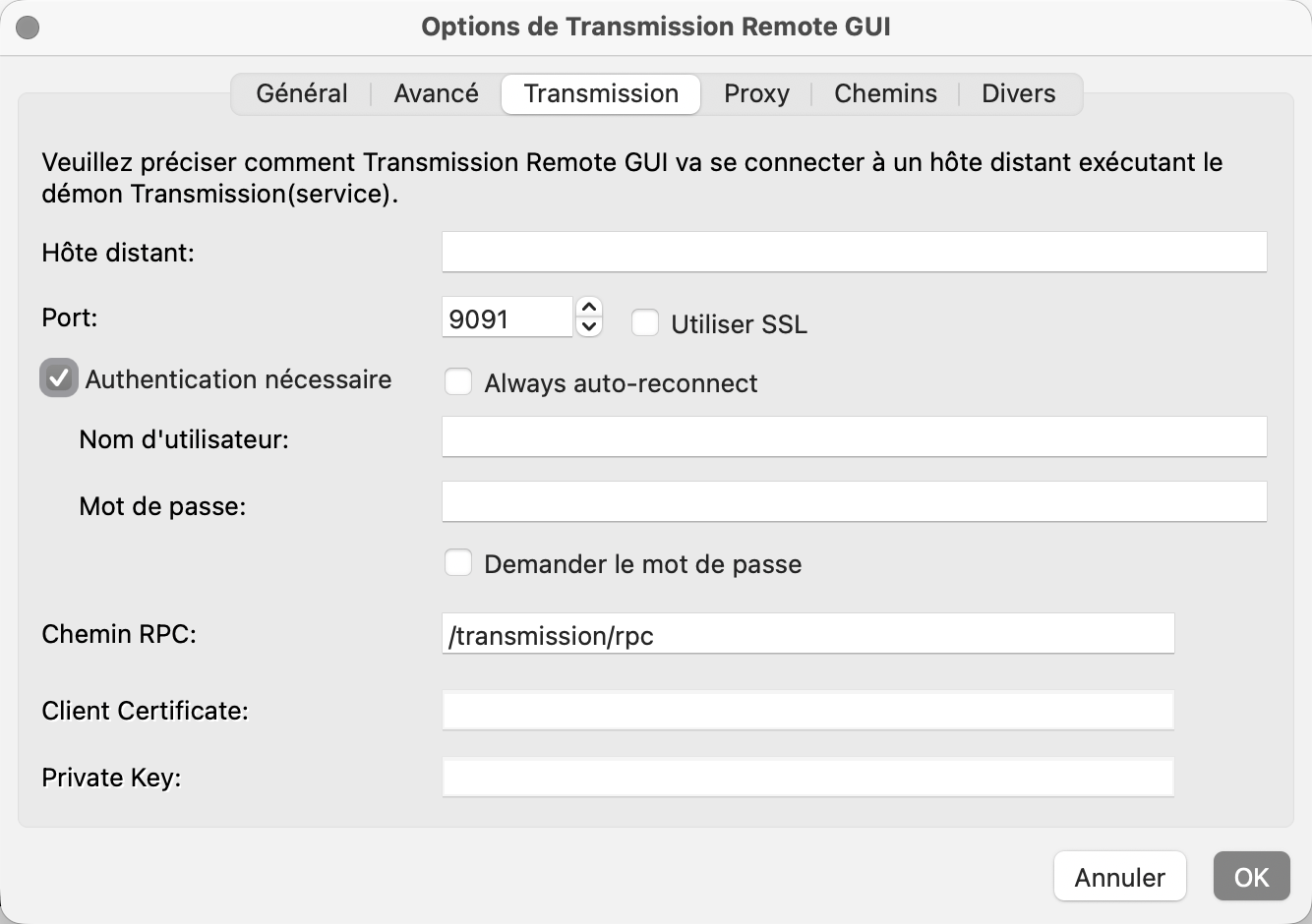
Open Tools > Transmission Remote GUI options, select the Transmission tab, enable authentication, then enter the host, port, login and services password copied from My Console. Keep /transmission/rpc and do not enable SSL. Save and connect.
Add a torrent
Open Torrent. Select Add torrent… for a .torrent file, or Add torrent link… for a magnet link or URL. Check the destination folder, such as /downloads/complete/FILMS, confirm, and check that the transfer appears in the main list.
If the connection is refused, confirm that external access is enabled. For an authentication error, use the services login and password, not necessarily your customer account details.