Install and use Deluge
Deluge is a modular and lightweight BitTorrent client. Its web interface is suitable for users looking for detailed torrent, file, and peer management.
Important: Only download and share content that you have the right to use.
Install Deluge from My Console
Only one primary P2P client is active at a time. Installing Deluge therefore replaces the Transmission or qBittorrent card, without deleting the files already present on the storage.
- Log in to Seedbox.fr, then open My Console.
- On the active P2P client card, click the ⋮ button.
- Select Configure.
- Locate Deluge, then click its Install button.
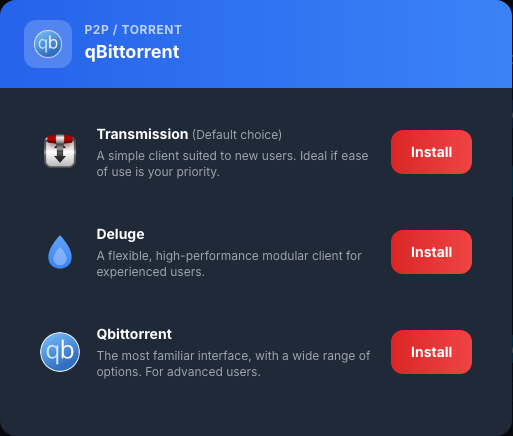
The card displays In progress… during deployment. Wait several minutes without restarting the operation. Deluge is ready when Active and the Open button appear.

Log in to Deluge
- Click Open.
- In the Not Connected window, enter only the services password.
- Click Connect.
- Open Connection Manager if it does not appear automatically.
- Select the
localclientrow marked Online. - Click Connect to connect the web interface to the Deluge service.
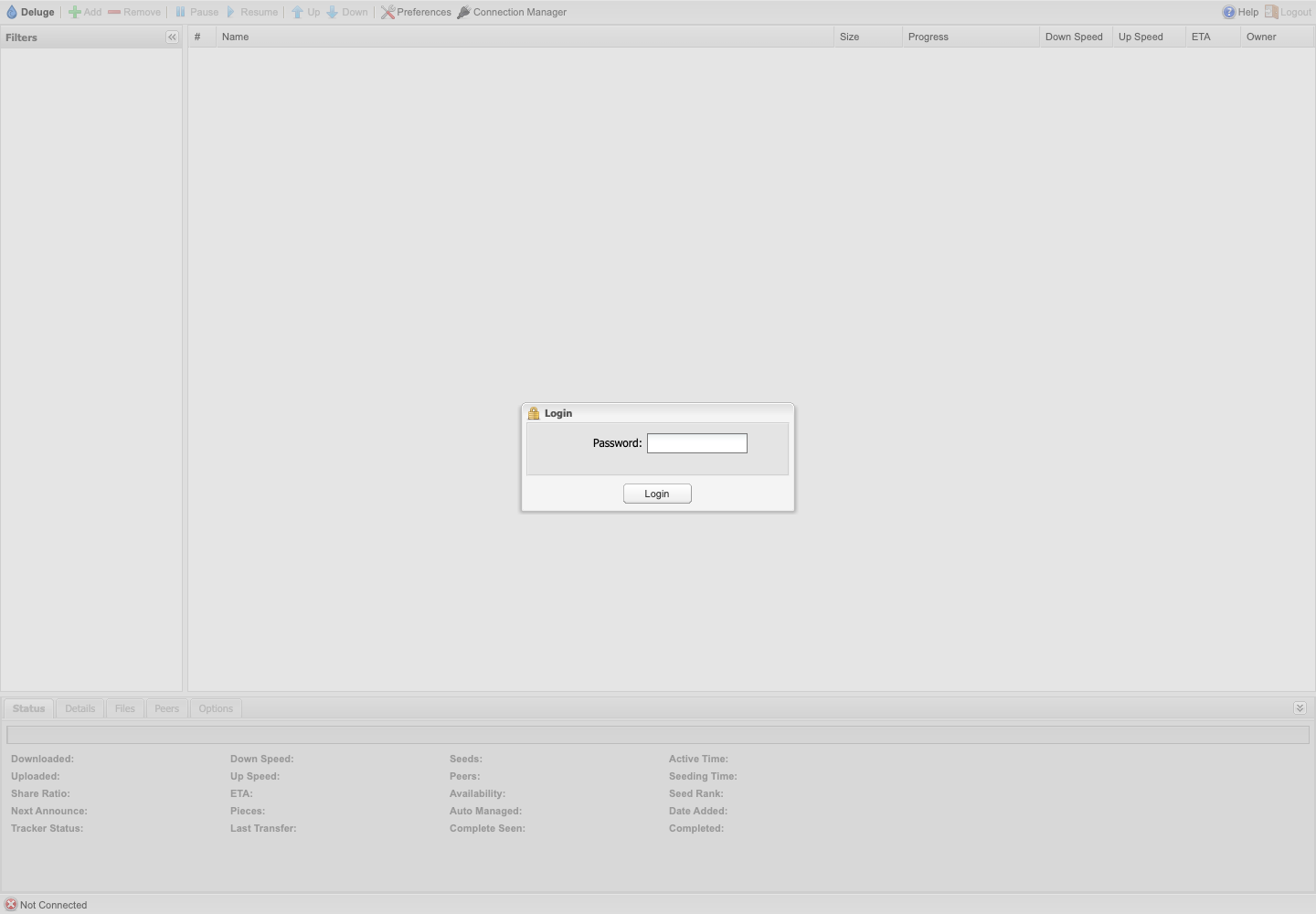
Deluge does not ask for the service identifier on this screen. To change the password used, go to My console > Details > Change password.
Discover the interface
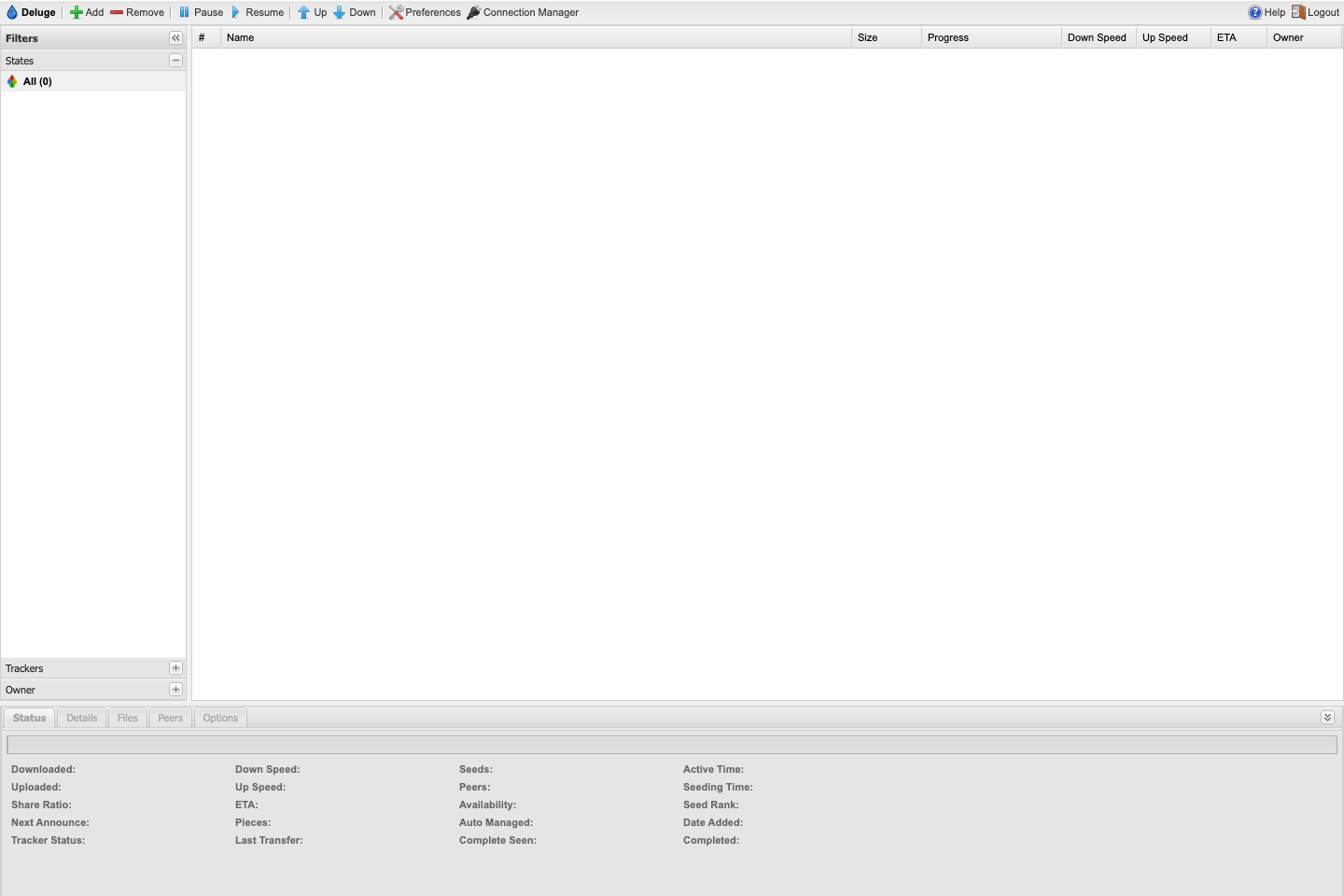
The main areas are:
- the Add, Delete, Pause and Resume toolbar;
- the Filters pane, to display torrents according to their status;
- the central list with size, progress, flow rates and remaining time;
- the Status, Details, Files, Peers and Options tabs;
- Preferences, to adjust the behavior of the interface and transfers.
Add and manage a torrent
Click Add, then import a .torrent file or provide a URL. Check the destination folder before confirming. Completed downloads should ideally be stored in a subfolder of /downloads/complete/.
Select a torrent to pause, resume, or delete it. Before deleting, check whether the downloaded files will be kept or deleted.
Switch back to another P2P client
On the Deluge card, open ⋮ > Configure, and then install Transmission or qBittorrent. Wait for deployment to complete before using the new client.