Watch a movie with Jellyfin
Jellyfin transforms your seedbox into a media library accessible from a browser. In this example, we are watching Big Buck Bunny, the open movie previously downloaded to the FILMS folder.
Open Jellyfin
- Connect to Seedbox.fr.
- Open My Console.
- Locate the application Jellyfin.
- Verify that it is marked Active, then click Go.
- If Jellyfin requires authentication, use your service access credentials Seedbox.
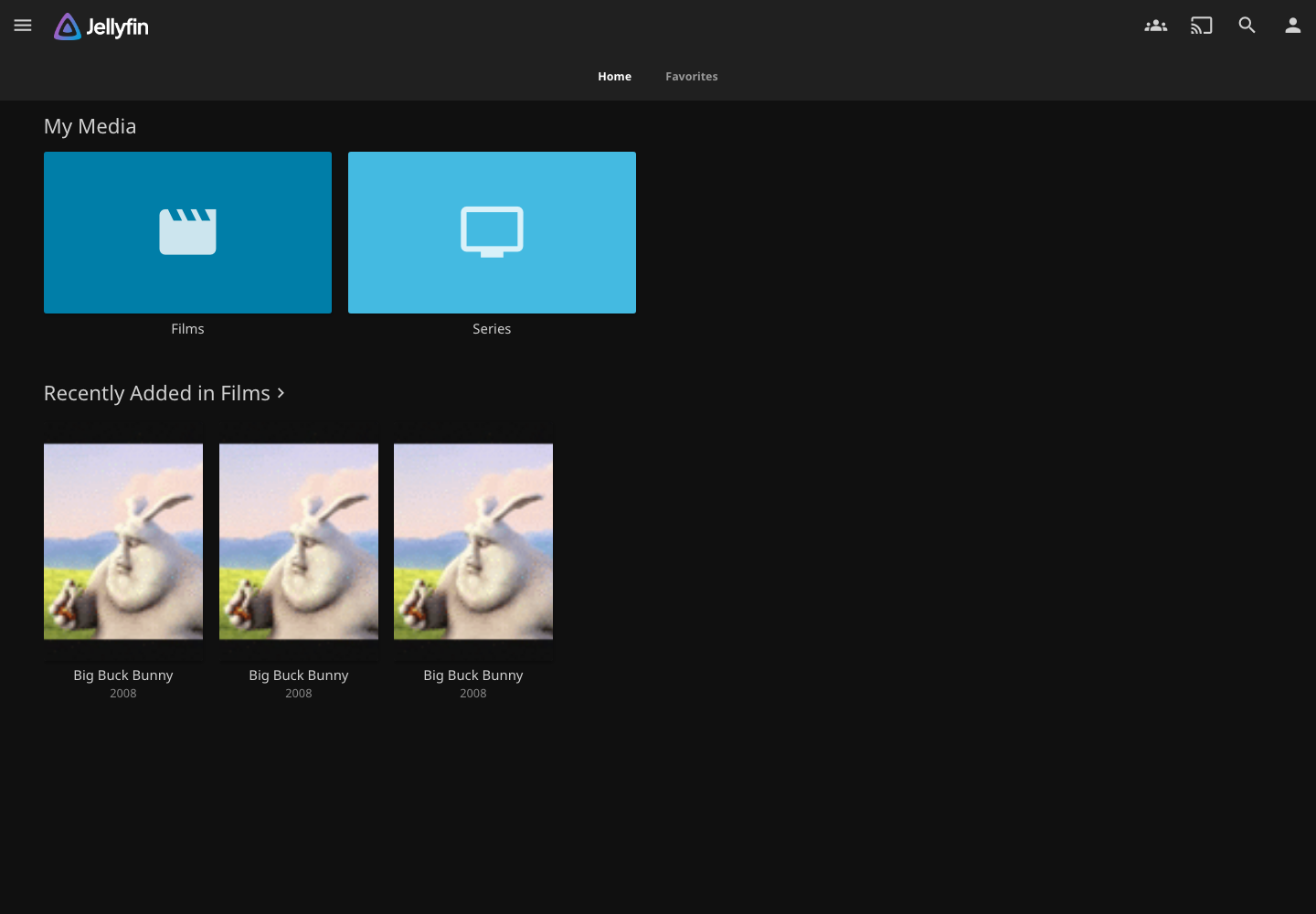
The home page shows your libraries and recently added content.
Open the Movies library
Select Movies in the My Media section or in the main menu. Jellyfin displays the videos it detected in the FILMS folder.
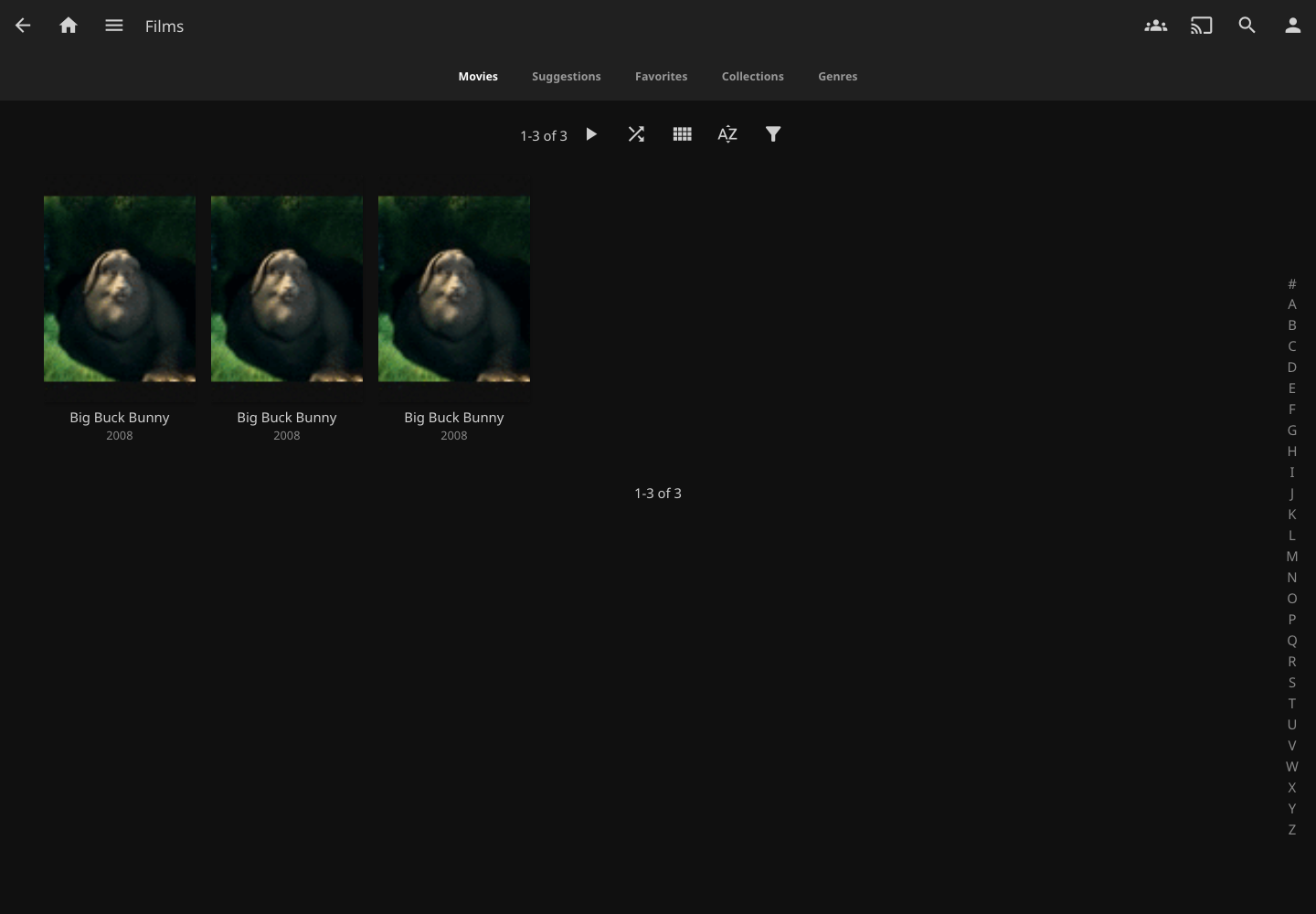
In this example, Big Buck Bunny appears three times because the downloaded archive contains three video formats: MP4, AVI, and OGV. Each thumbnail corresponds to a separate file. Here we use the 59 MB version MP4.
Please note: a new file may take a few minutes to appear in Jellyfin. Refresh the page after the download is complete. If it remains missing, check that it is in
FILMSand that the stack installation is complete.
Open the film file
Click on the Big Buck Bunny thumbnail. The sheet presents in particular:
- the length of the film;
- video resolution and format;
- the audio track used;
- summary, genres and production information.
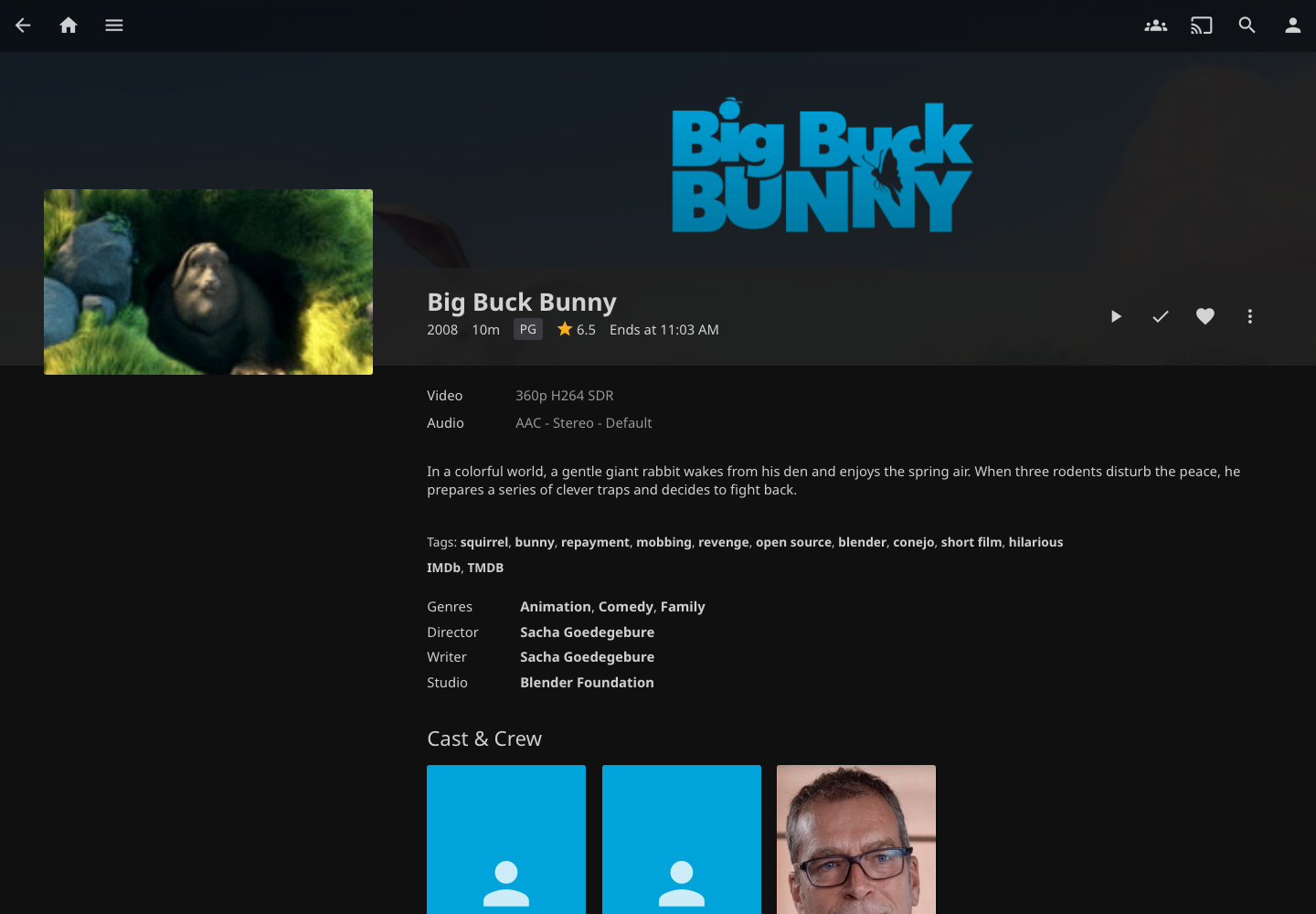
Click the triangular button to the right of the title to start video playback.
Use the video player
Playback starts directly in the browser. Move the mouse or click on the image to display the controls.

The control bar allows you to:
- pause or resume playback;
- go forward or go back;
- move through the film with the progress bar;
- adjust or mute the volume;
- open playback settings;
- switch to picture-in-picture or full-screen mode;
- send playback to a compatible device with the streaming icon.
During our test, version MP4 started without errors at 640 × 360. Its detected duration is 9 min 56 s.
Exit the video player
Click on the arrow located at the top left of the player to return to the film profile. Jellyfin can remember your progress so you can resume playing the movie later.
Tip: If playback stops, check your connection and then reduce the quality in the player settings. Jellyfin can adapt or convert the stream when the original format is not directly supported by the browser.