Change account password
This procedure allows you to change the password used with your email address to access the Seedbox.fr site.
Important: it does not change the password of your seedbox or those of its applications. These identifiers are managed from the console.
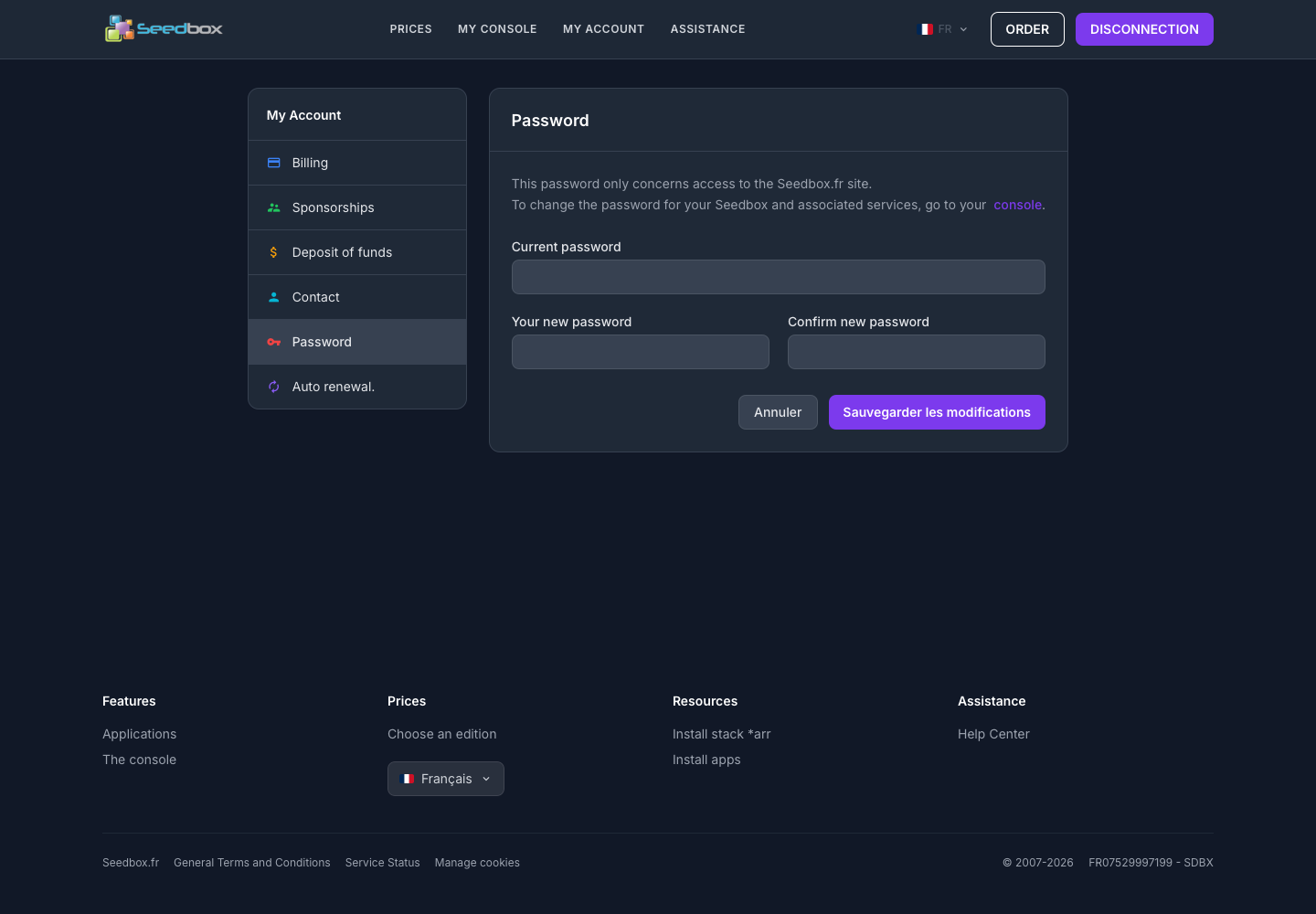
Change password
- Log in to your Seedbox.fr account.
- Open My account, then Password.
- Enter your current password.
- Enter the new password.
- Enter it a second time in Confirm new password.
- Click Save Changes.
Choose a password that is long, unique, and hard to guess. Preferably save it in a password manager.
If you have forgotten the current password, use the Reset Password procedure instead.