Install and use pyLoad
pyLoad is a direct download manager. It centralizes compatible links, queues, hosting accounts and possible download challenges.
Install pyLoad
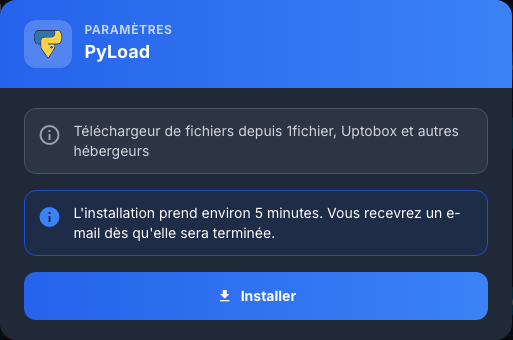
In My Console, view the PyLoad card, click Install, and then confirm. Deployment takes about five minutes and an email notifies you when it's complete.
Log in
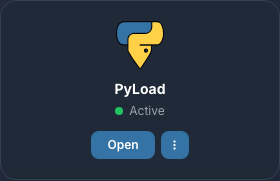
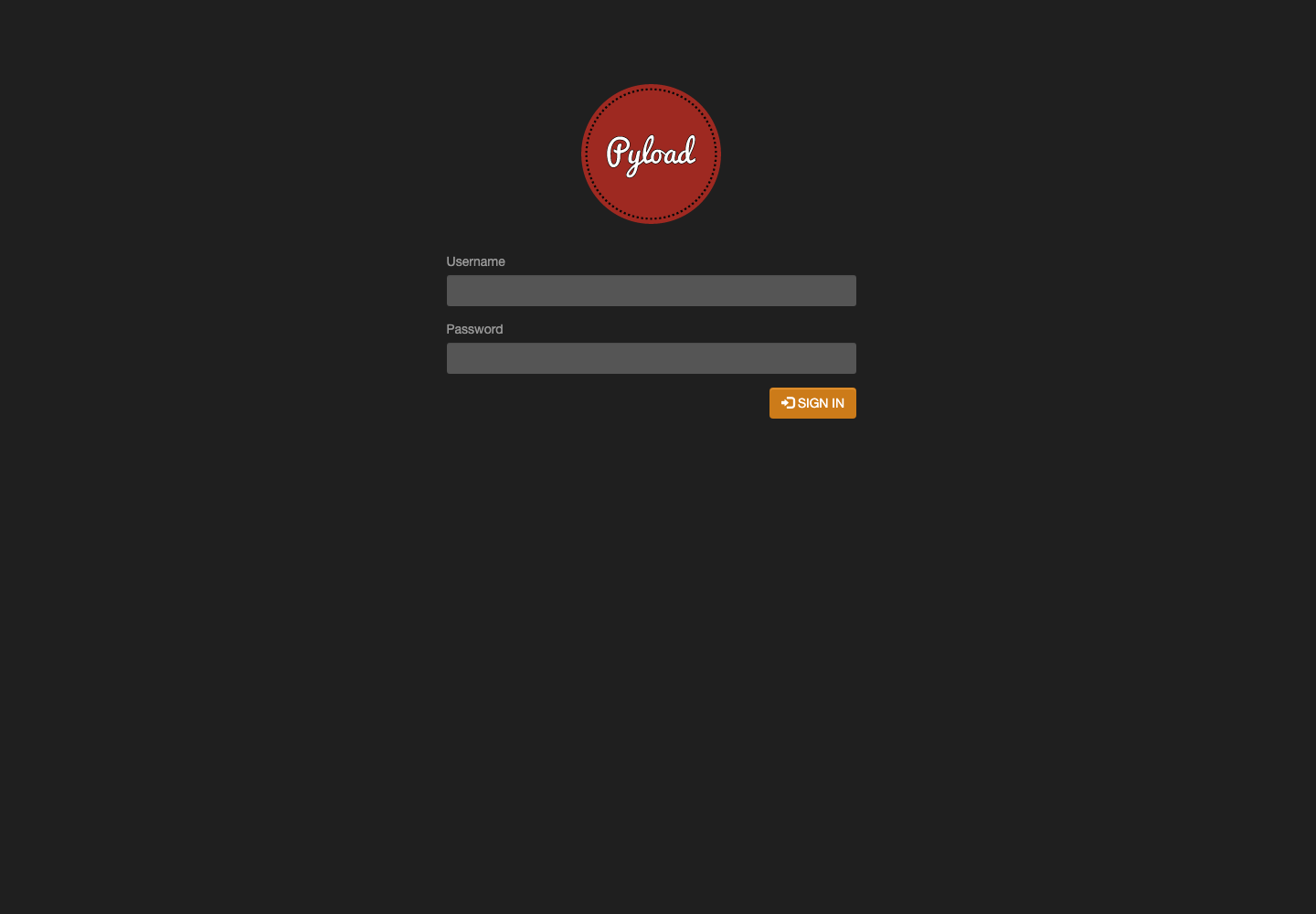
Click Access. Use the services username Seedbox and the services password Seedbox in the browser window, then in the pyLoad form if it appears.
Use the dashboard
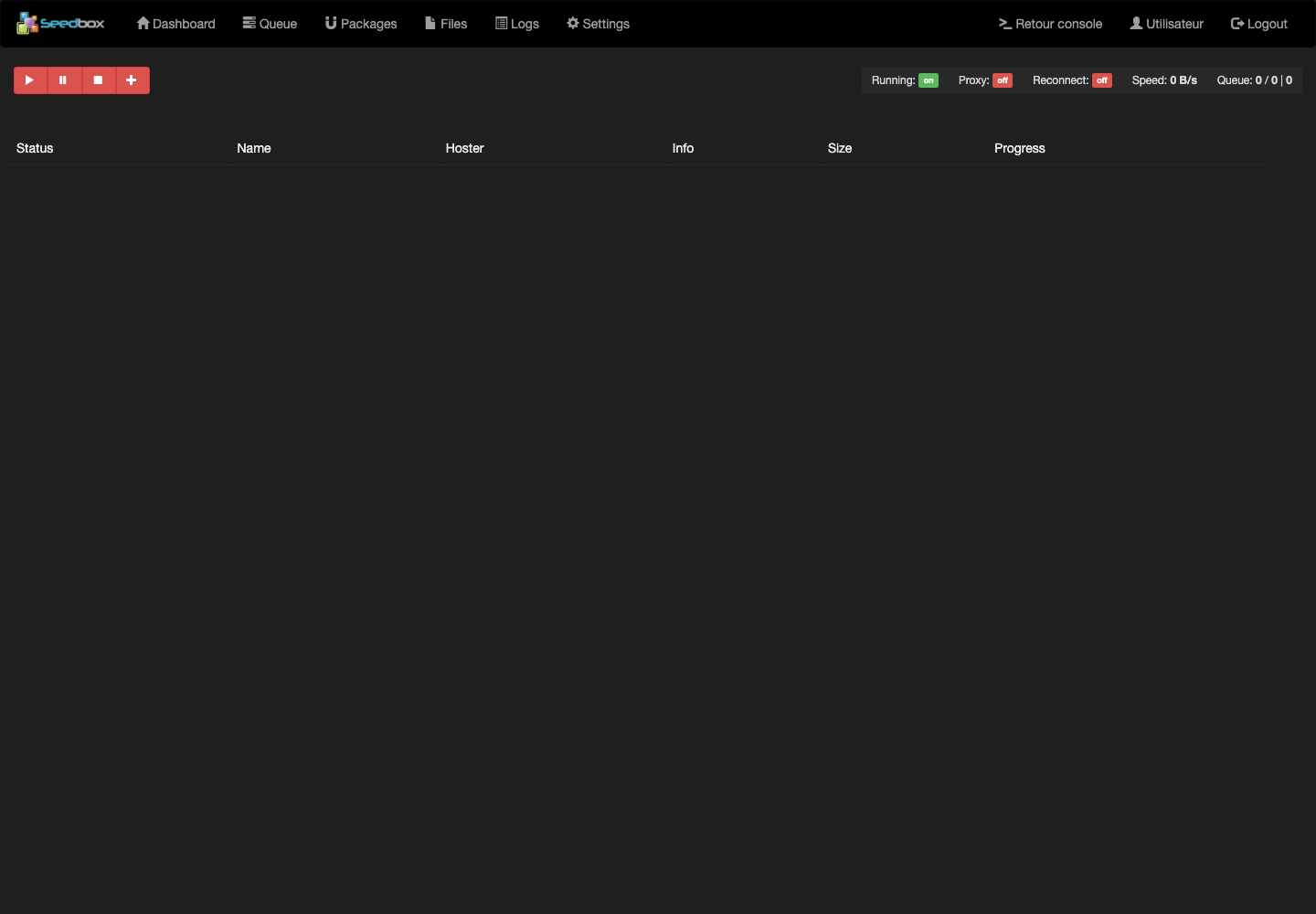
The dashboard displays engine status, speed, lane and progress. The + button adds links; Queue tracks downloads; Packages groups files; Files opens completed files and Logs helps with diagnosis.
To add a legally accessible download, click +, paste the link, choose the destination package and folder, then validate. A pause, fail, or challenge icon indicates that action is required.
Settings and hosting accounts
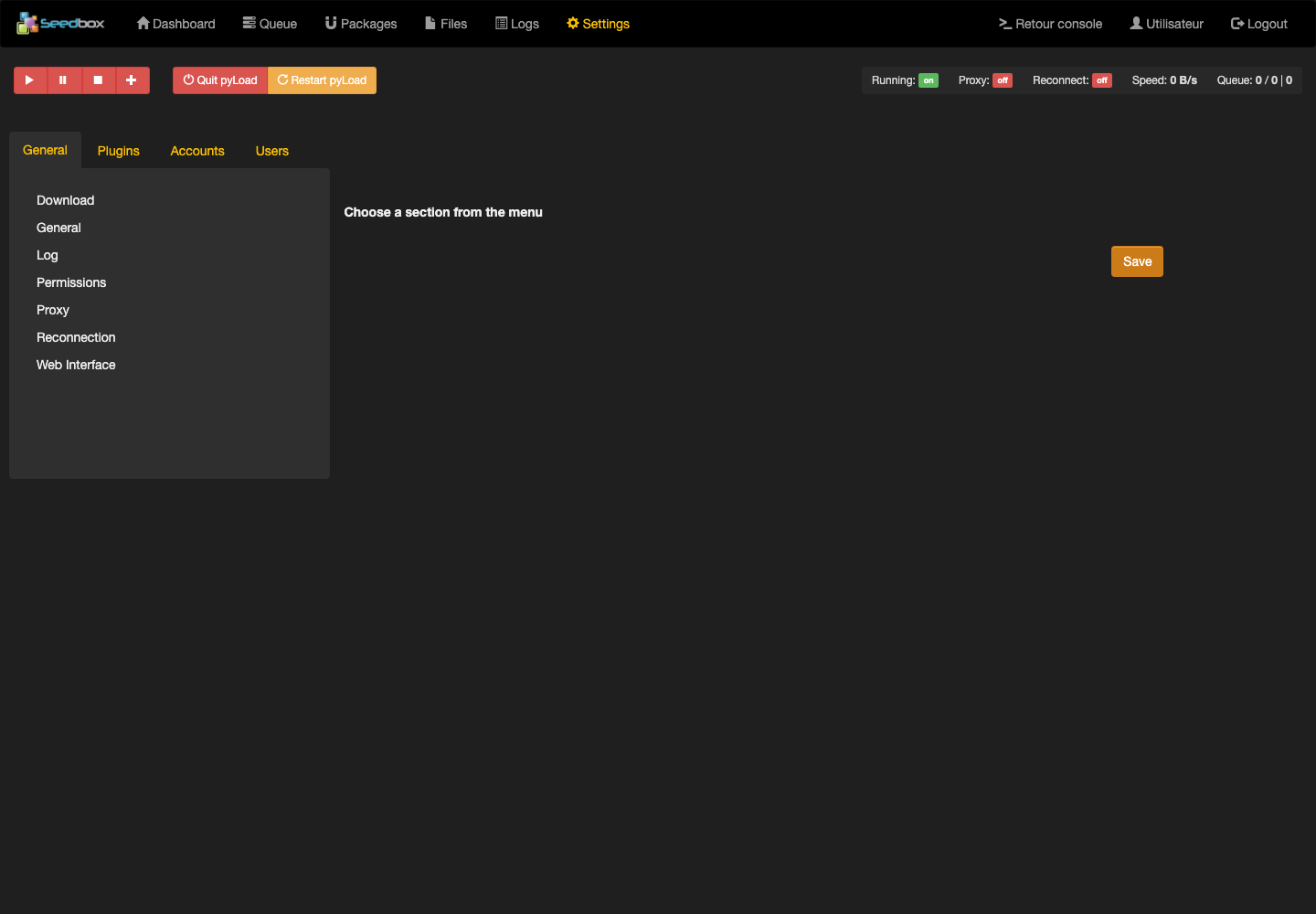
In Settings, the Accounts and Plugins sections are used to add a hosting account and set extensions. Never provide premium account credentials and only activate useful plugins. Download settings control folder, concurrent downloads, and speed limits, among other things.
Changing the pyLoad web account does not change the identifiers of other Seedbox services.