Install and use SABnzbd
SABnzbd automates Usenet downloads from NZB files. Its use requires a subscription to a Usenet provider; this access is not provided automatically by Seedbox.fr.
Install SABnzbd
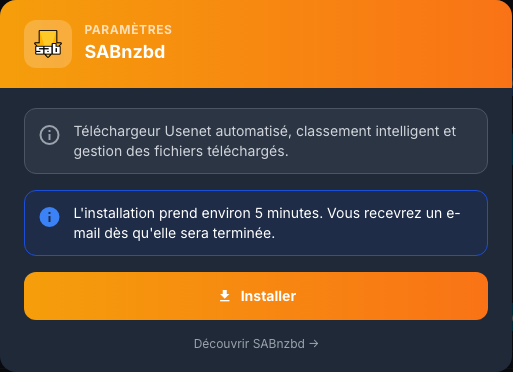
In My Console, view the SABnzbd card, click Install, and then confirm. Installation takes about five minutes.
Log in and launch the wizard
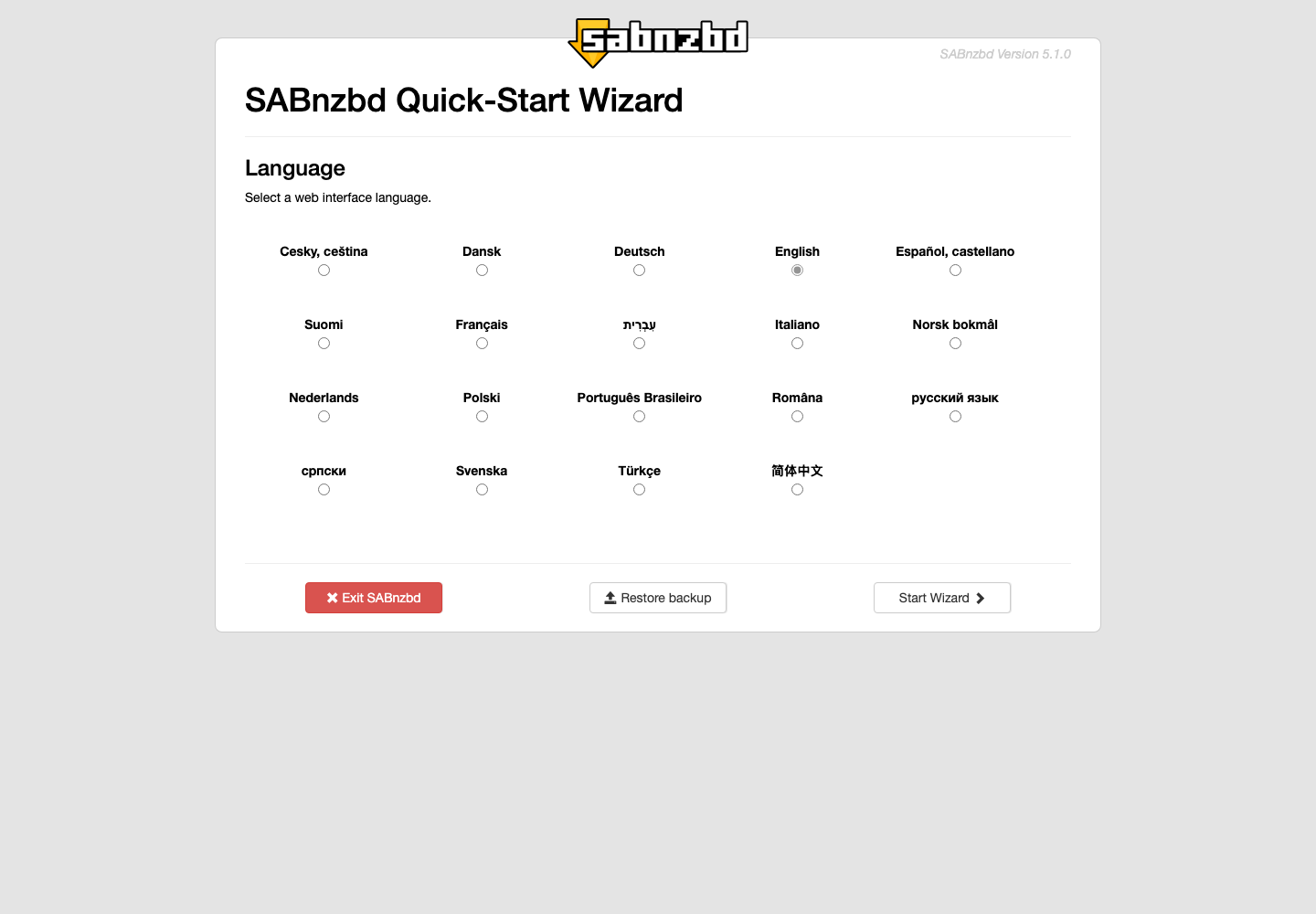
Click Access, then use services username Seedbox and services password Seedbox. On first launch, choose the interface language and start the wizard.
Configure Usenet Provider
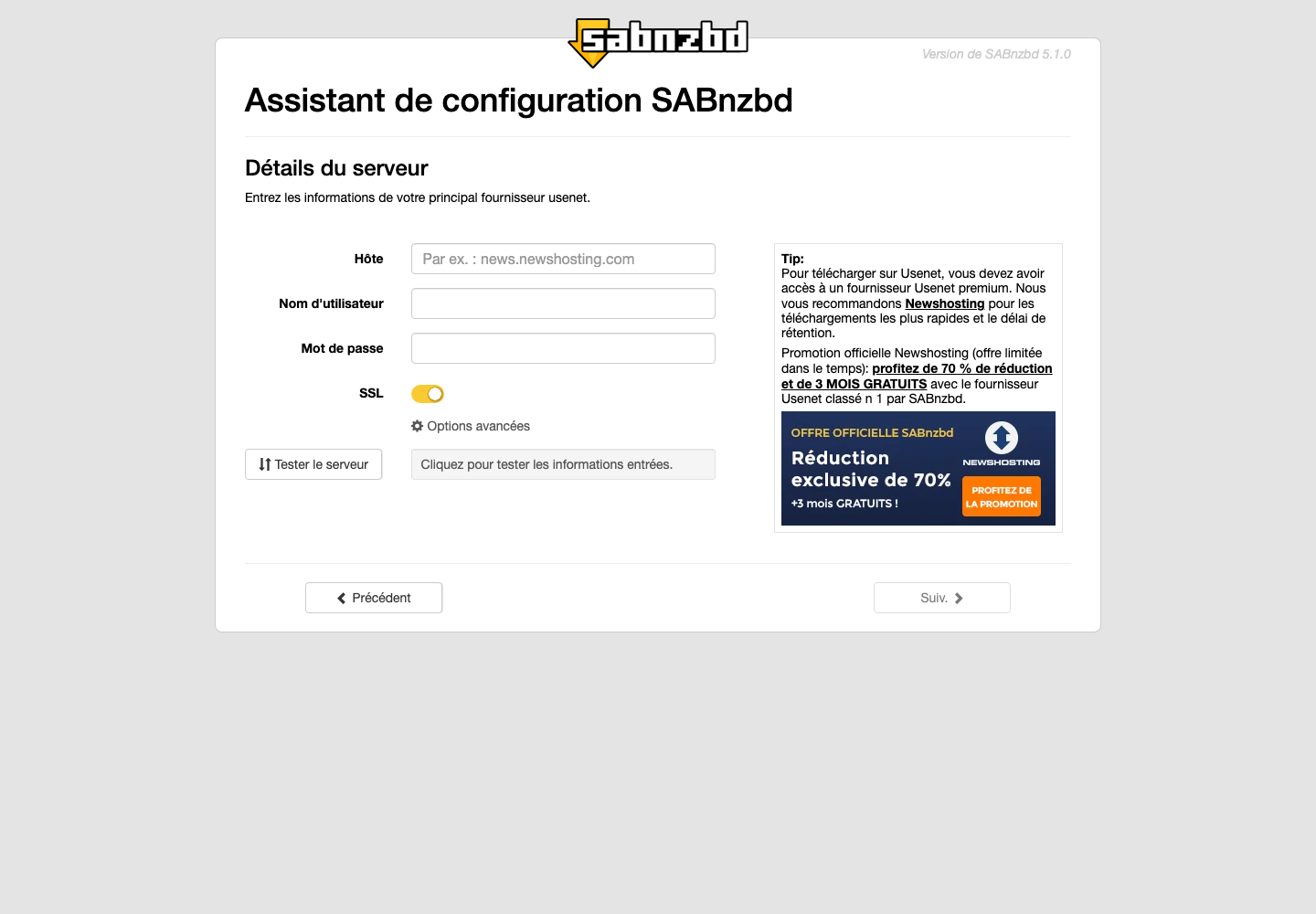
Enter the information provided by your supplier:
- the hostname of the server;
- the Usenet username and password;
- the port and the SSL option, preferably activated if the provider supports it;
- the number of connections authorized by the subscription.
Click Test Server before continuing. These identifiers are specific to the provider and different from those of Seedbox.fr. Without a valid Usenet subscription, the wizard cannot be completed.
Once configured, add an NZB file from the dashboard, choose a category and follow the queue. SABnzbd checks, repairs if possible, decompresses then classifies the files according to the configured folders and categories.
Never publish the vendor credentials or API key of SABnzbd.