Install and use Autobrr
Autobrr monitors configured ad feeds, applies filters and then automatically delivers accepted items to a download client. Only use it with sources and content that you have permission to access.
Install Autobrr
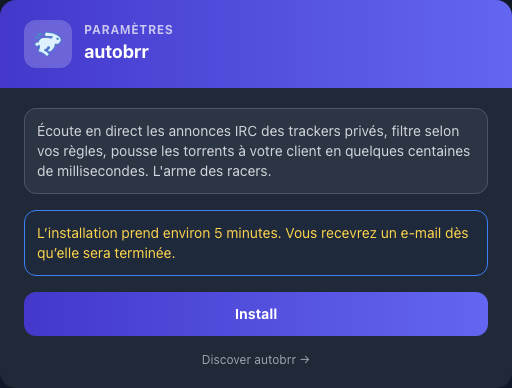
In My Console, view the autobrr card, click Install, and then confirm. Installation takes about five minutes.
Log in
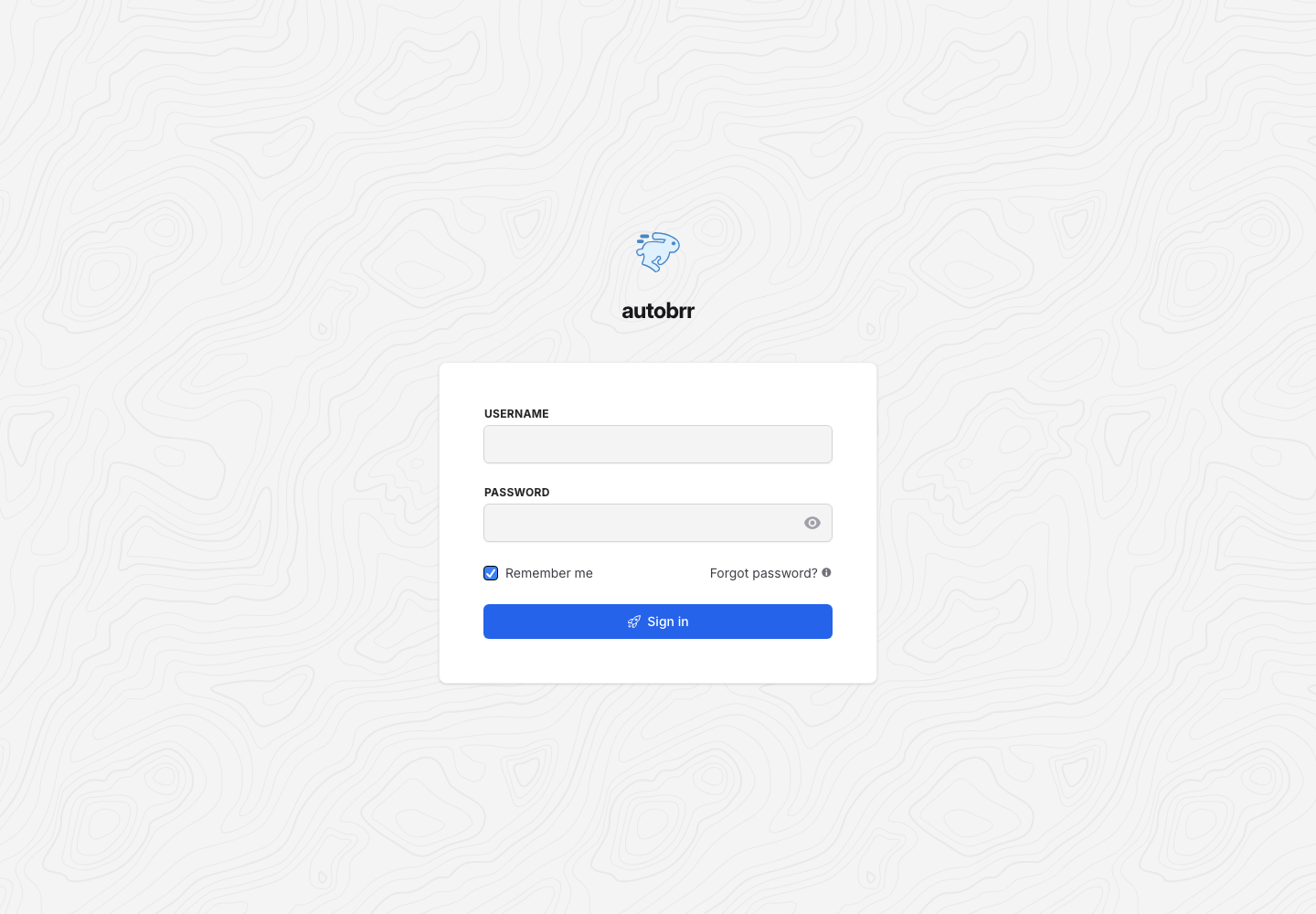
Click Access, then use the services username Seedbox and the services password Seedbox in the two authentication levels that may be displayed.
Understanding the interface
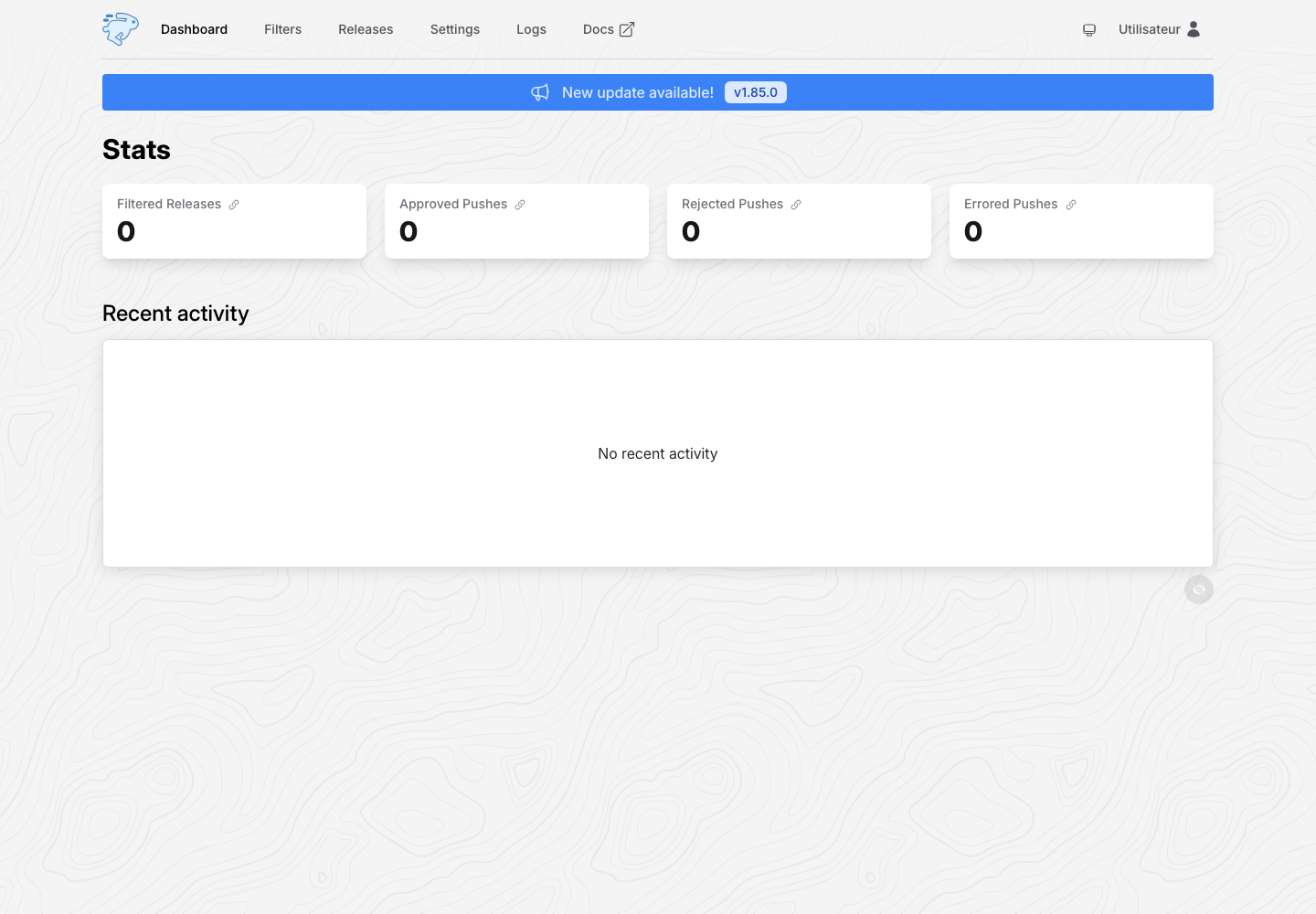
- Dashboard summarizes the filtered, accepted, refused or error elements.
- Filters contains automation rules.
- Releases displays the announcements received and their decision.
- Settings configures sources, clients, notifications and preferences.
- Logs helps to understand a faulty rule or connection.
Create a filter
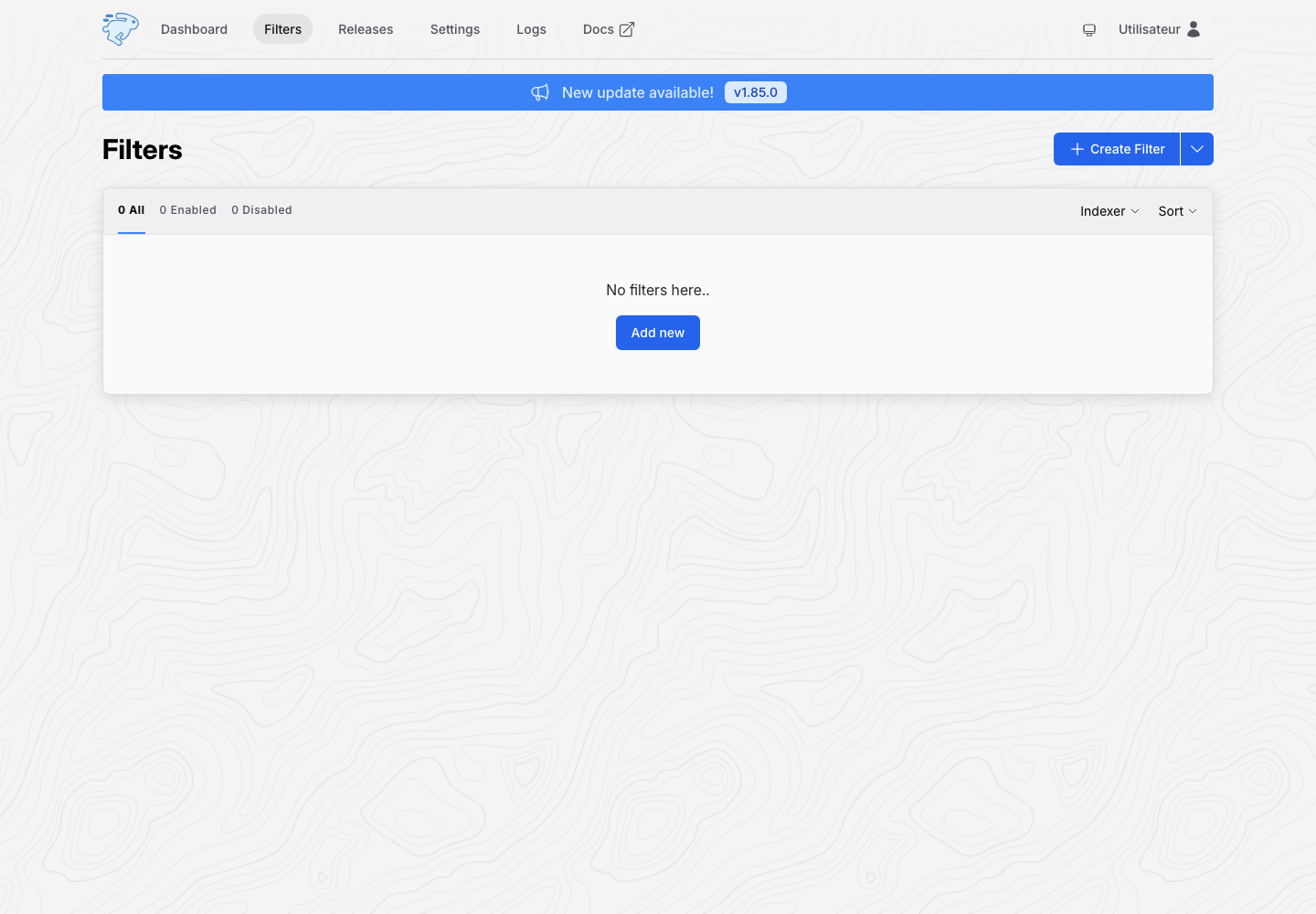
- Open Filters, then click Create Filter.
- Name the rule and select the relevant sources.
- Define sufficiently precise criteria: name, size, quality, category or deadline.
- Choose the action and configured download client.
- Save, enable filter then monitor Releases and Logs.
Start with strict limits to avoid unintentional downloads. Never show API keys, passwords, or private source names in a capture.