Increase your seedbox storage
You can increase the capacity of your seedbox directly from My Console. The upgrade page allows you to choose the new quota and billing cycle before submitting the request.
Important: This page only allows you to increase storage. It is not possible to reduce the capacity from this screen.
Go to upgrade
- Connect to Seedbox.fr.
- Open My Console.
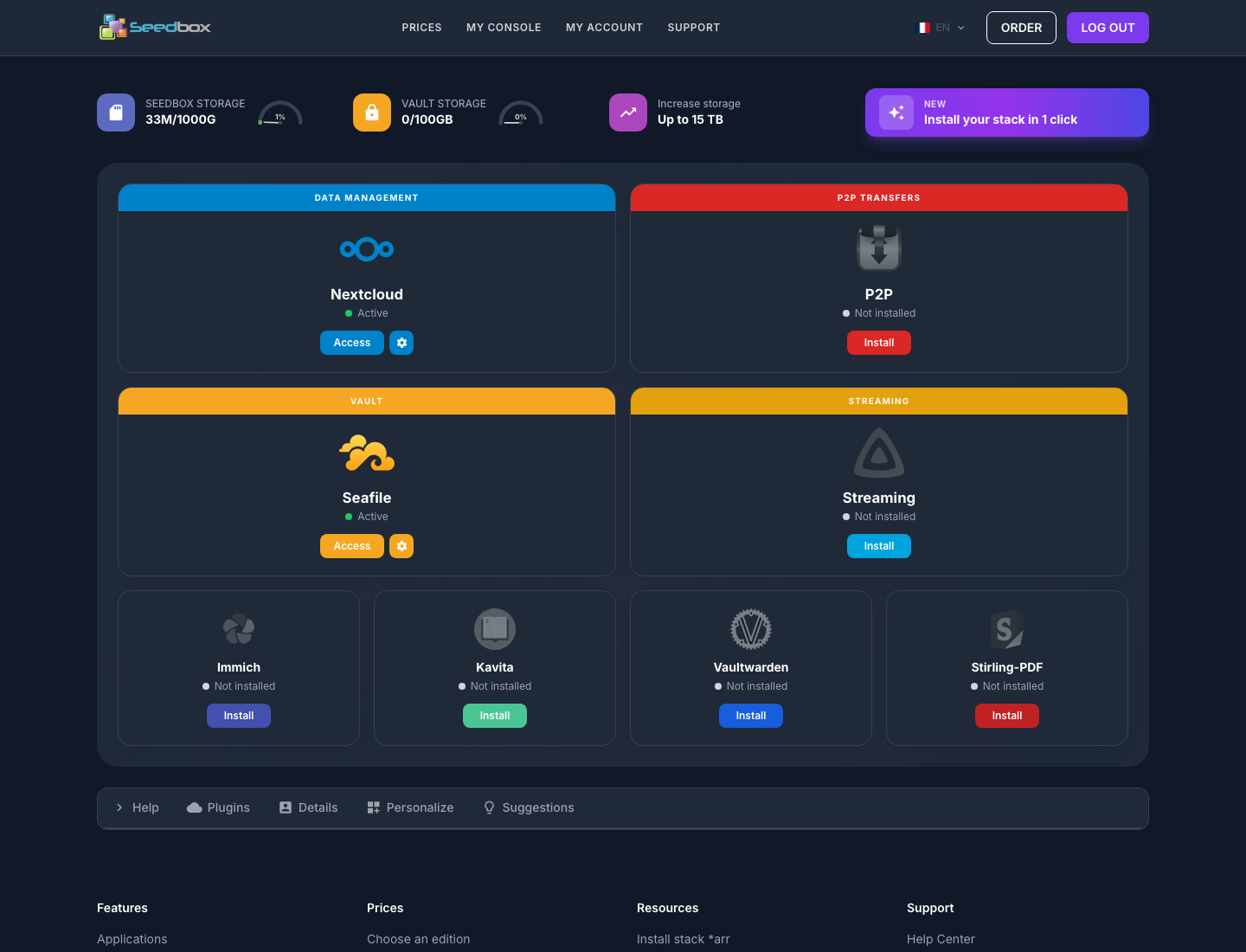
- Locate the Increase Storage block at the top of the dashboard.
- Click Increase Storage.
Choose billing cycle
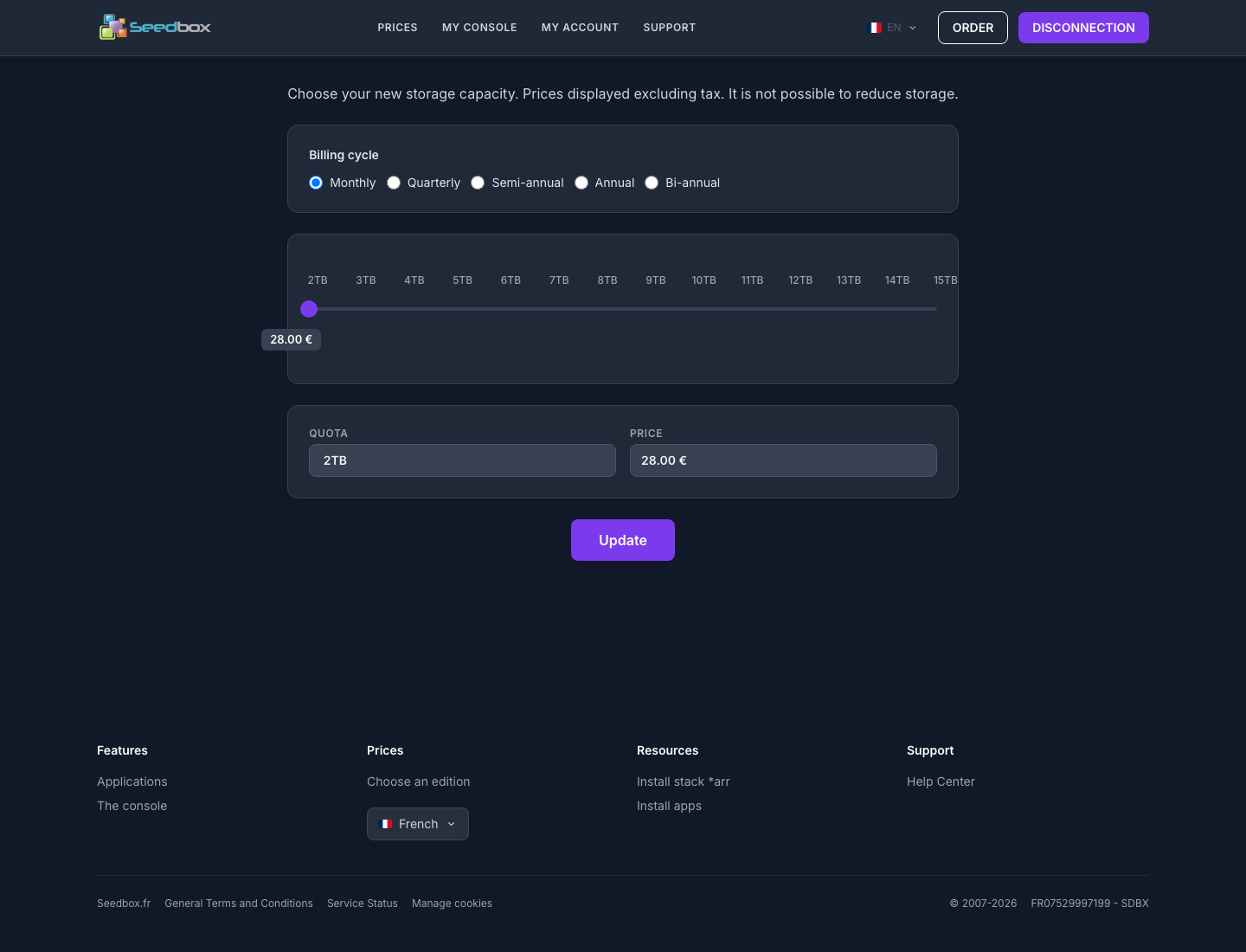
Select the desired billing duration:
- Monthly;
- Quarterly;
- Semi-annual;
- Annual ;
- Bi-annual.
The amount displayed is recalculated when you change cycles.
Choose the new capacity
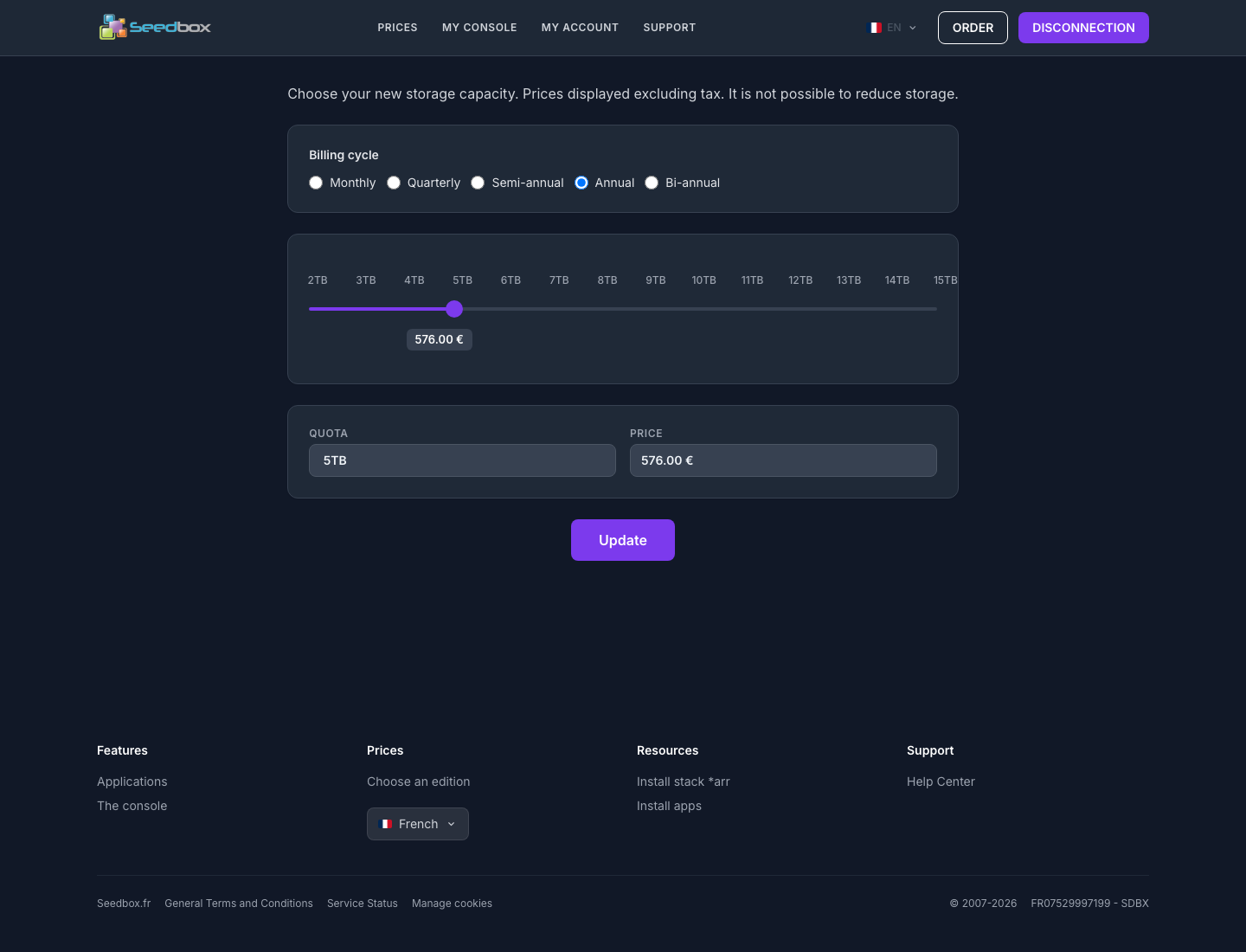
- Use the slider to select the desired quota.
- Check the capacity displayed in the Quota field.
- Check the amount indicated in the Price field.
Capacities currently offered range from 2 TB to 15 TB, in 1 TB increments. The choices available may depend on the current capacity of your service.
Pricing: the prices presented on this page are displayed excluding taxes (HT). The amount depends on the quota and billing cycle selected. Always rely on the summary displayed at the time of your request.
Submit the request
When the quota, cycle and price displayed are correct:
- Click Update.
- Follow the instructions displayed on the screen.
- Check the amount, any taxes and the billing cycle one last time before any final validation or payment.
Attention: the Update button transmits your selection to the server. Only click on it when you actually want to continue with the upgrade.
To remember
- the increase concerns the main storage of the seedbox;
- the new price varies depending on the capacity and cycle chosen;
- the amounts on the selection screen are indicated excluding taxes;
- a reduction in storage is not proposed by this route;
- no changes are sent until you click Update.