Install and use qBittorrent
qBittorrent is a complete BitTorrent client, aimed at users who want many filters and settings in an interface similar to desktop clients.
Important: Only download and share content that you have the right to use.
Install qBittorrent from My Console
The seedbox uses only one primary P2P client at a time. Installing qBittorrent therefore replaces the currently active Transmission or Deluge card, without deleting files already saved on storage.
- Log in to Seedbox.fr, then open My Console.
- On the active P2P client card, click the ⋮ button.
- Select Configure.
- Locate qBittorrent, then click its Install button.
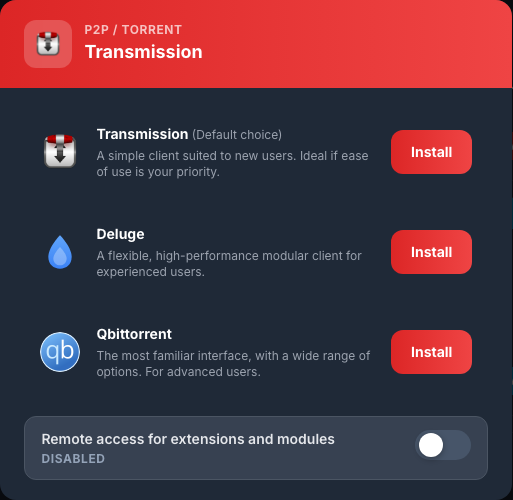
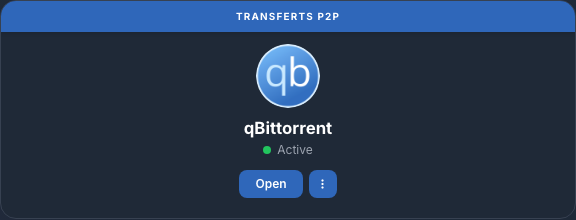
During deployment, the new card displays In progress…. Wait several minutes without restarting the installation. qBittorrent is ready when the card displays Active and the Open button.
Log in to qBittorrent
- Click Open.
- In Username, enter the Services ID.
- In Password, enter the services password.
- Sign in.
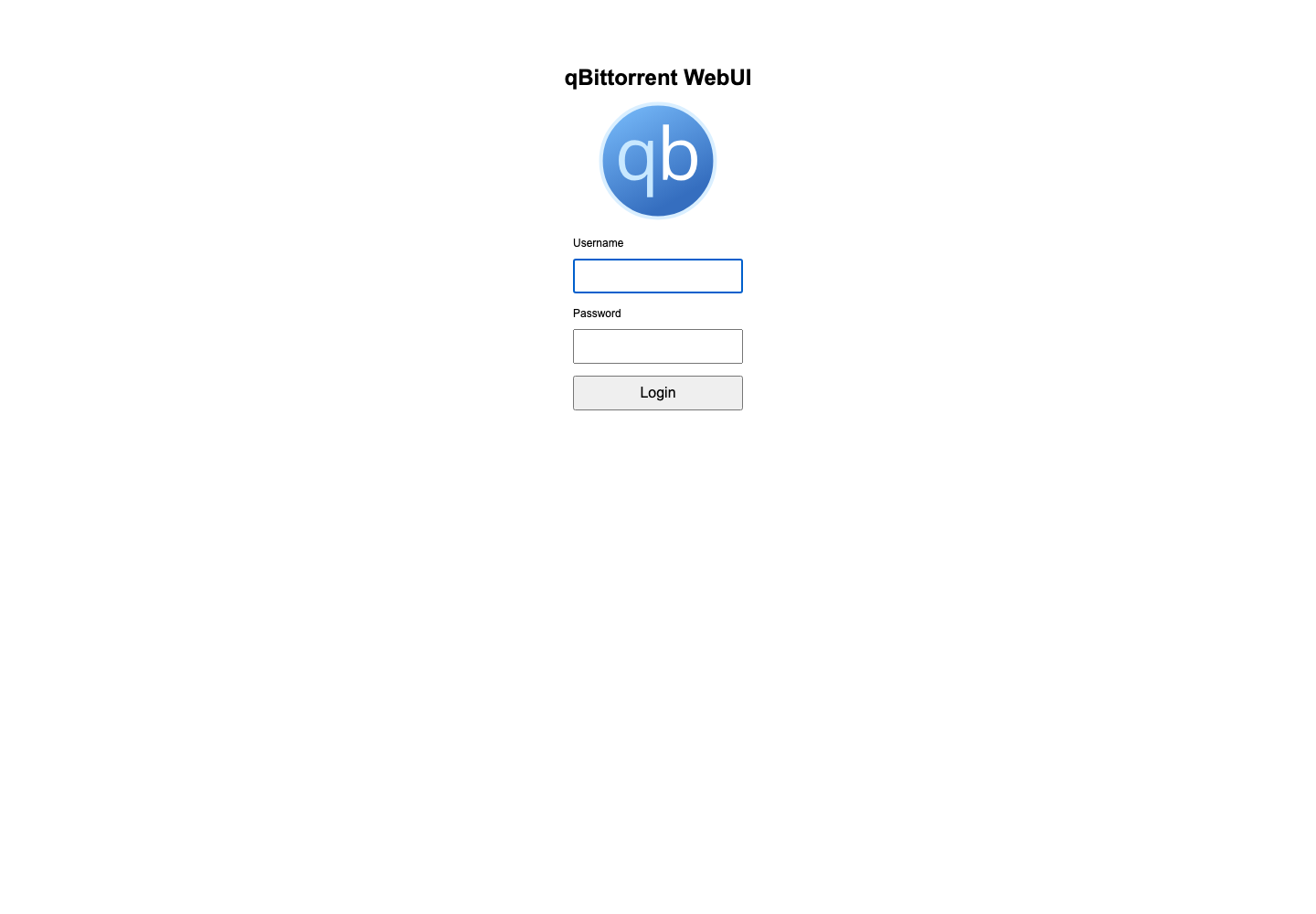
These identifiers are available in My console > Details. To change the password, use My Console > Details > Change Password rather than the internal qBittorrent options.
Discover the interface
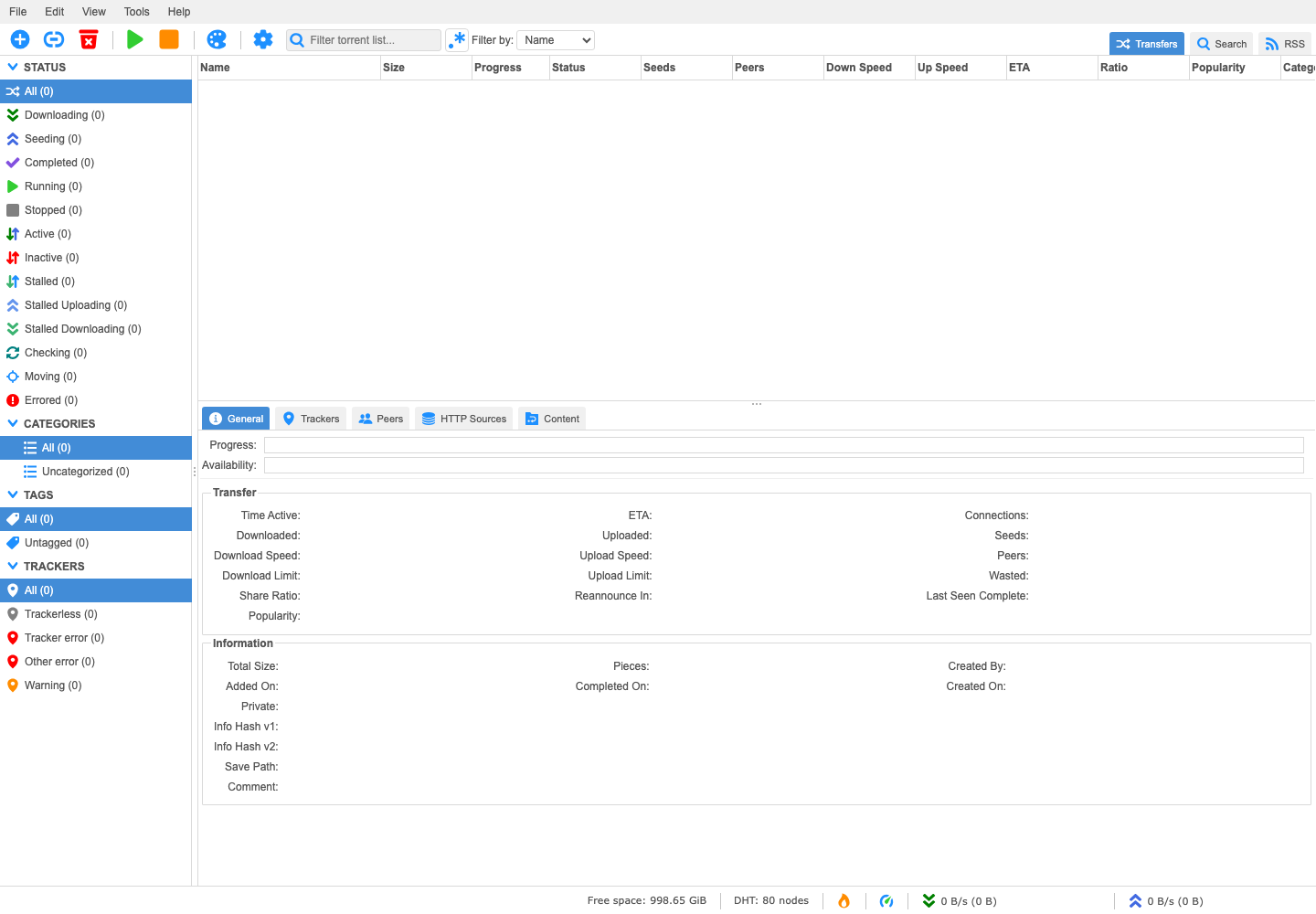
The interface includes:
- the File, Edit, View and Tools menus;
- add, start, stop and delete commands;
- filters by state, category, label and tracker;
- the list of torrents with their size, progress, bitrate and ratio;
- the bottom panel containing general information, trackers, peers and files.
Add and manage a torrent
In File, choose Add torrent file… to import a .torrent file, or Add torrent link… to paste a magnet link or URL.
Before confirming, check the Destination Folder. Use a subfolder of /downloads/complete/, for example /downloads/complete/FILMS, to easily find data in Nextcloud or Jellyfin.
Then select a torrent to start, stop or delete it. When deleting, always check whether qBittorrent should keep or delete the downloaded files.
Switch back to another P2P client
On the qBittorrent card, open ⋮ > Configure, then click Install next to Transmission or Deluge. Wait for the Open button to appear.