Add funds to prepaid account
Depositing funds funds your Seedbox.fr account. The available balance is then used to automatically pay invoices when they are issued.
Important: deposits are marked as non-refundable. Check the amount carefully before proceeding.
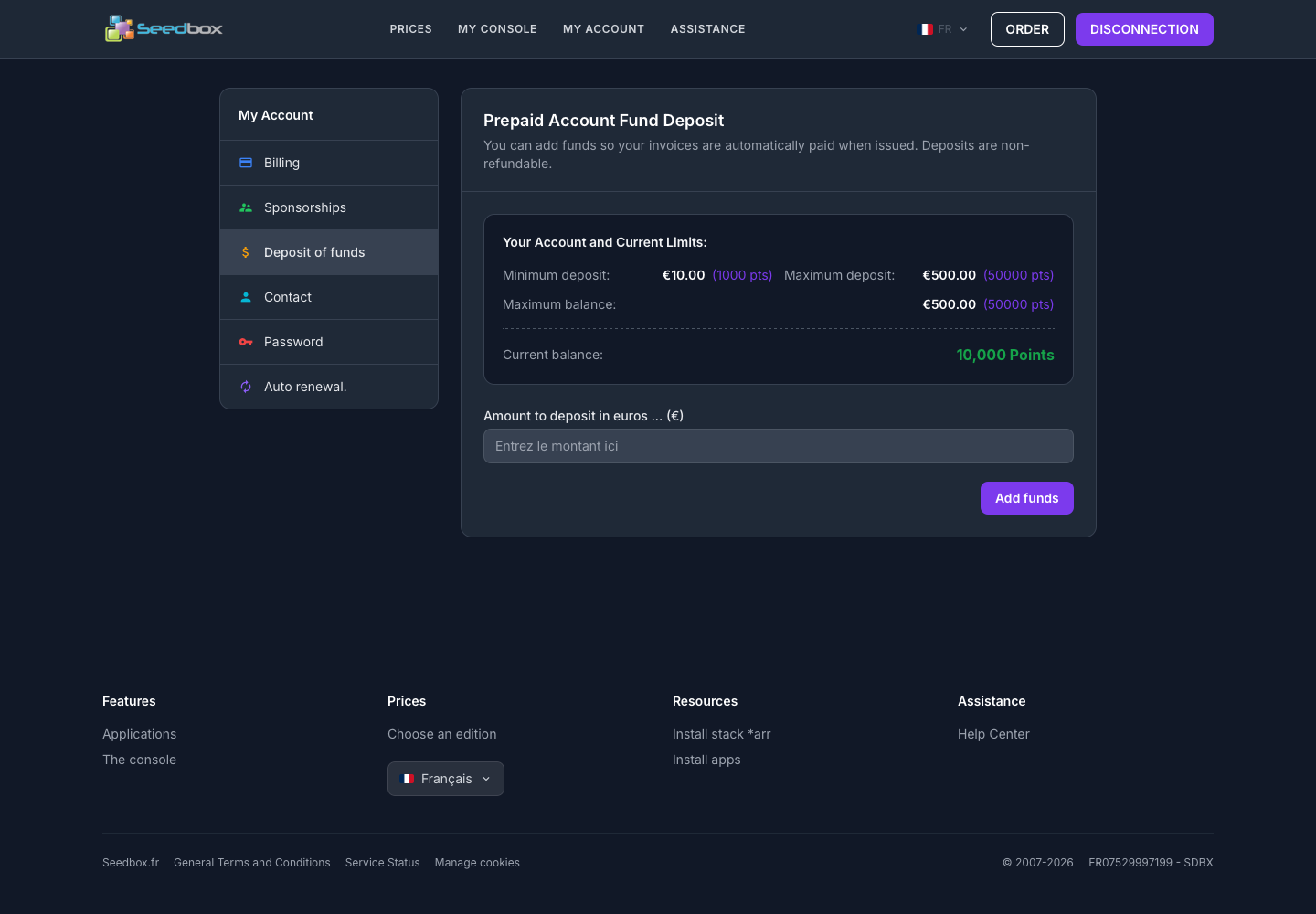
View balance and limits
- Log in to your Seedbox.fr account.
- Open My Account, then Deposit Funds.
- View the current balance and displayed limits.
The screen presents in particular:
- the minimum deposit;
- the maximum deposit authorized per transaction;
- the maximum account balance;
- the current balance, expressed in points.
Make a deposit
- Enter the amount to deposit in euros.
- Verify that it meets the limits displayed on the page.
- Click Add Funds.
- Review the summary, then follow the payment instructions.
The limits may change, the amounts displayed in your customer area at the time of deposit are authentic.