Edit your contact details
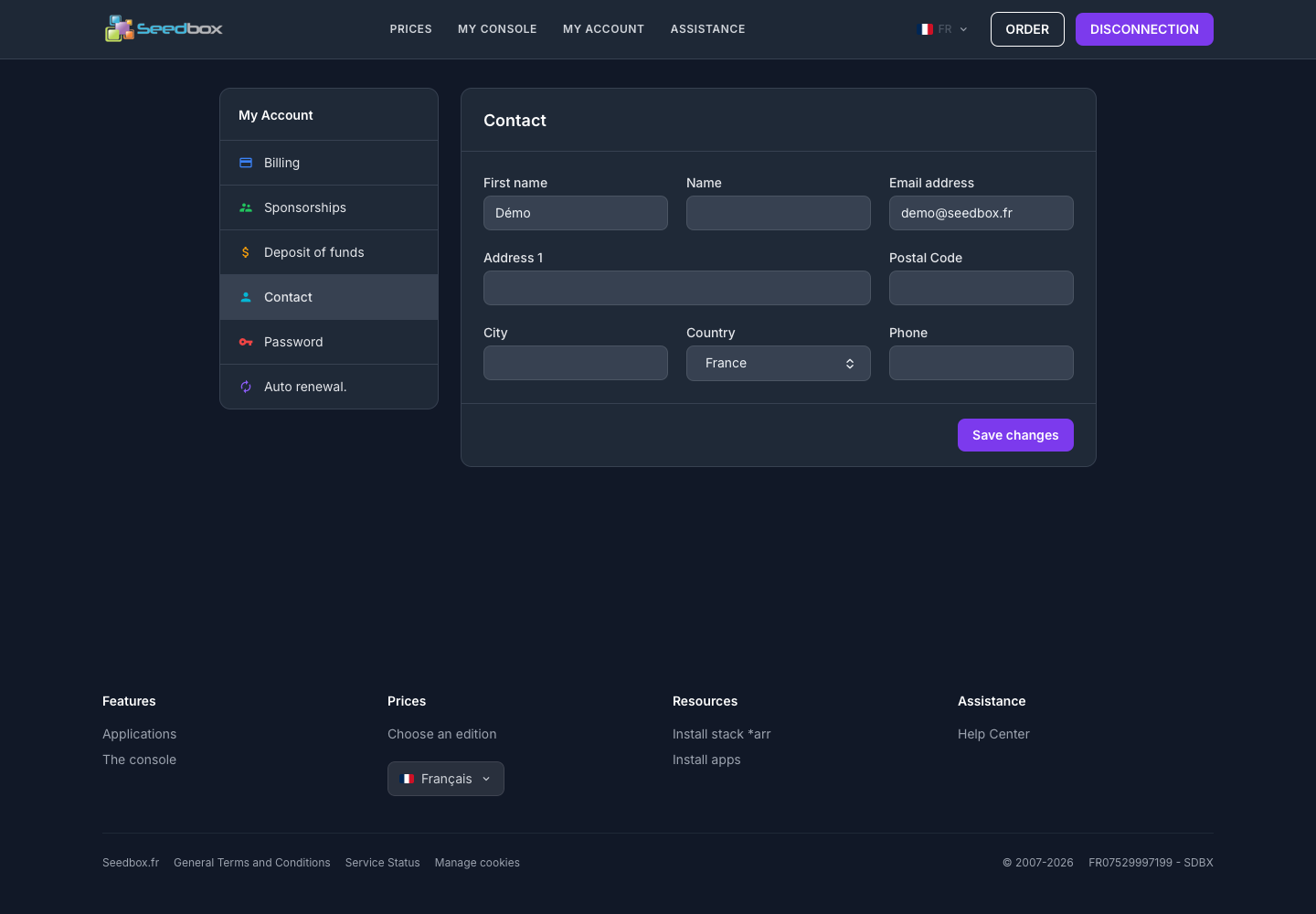
The Contact Information section contains the personal and contact information associated with your account.
Update information
- Log in to your Seedbox.fr account.
- Open My account, then Contact details.
- Check or complete the fields:
- first and last name;
- email address;
- postal address, postal code and city;
- country ;
- telephone number.
- Click Save Changes.
Attention: use an email address to which you have access. It is used to log in and receive account-related communications.
After saving, reread the information displayed to verify that the modification has been taken into account.