Use Sonarr
Sonarr organizes and automates series tracking. It monitors episodes, transmits downloads to the configured client and then imports, classifies and renames the completed files.
An application installed with the stack
Sonarr is installed and configured automatically with the full stack. Their card should already show Active.
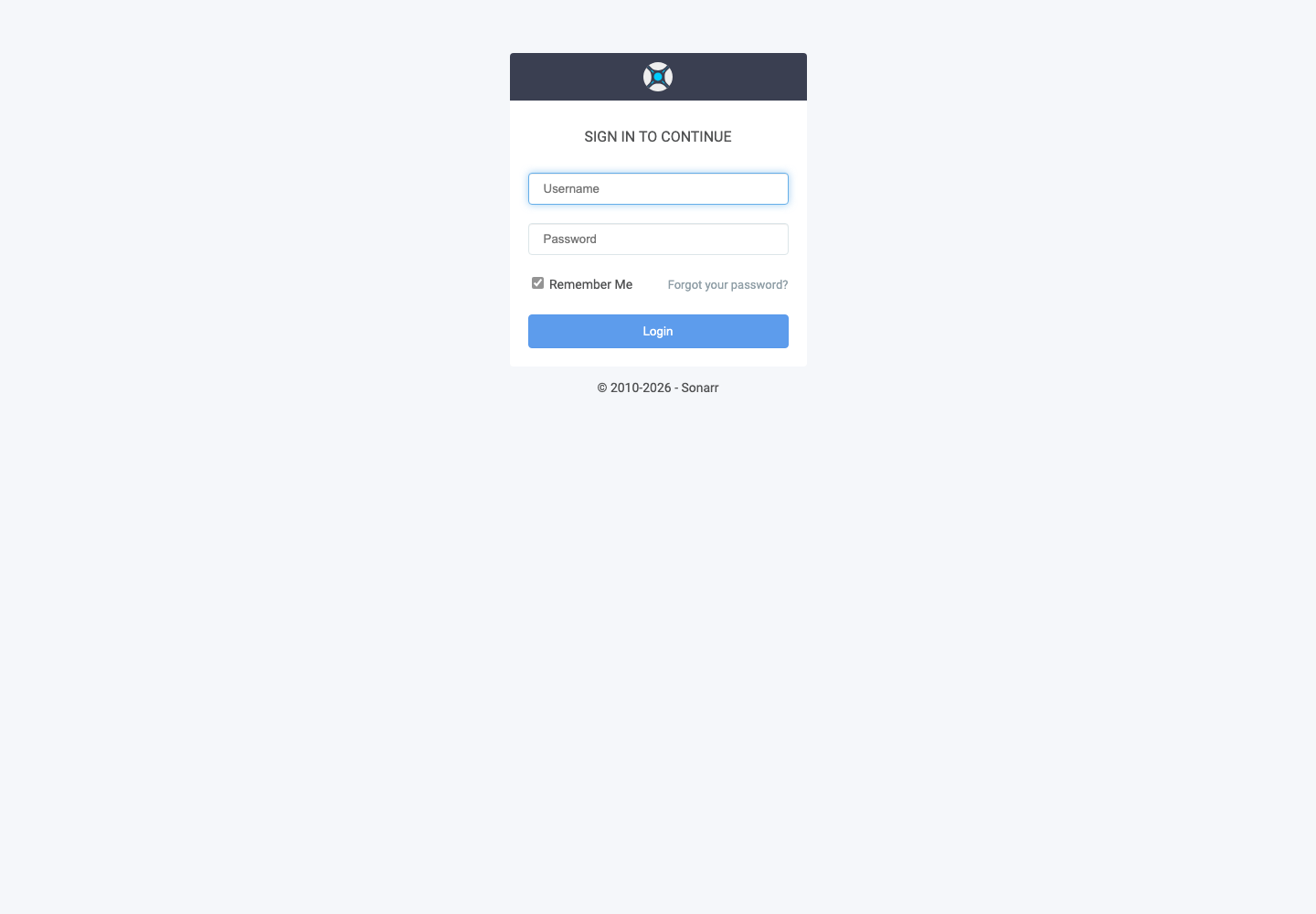
Click Access, then use services username Seedbox and services password Seedbox.
Discover the interface
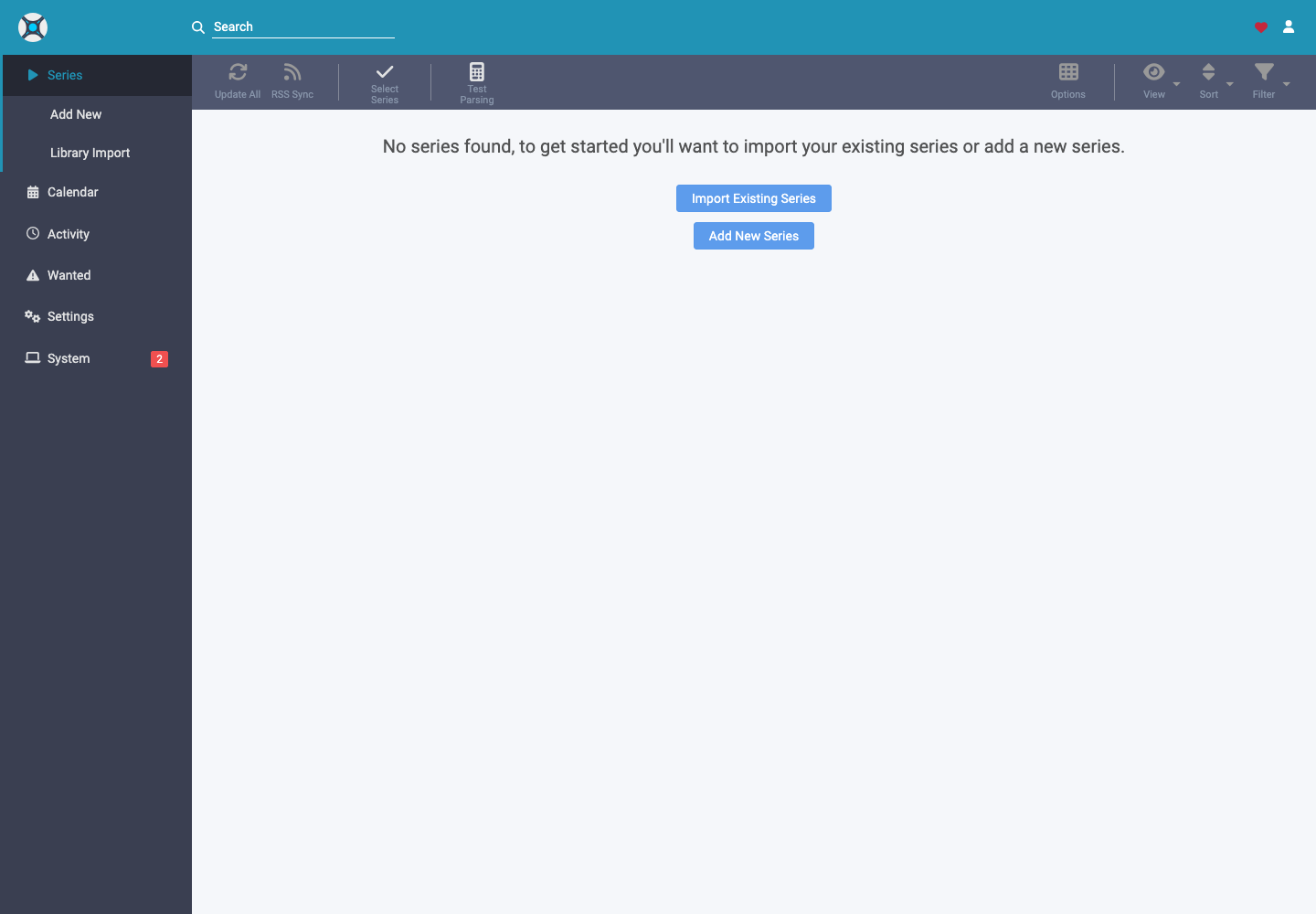
- Series displays the followed series and episodes.
- Add New adds a series.
- Library Import analyzes an existing library.
- Calendar shows expected episodes.
- Activity shows the queue and history.
- Wanted lists episodes that are missing or do not conform to the profile.
To add a legally accessible series, open Add New, find it, choose the root folder, the quality profile, the type of series and the seasons to watch, then validate.
Automatic stack configuration
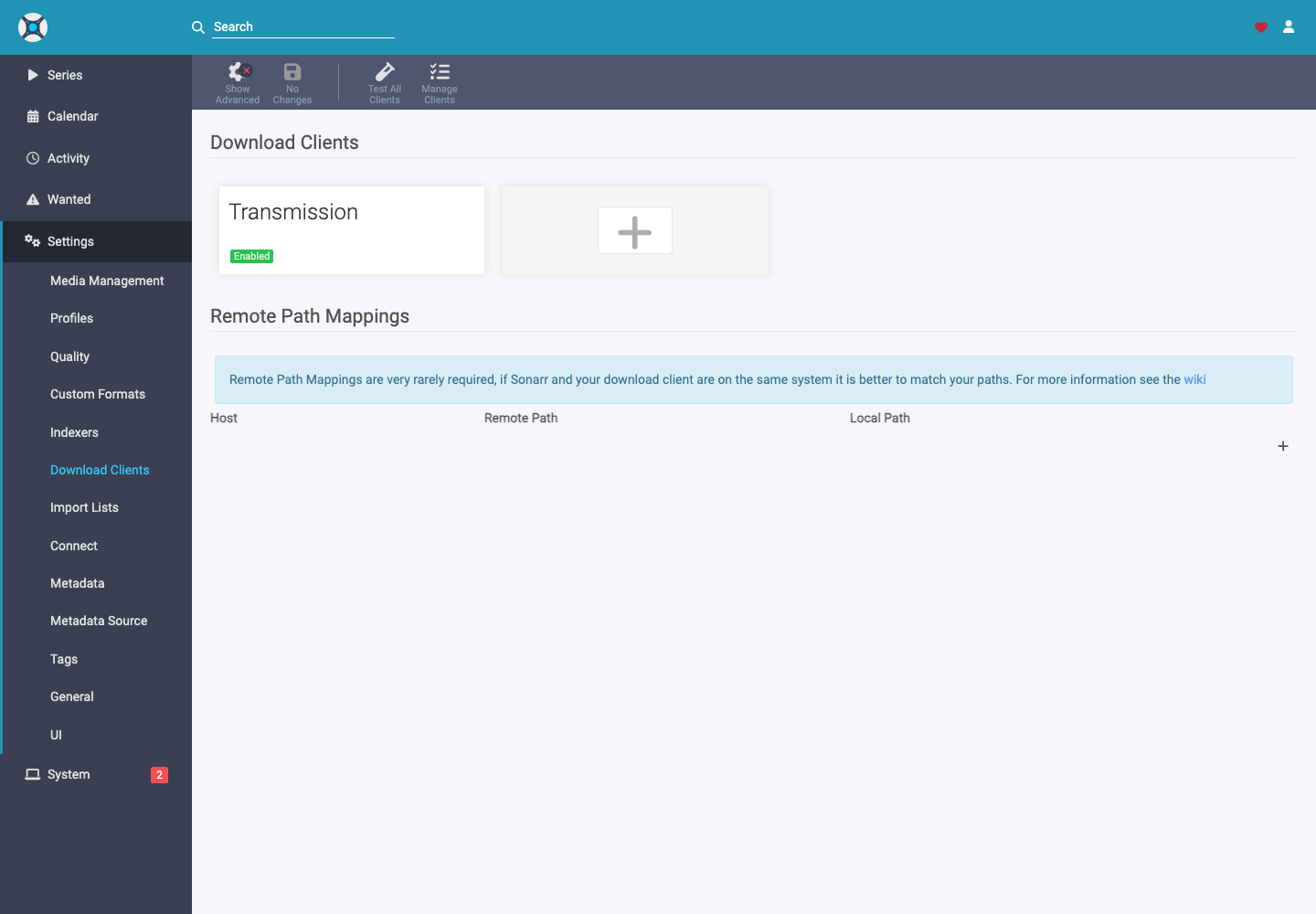
Transmission is already enabled in Settings > Download Clients. The categories and paths prepared by the stack allow Sonarr to recognize and then import the completed files. Don't change them without checking the entire chain.
In case of file not imported, see Activity > Queue, open the associated message and check the detected name, season, episode and path.