Use Jellyfin
Jellyfin turns the media files on your seedbox into an organized library available in a web browser. You can browse movies, view their details, and stream them.
Open Jellyfin
- Sign in to Seedbox.fr.
- Open My Console.
- Locate the card Jellyfin.
- Make sure it is marked Active, then click Open.
If Jellyfin displays a login page, use your seedbox service username and service password. Do not enter your Seedbox.fr customer-account email address and password.
The common password is changed from My console > Details > Change password, and not from the Jellyfin interface.
Discover the home screen
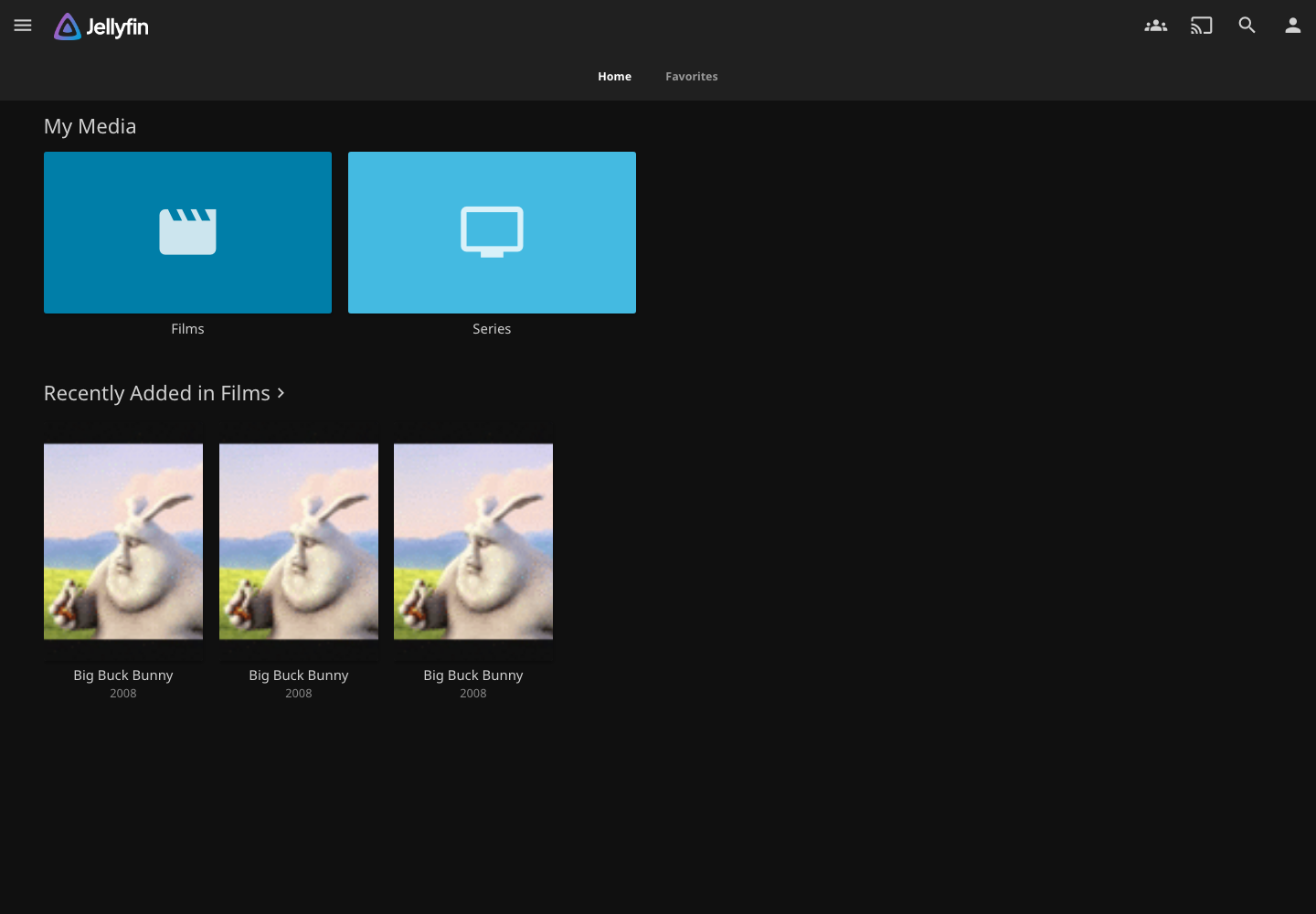
The home page provides access to:
- configured media libraries;
- recently added content;
- items you can resume watching;
- search;
- the profile menu and playback settings.
Browse the Movies library
Open Movies to view the videos detected in the corresponding seedbox folder.
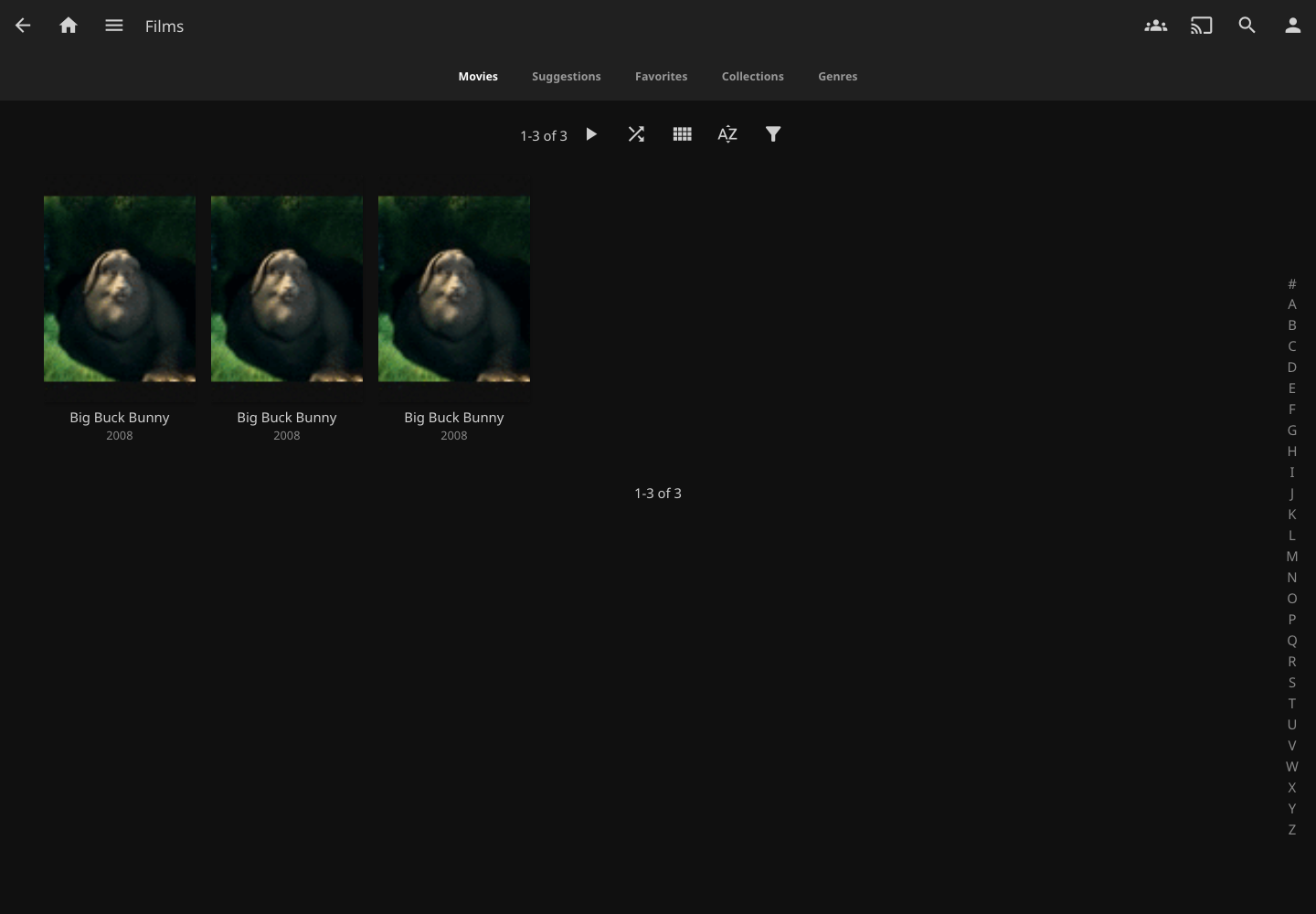
Jellyfin analyzes file and folder names to associate a poster, title and information with the content. A clear file name generally improves identification.
Click a poster to open the details page.

Play a video
Click Play on the details page. Jellyfin automatically chooses a browser-compatible playback method and can resume a video where you stopped.

The player bar lets you pause, seek, adjust the volume, select audio tracks or subtitles, and switch to full screen.
Playback quality depends on the available bandwidth, file format, and device capabilities. If playback stutters, lower the quality in the player settings.
Privacy: do not post screenshots displaying your username, server address, or personal titles.