Configure auto-renewal
The Auto-renewal section allows you to associate a PayPal billing agreement with the Seedbox.fr account. This agreement authorizes the automatic payment of expired invoices and new orders.
Create the billing agreement
- Log in to your Seedbox.fr account.
- Open My account, then Auto-renewal
- Check the displayed status. Not Setup! means no PayPal agreement is configured.
- Click Create New Billing Agreement.
- On PayPal, log in to your own account and verify the information presented.
- Authorize the agreement only if you accept direct debits.
- Return to Seedbox.fr and verify that the billing ID and new status are displayed.
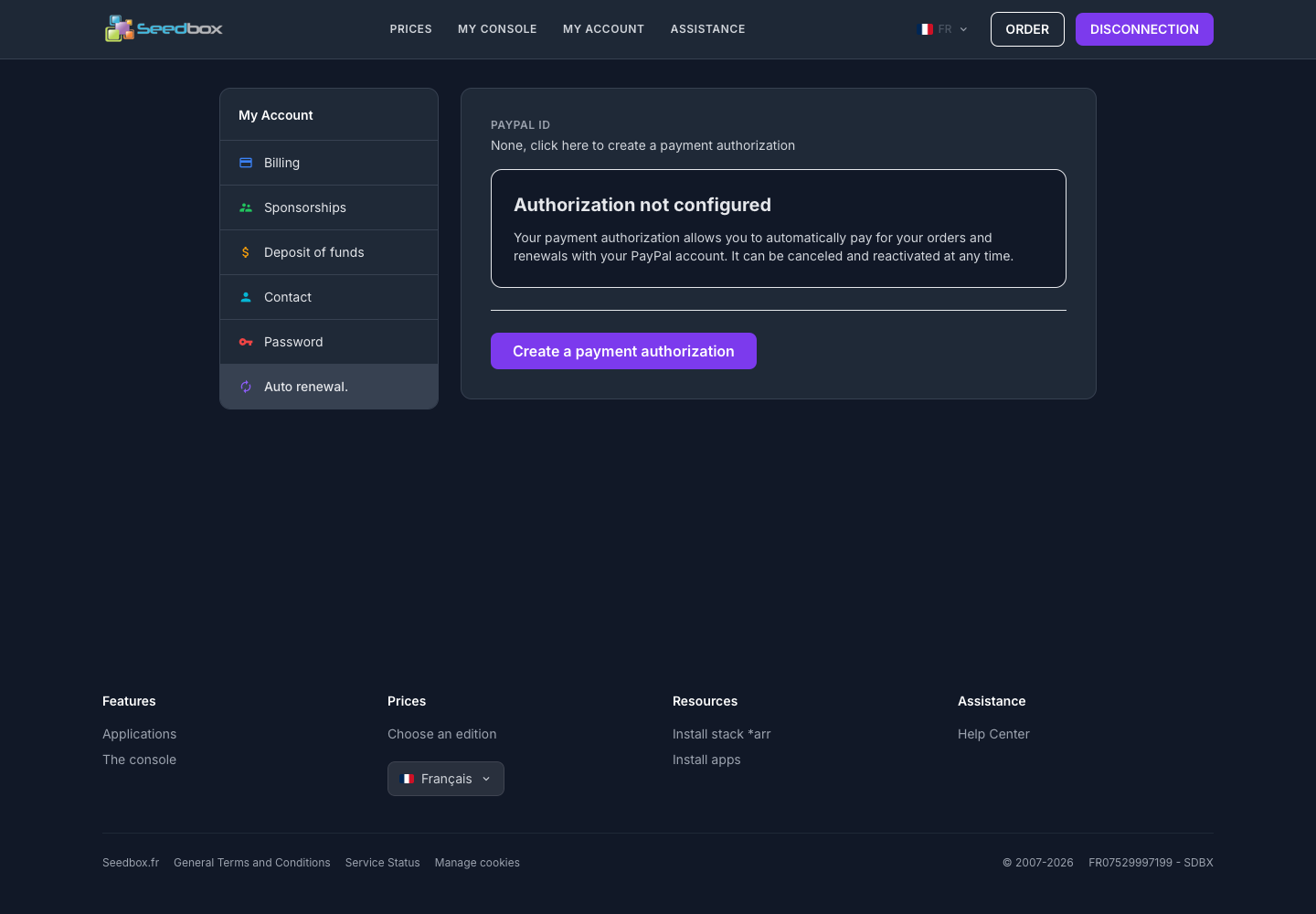
Attention: this authorization allows automatic payment. Read the terms displayed by PayPal before confirming.
To modify or stop an existing agreement, use the commands offered on this same page or manage automatic payments from your PayPal account. If in doubt, contact support Seedbox.fr before the next deadline.