View your invoices
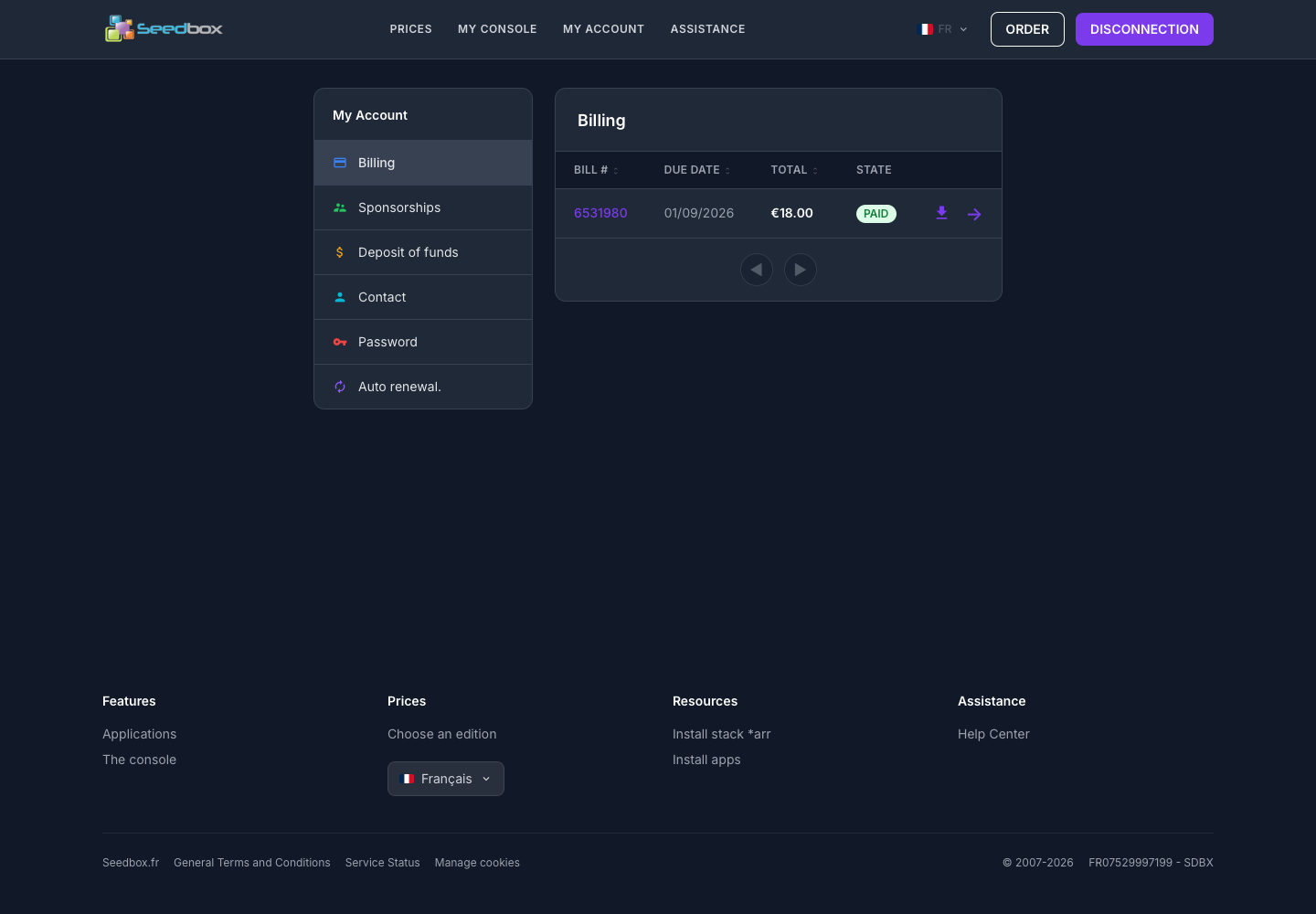
The Billing section presents the history of invoices associated with your account.
Show list of invoices
- Log in to your Seedbox.fr account.
- Open My account.
- Click on Billing.
Each line indicates:
- the invoice number;
- its expiry date;
- its total amount;
- its state, for example Paid.
View or download an invoice
- Click on the invoice number or on the right arrow to display it.
- Click on the Download icon to obtain the corresponding document.
- Use the arrows below the table to navigate pages when the list contains multiple invoices.
Tip: keep your downloaded invoices with your other accounting documents.