Use Radarr
Radarr organizes and automates the tracking of a movie video library. It monitors the requested titles, searches for configured sources, transmits the download to the client then imports and renames the resulting file.
An application installed with the stack
Radarr is installed and configured automatically with the full stack. No separate installation is necessary: its card should already show Active.
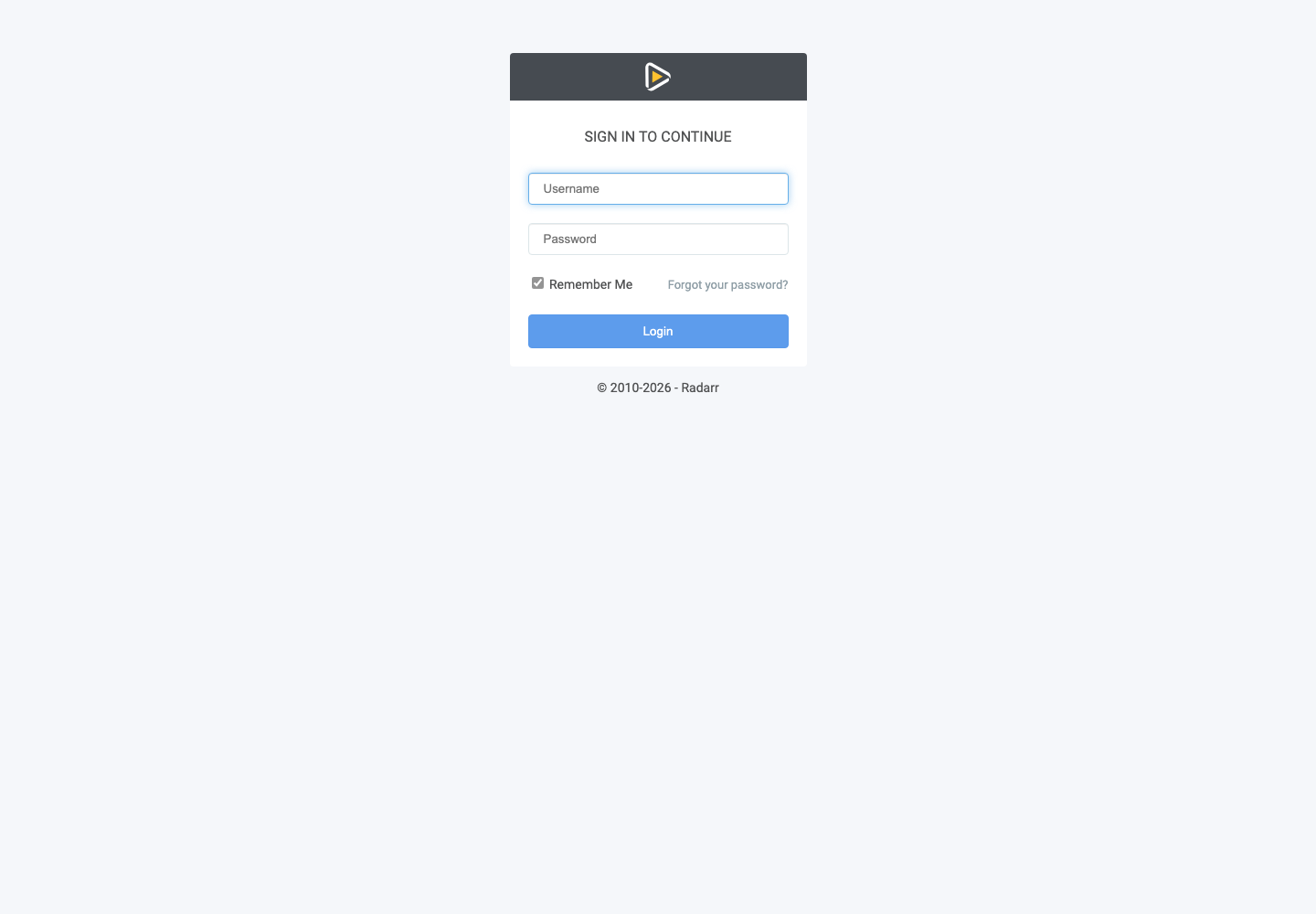
Click Access, then log in with services username Seedbox and services password Seedbox.
Discover the interface
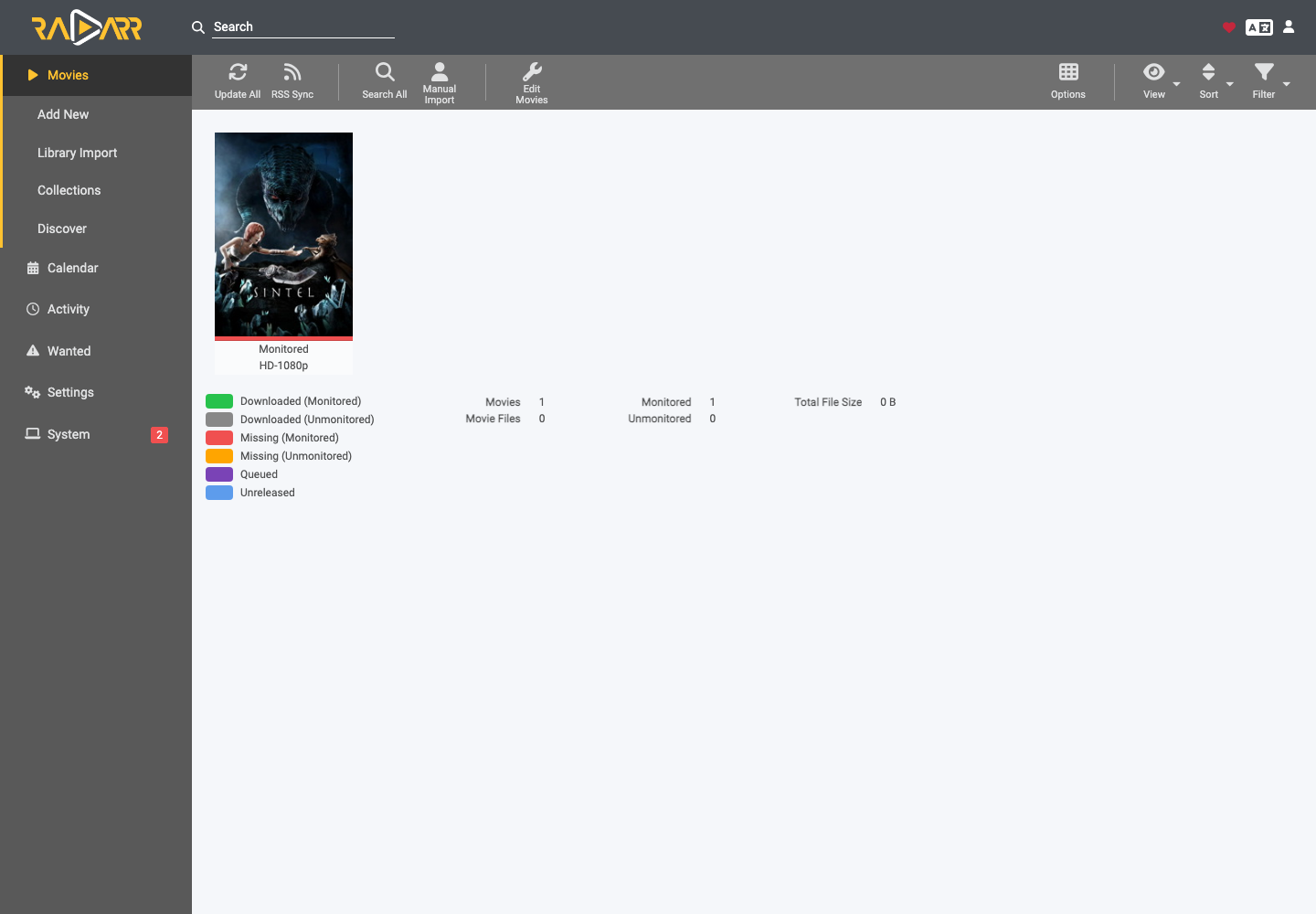
- Movies displays the watched movies and their status.
- Add New adds a title.
- Library Import imports an existing video library.
- Calendar presents expected releases.
- Activity tracks queue, history and errors.
- Wanted groups missing or incomplete files.
To add a legally accessible film, open Add New, search for the title, select the root folder and the quality profile, activate the desired monitoring then validate. Radarr will then search according to the available indexers.
Automatic stack configuration
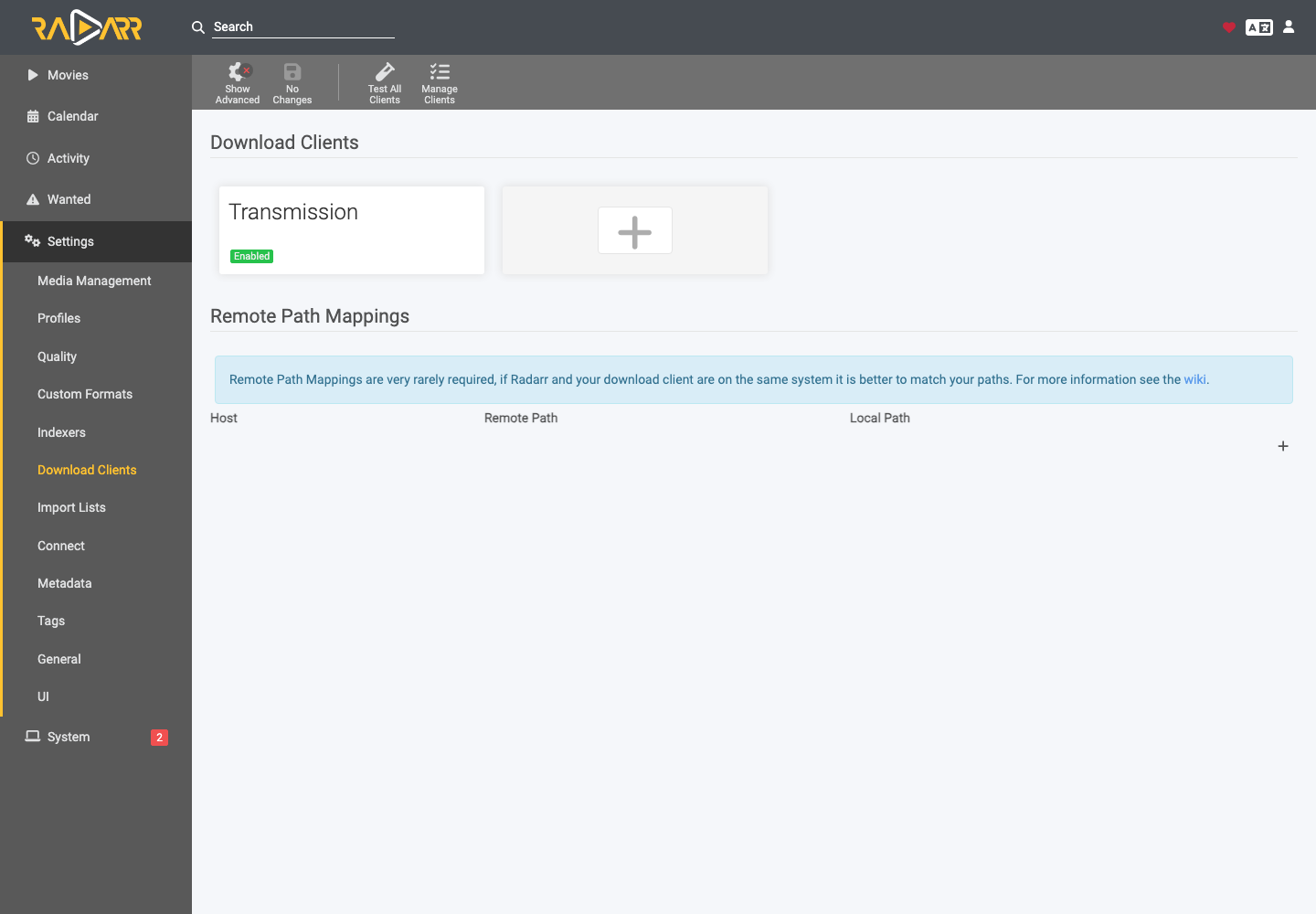
In Settings > Download Clients, Transmission is already enabled. The stack also prepares the exchanges with the other necessary components. Do not replace hosts, ports, categories or paths without reason: an inconsistency will prevent automatic import.
After a download, check Activity > Queue. An orange error usually indicates a path, file, or match to check.