Add a tracker to Prowlarr
Prowlarr centralizes the indexers used by multimedia management applications. This procedure explains how to add a private tracker using the API key provided by your account on this service.
Confidentiality: an API key is a personal secret. Do not publish it, do not transmit it to a third party or include it in a screenshot. Tracker names and sensitive information are deliberately blurred in the images in this guide.
Open Prowlarr
- Connect to Seedbox.fr.
- Open My Console.
- Locate the application Prowlarr.
- Verify that it is marked Active, then click Go.
- If Prowlarr requires authentication, use your service access credentials Seedbox.
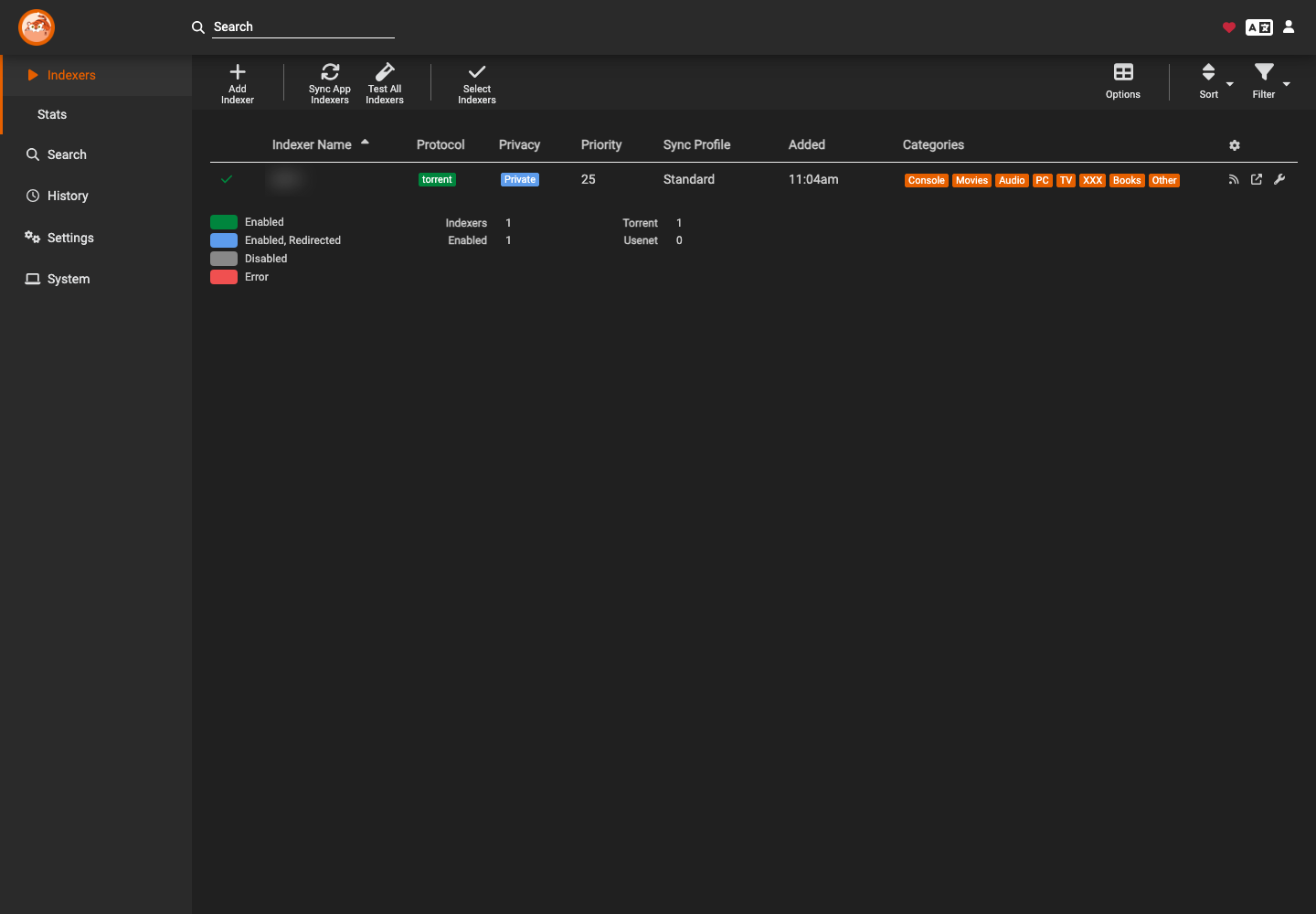
The Indexers page brings together the sources already configured and allows you to add a new one.
Find the tracker
- Click Add Indexer.
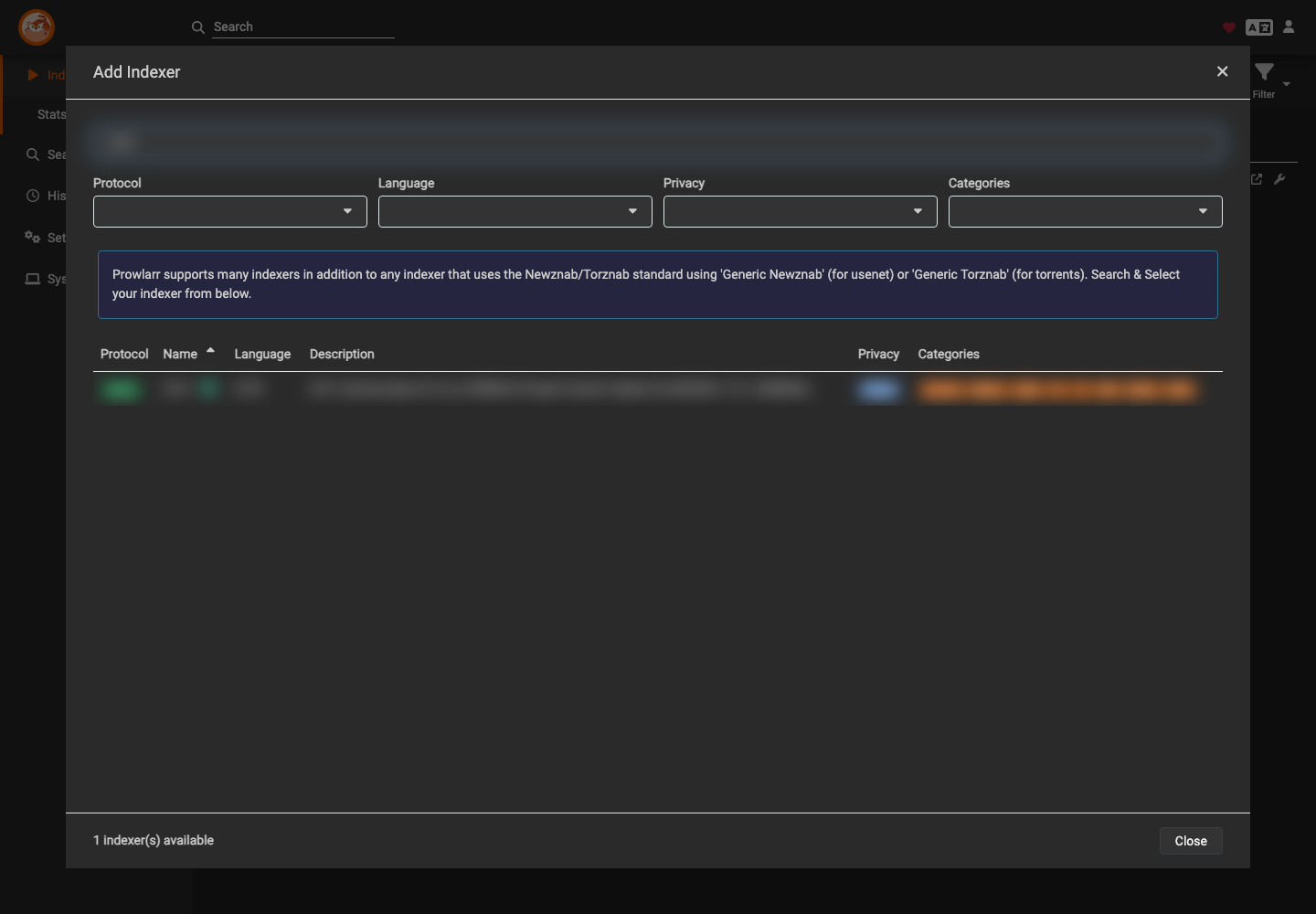
- Enter the tracker name in Search Indexers.
- Check that the result matches the torrent protocol, fr-FR language and Private visibility.
- Click on the result line.
Enter the API key
The configuration form opens. Keep the following settings:
- Name: leave the proposed name;
- Enable: leave this option checked;
- Redirect: leave this option disabled unless specifically needed;
- Sync profile: keep Standard;
- Base URL: keep the proposed address;
- Upload Ratio: Leave the field blank to use the upload client value.
In the API Key field, paste the key obtained from your account's integration or API page on the tracker.
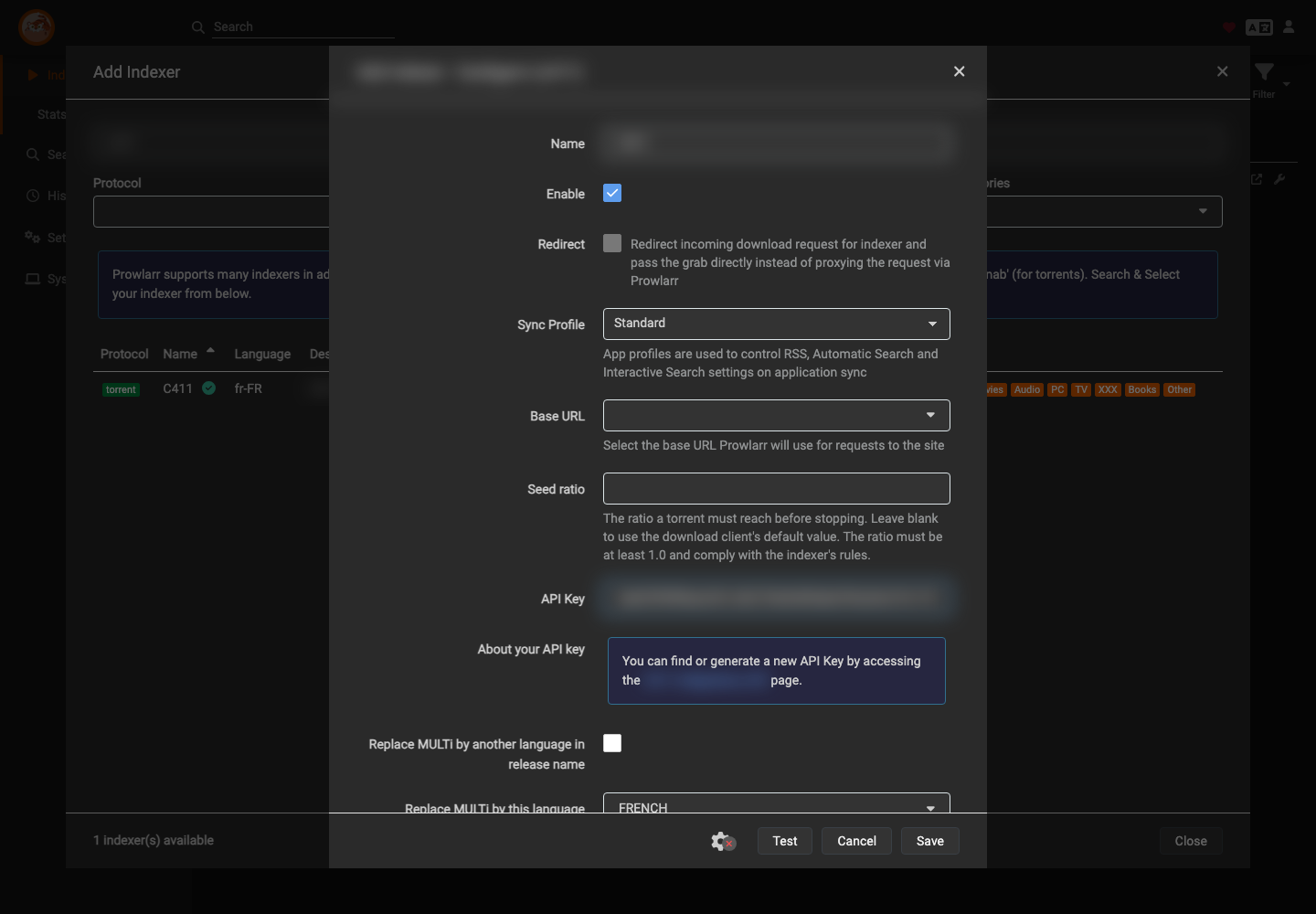
The options for multilingual names, subtitled versions and adult categories depend on your preferences and the settings allowed by your account on the tracker. Only enable them if you understand their effect.
Test and save
- Click Test.
- Wait for the connection check to complete.
- If no errors are reported, click Save.
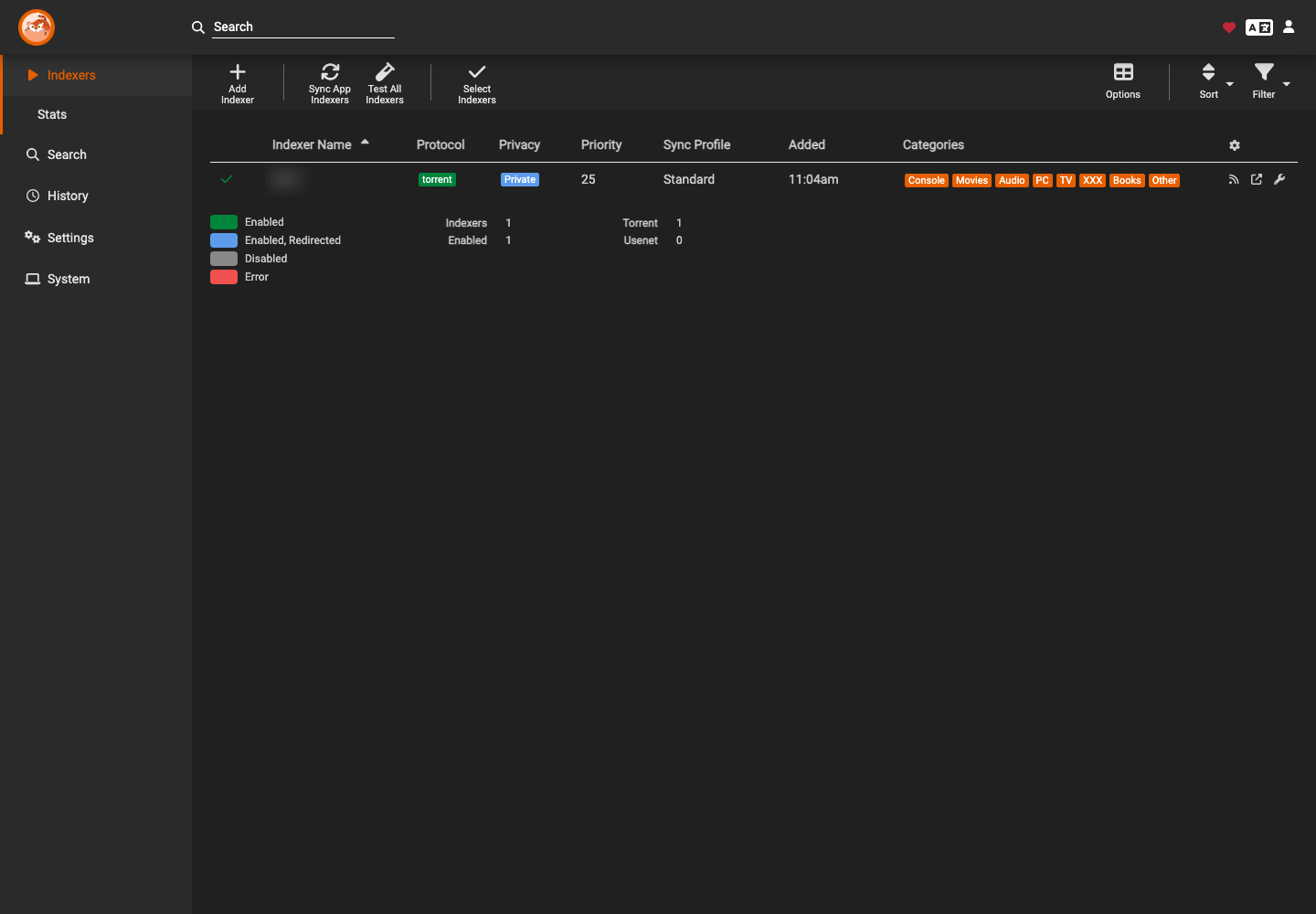
- Return to the Indexers page.
The indexer should appear with a green check mark and the status Enabled.
In case of error
If the test fails:
- verify that the API key was copied without spaces at the beginning or end;
- check that it is still active in your account on the tracker;
- check the selected base URL;
- generate a new key if the old one has been revoked or exposed;
- try the test again before saving.
Security: If a key accidentally appears in a public image or post, revoke it immediately from the service that issued it, then replace it in Prowlarr.