Use Lidarr
Lidarr organizes and automates the tracking of a music library. It monitors artists and albums, sends downloads to the configured client then imports, classifies and renames audio files.
An application installed with the stack
Lidarr is installed and configured automatically with the full stack. Their card should already show Active.
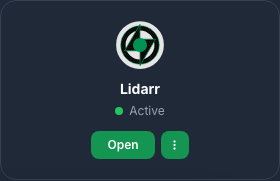
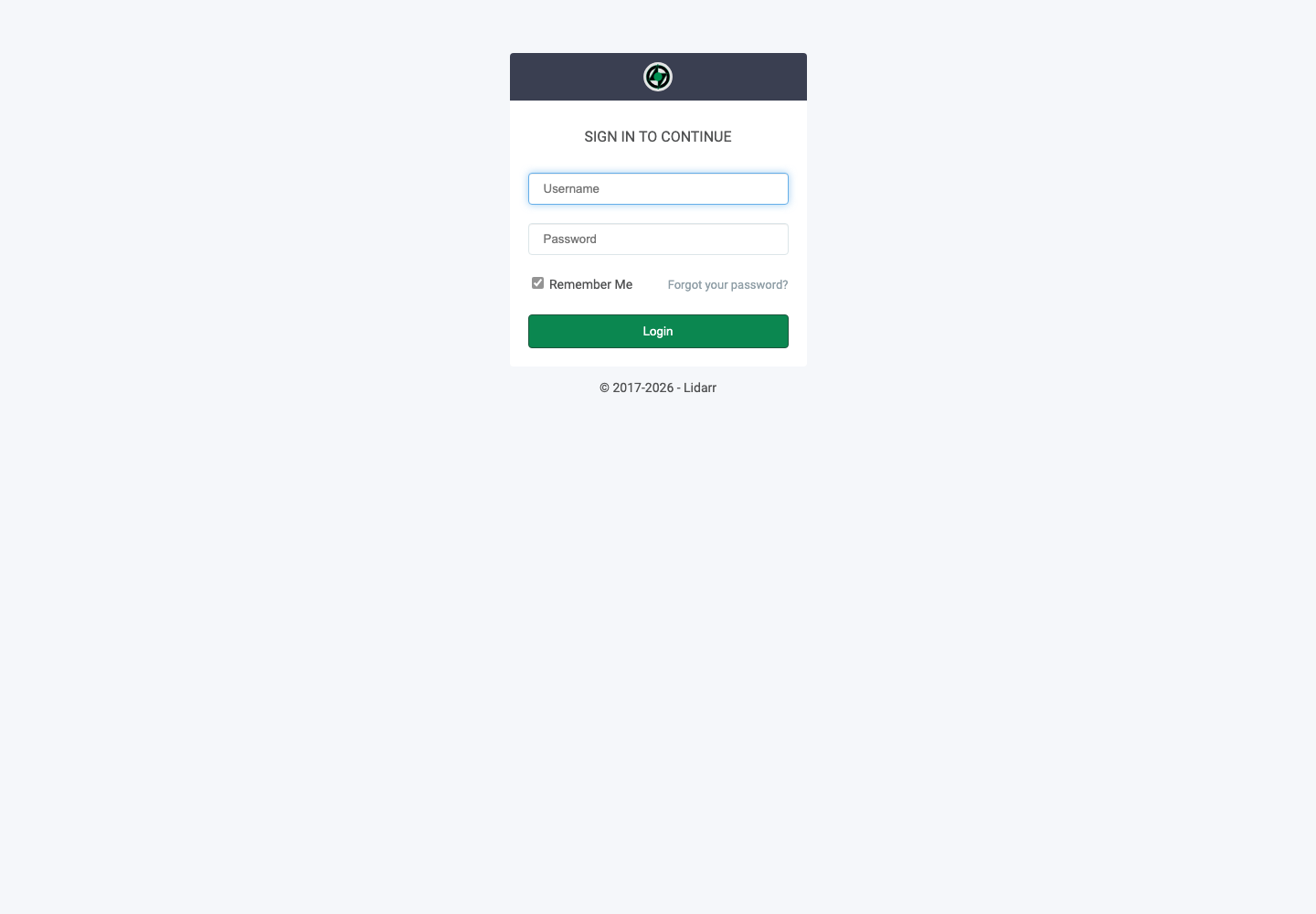
Click Access, then use services username Seedbox and services password Seedbox.
Discover the interface
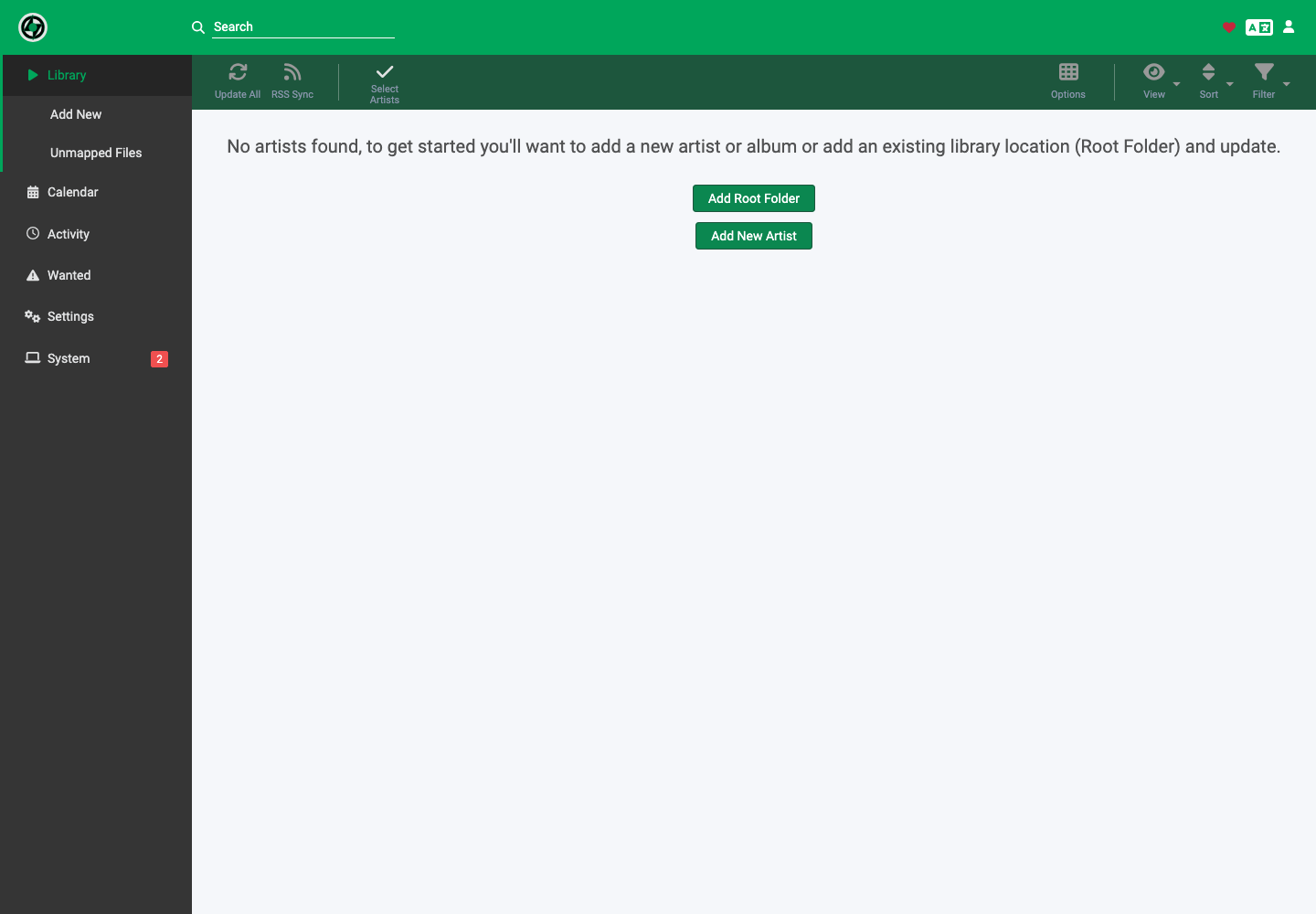
- Library displays followed artists and albums.
- Add New adds an artist or album.
- Unmapped Files shows unassociated files.
- Calendar displays expected outputs.
- Activity tracks queue and history.
- Wanted groups together missing albums or tracks.
To add legally accessible music, open Add New, find the artist, choose the root folder, quality profile and albums to monitor, then confirm.
Automatic stack configuration
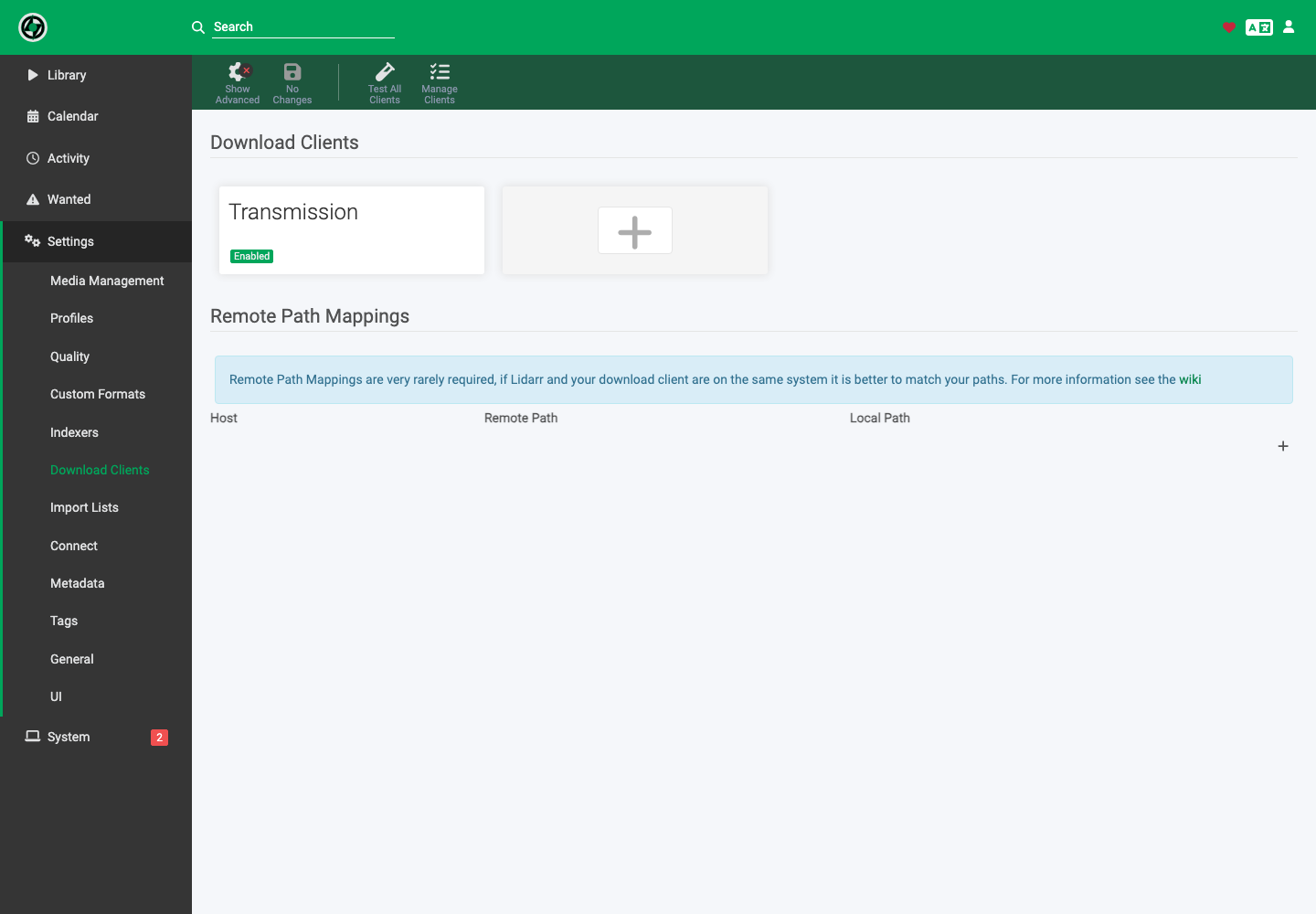
Transmission is already enabled in Settings > Download Clients. Keep the categories and paths generated by the stack so that importing, sorting by artist and renaming work correctly.
If a file remains in Unmapped Files or Activity, check its metadata, name and format before launching a manual import.