使用Radarr
Radarr organizes and automates the tracking of a movie video library. It monitors the requested titles, searches for configured sources, transmits the download to the client then imports and renames the resulting file.
与堆栈一起安装的应用程序
Radarr is installed and configured automatically with the full stack. No separate installation is necessary: its card should already show Active.
单击“访问”,然后使用服务用户名 Seedbox 和 服务密码 Seedbox 登录。
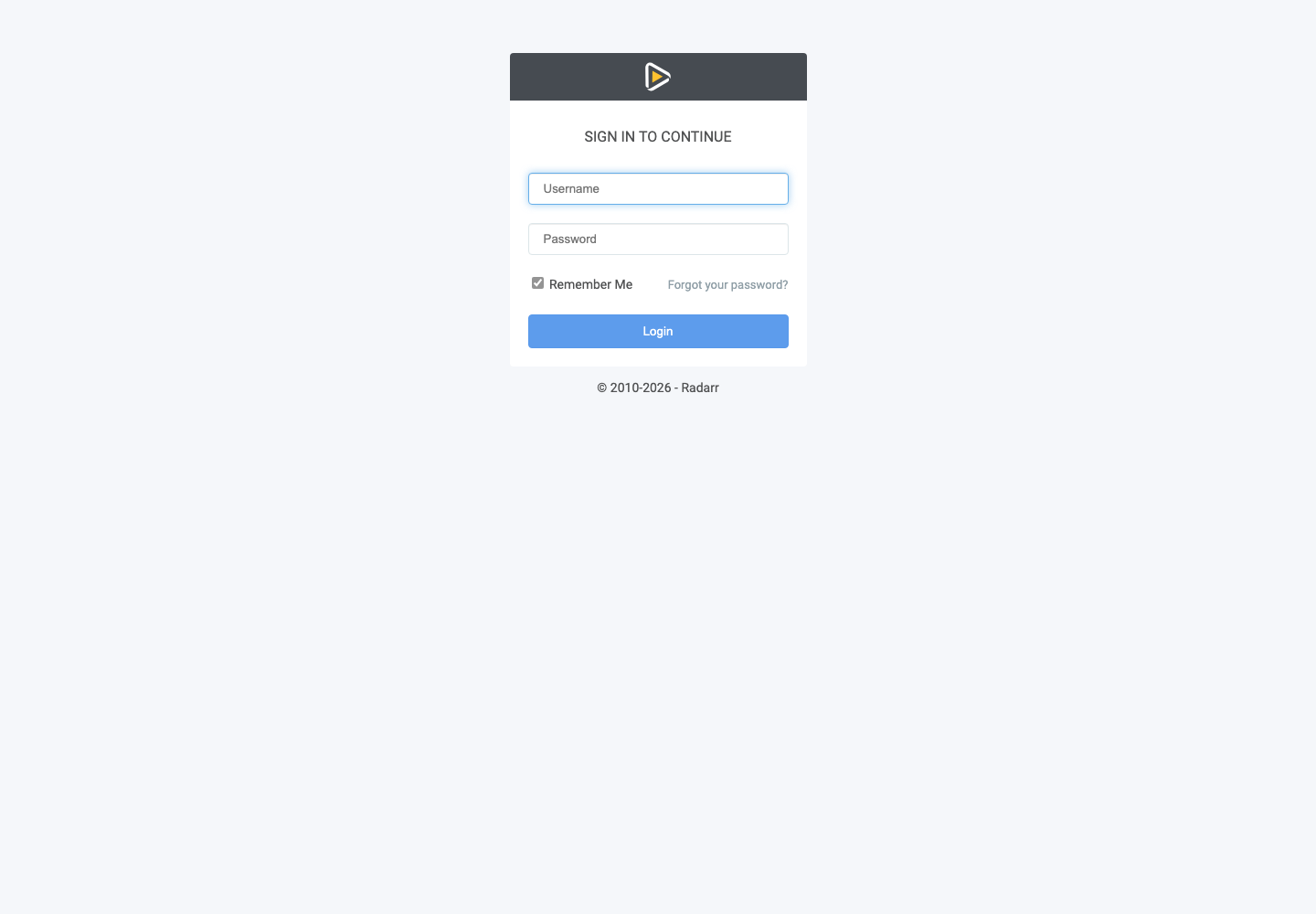
发现界面
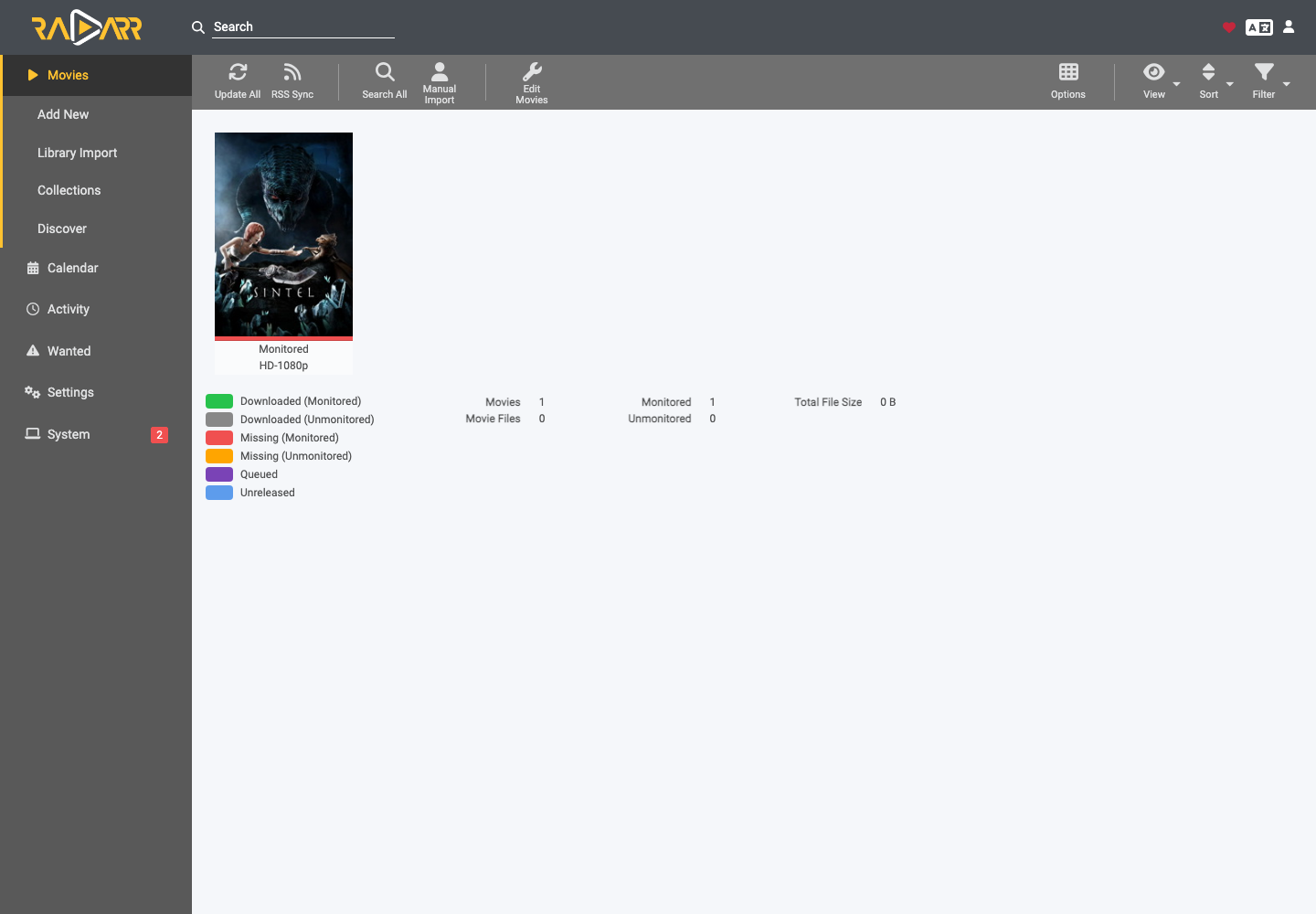
- 电影 显示已观看的电影及其状态。
- 添加新添加标题。
- Library Import imports an existing video library.
- 日历显示预期的版本。
- 活动跟踪队列、历史记录和错误。
- 想要分组丢失或不完整的文件。
To add a legally accessible film, open Add New, search for the title, select the root folder and the quality profile, activate the desired monitoring then validate.然后 Radarr 将根据可用的索引器进行搜索。
自动堆栈配置
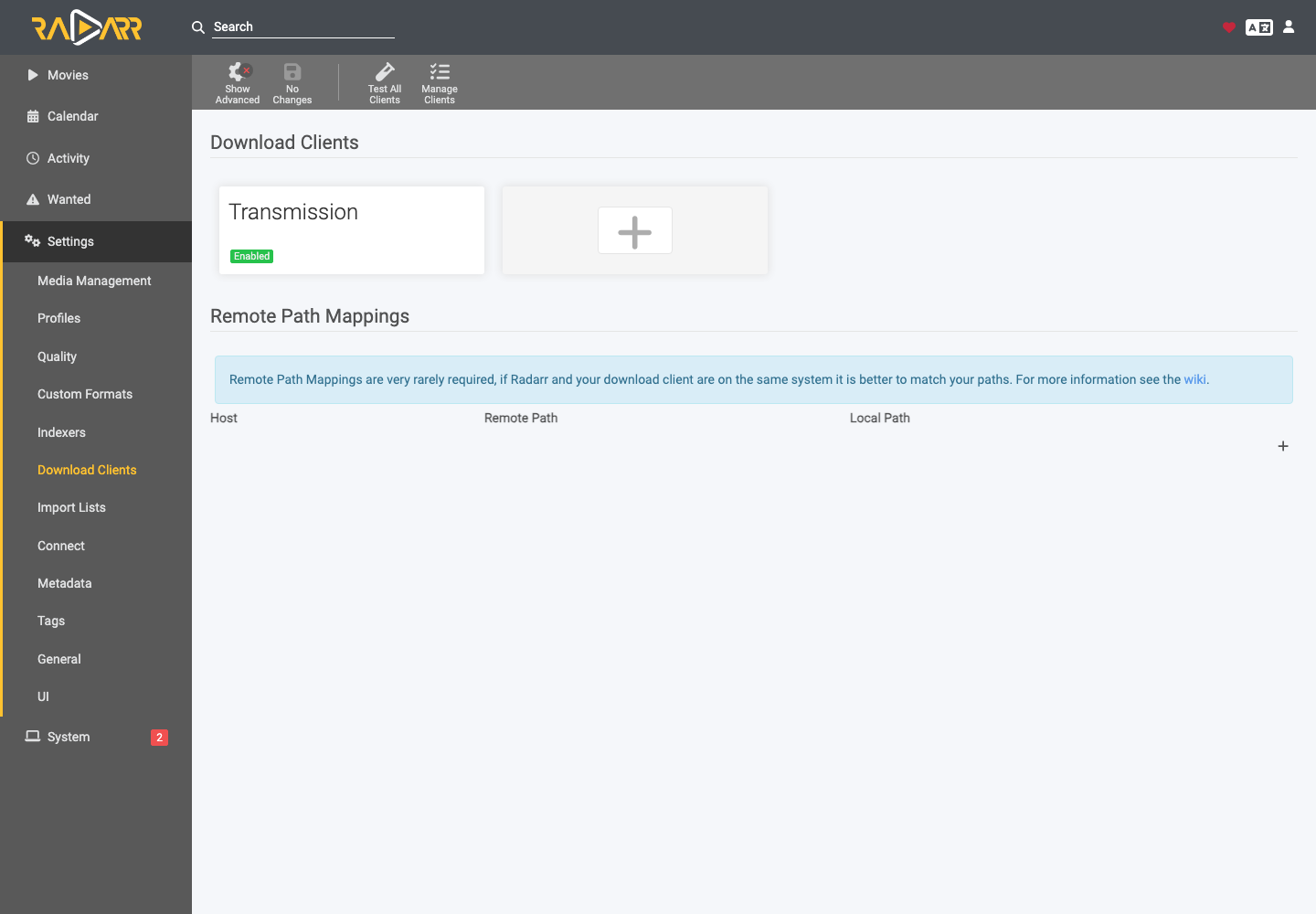
在设置 > 下载客户端中,Transmission 已启用。该堆栈还准备与其他必要组件的交换。不要无故替换主机、端口、类别或路径:不一致将阻止自动导入。
下载后,检查活动 > 队列。橙色错误通常表示要检查的路径、文件或匹配项。