
 Français
 English
 Deutsch
 Español
 Italiano
 Português
 Português (BR)
 Nederlands
 Русский
 العربية
 Türkçe
 Svenska
 Norsk
Norsk Dansk
Dansk Magyar
 Čeština
 Română
 Hrvatski
 中文
中文 Eesti
Eesti فارسی
فارسی עברית
עברית Azərbaycan
 Македонски
 Українська
PyLoad Download Service
Direct download
With PyLoad, download any file from a download link and store it directly in your Seedbox storage.
PyLoad is pre-installed in your user console.
With one click, access the interface and retrieve all your content. Unlimited direct downloading!
First use
Initialise PyLoad
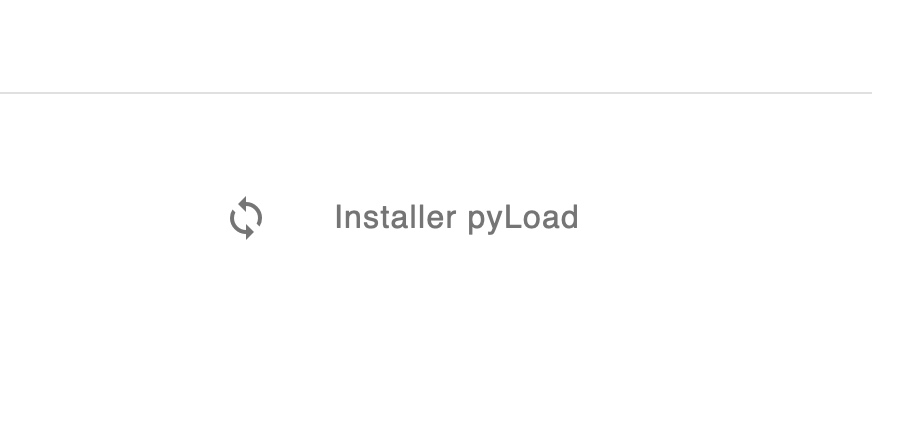
In your console, simply click on "Install PyLoad"
Access the interface
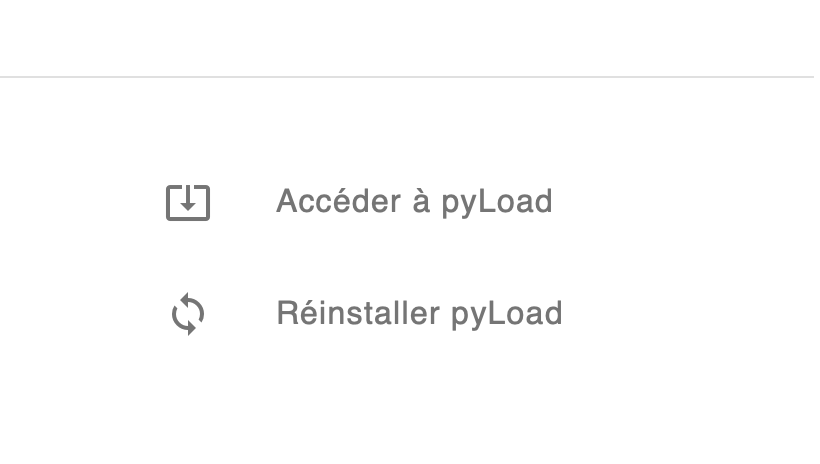
Once the operation is complete (3 minutes), click on "Access PyLoad"
Login
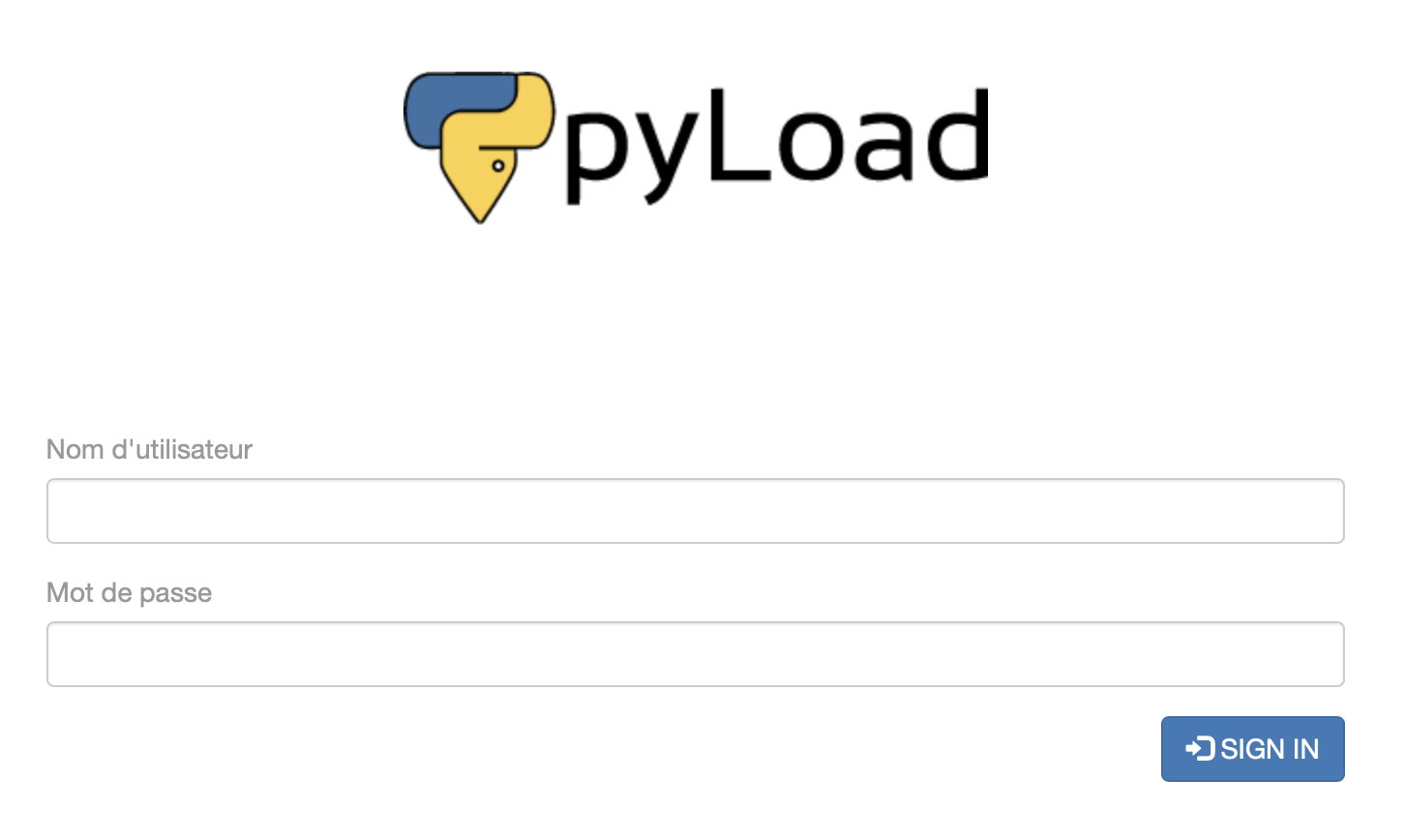
Log in with your Seedbox credentials
First download
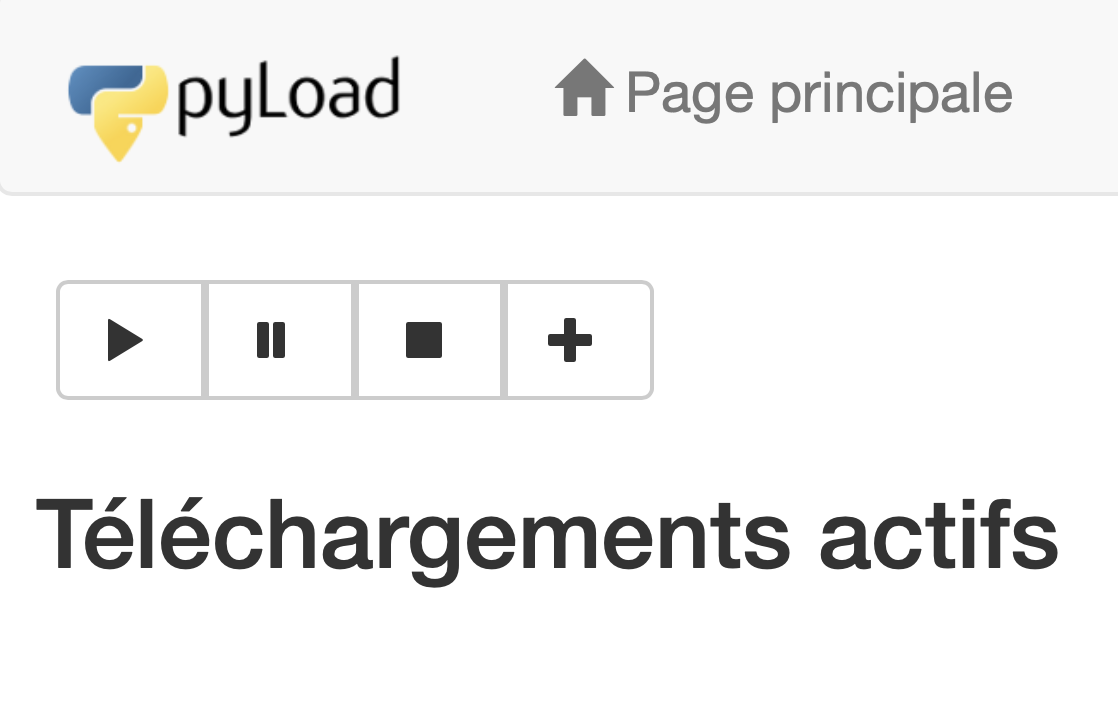
Click on "+" below "Main page"
Enter the download parameters
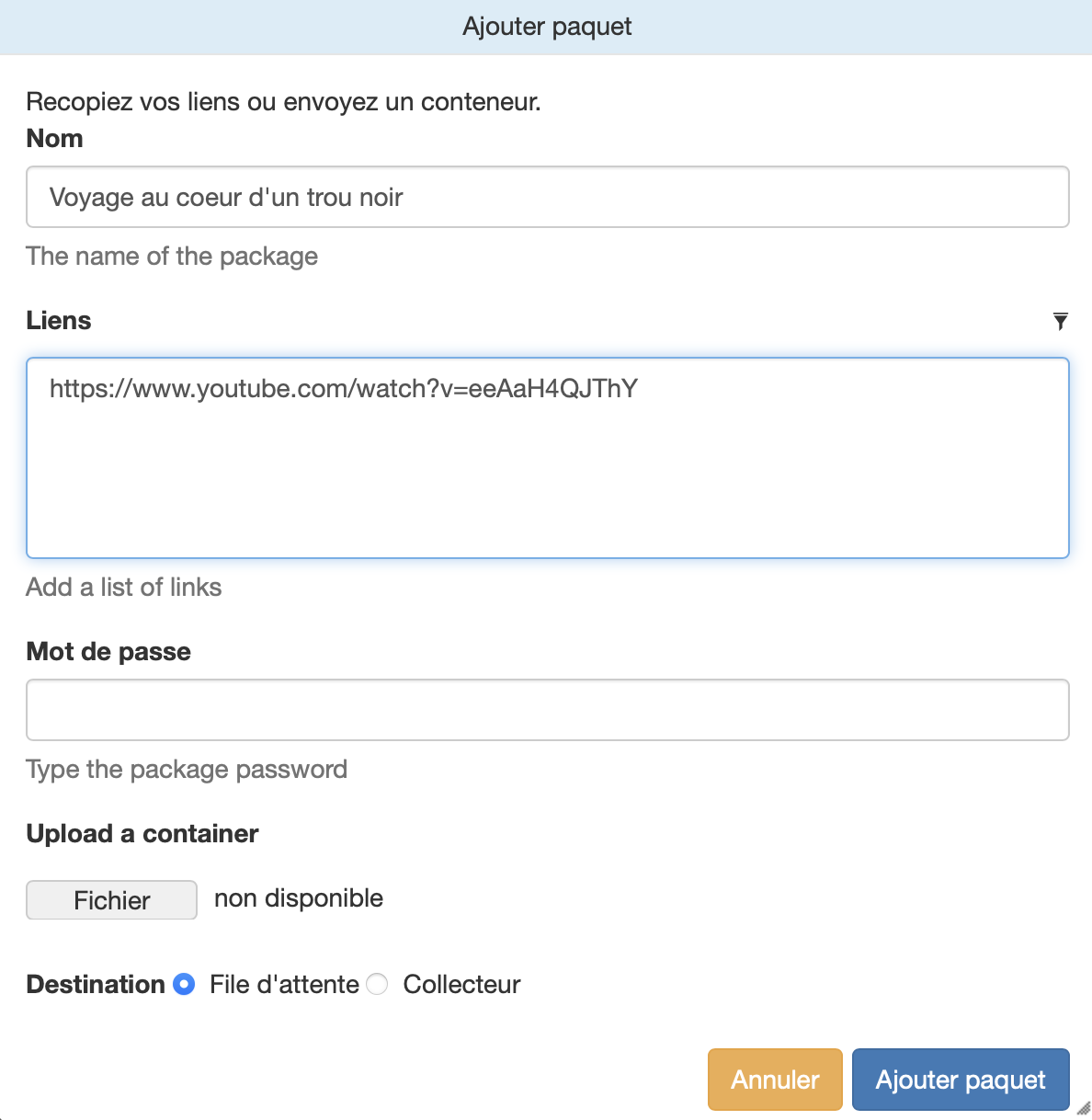
Give your download a name and paste the download link (for example a YouTube link) then click on "Add package".
The download starts automatically
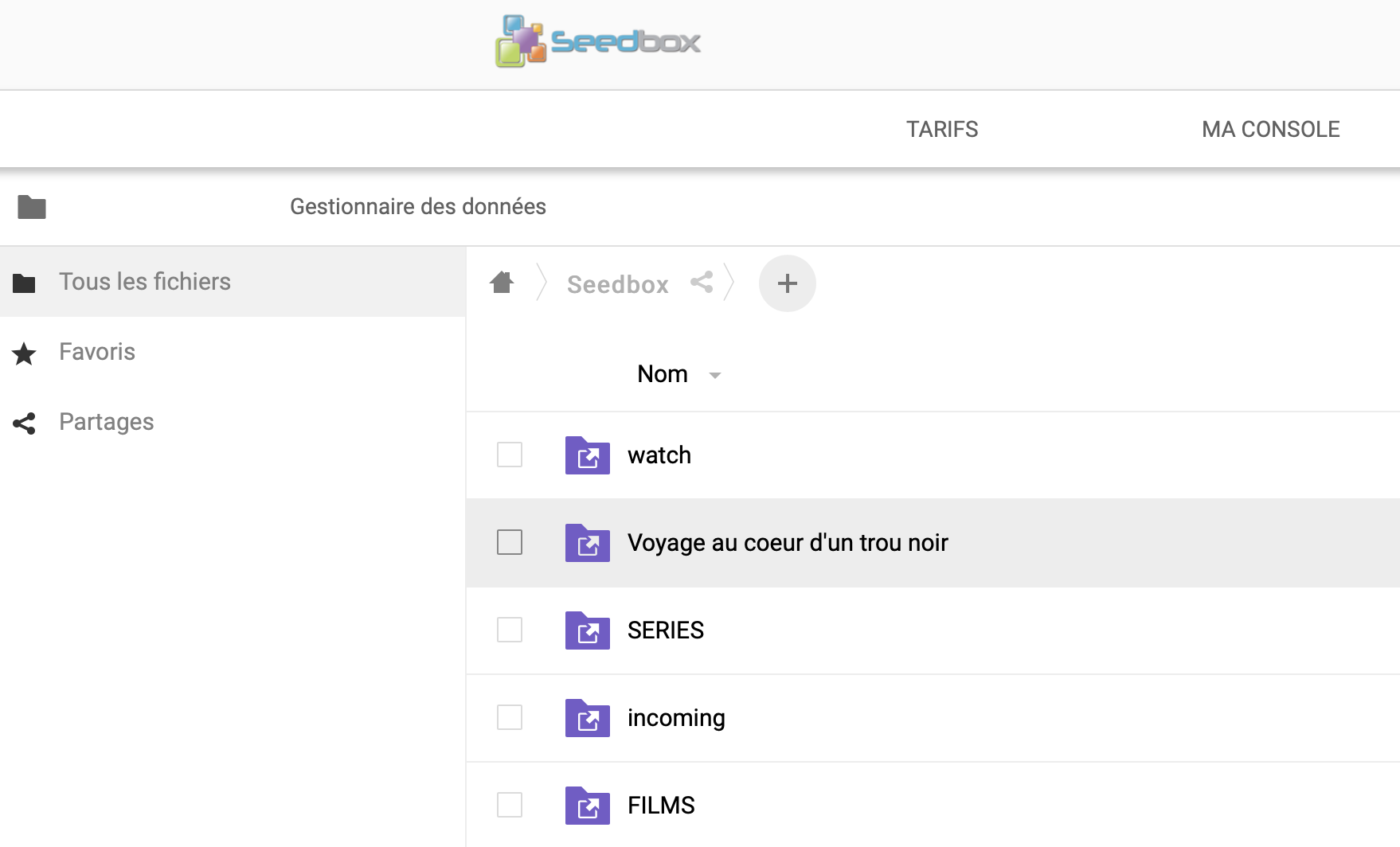
Once complete, go to the "Plex" section to watch your file on any device, or to "data management" to retrieve it.
PyLoad, a simple and very intuitive interface to download everything.
PyLoad is an intuitive interface that lets you fully and easily manage all your downloads, from anywhere! All major video sites, file or content hosts, and all standard protocols are supported.
Download from YouTube, 1fichier, uptobox and more. Nothing could be simpler. Copy and paste the link, submit, and the content is automatically retrieved to your Seedbox storage.
Once done, watch your video directly on your TV with the Plex Media Server.