 Français
 English
 Deutsch
 Español
 Italiano
 Português
 Português (BR)
 Nederlands
 Русский
 العربية
 Türkçe
 Svenska
 Norsk
Norsk Dansk
Dansk Magyar
 Čeština
 Română
 Hrvatski
 中文
中文 Eesti
Eesti فارسی
فارسی עברית
עברית Azərbaycan
 Македонски
 Українська
Install Plex Media Server within a minute with Seedbox
Plex allows you to streal all videos and audio files to all devices.
Android, SmartTv, iOS compatible.
Plex Media Server is a multimedia files manager. Copy all data in server and share them to other platform or supports. It makes audio, video or pictures files import easy. Plex Media Server manages subtitls and lot of codecs to stream most of video files.
View all your content
With Plex, view all your files on all your screens, without the need to download them. A complete multimedia system.
Organize all your media in minutes.
With Plex, manage your video library with ease. Everything is organized by genre: Films, series, documentaries ...
First use
Initialize Plex
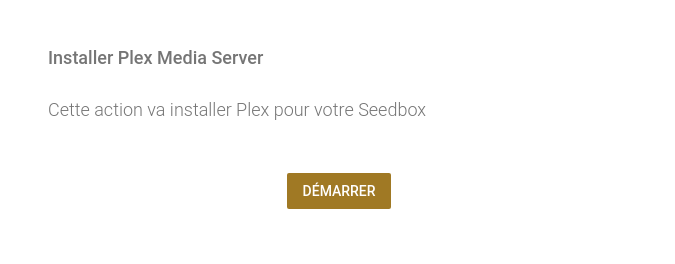
In your Seedbox manager, just click on "Access Plex" then "Start".
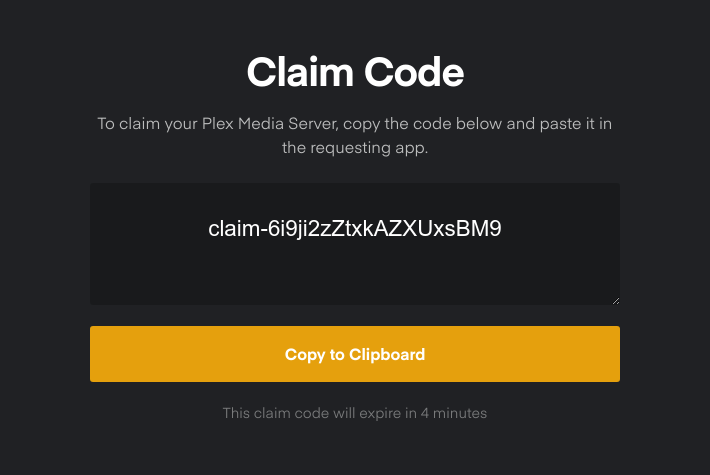
Start the installation
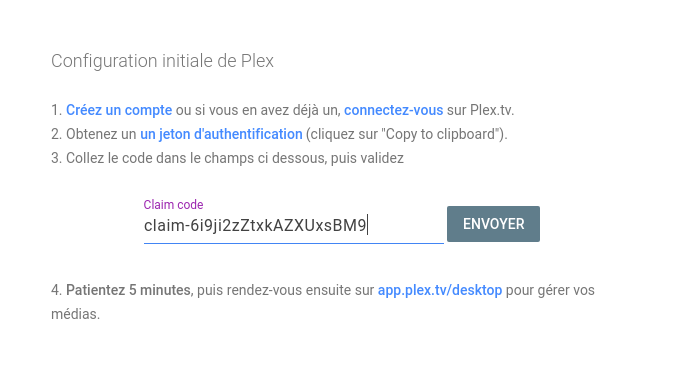
Now enter the identification token previously obtained in the field provided, then "Send".
Configuration
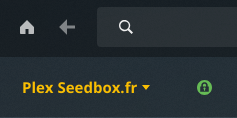
Now go to app.plex.tv/desktop. Please wait a few minutes and refresh the page. You will see at the top left "Plex Seedbox.fr" and a green icon.
After checking the data, Plex will display the contents of the library. You will just have to click to start streaming ;)
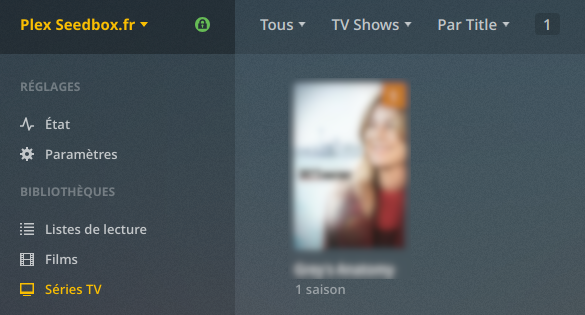
For further ...
For iPhone/iPad
Once the iOS app installed, log in with your plex.tv credentials (email & password) to immediately access all of your media.
For Android
Install app on any Android device, log in with your plex.tv credentials and everything is immediately available.
For your TV
Plex is available for a wide range of connected TVs. this page lists the models as well as the recommendations.
Need help ?
In case of doubt, problem, question, do not hesitate to contact us via support. we are there for that :)
Other peripherals
Smartphones, TV, computers, but also Apple TV, Chromecast, Samsung Gear and many others... Find here all devices that are compatible with Plex.
Even further
The Plex.tv site has a forum in english where (very) many tips and answers are available, don't hesitate to take a look.