
 Français
 English
 Deutsch
 Español
 Italiano
 Português
 Português (BR)
 Nederlands
 Русский
 العربية
 Türkçe
 Svenska
 Norsk
Norsk Dansk
Dansk Magyar
 Čeština
 Română
 Hrvatski
 中文
中文 Eesti
Eesti فارسی
فارسی עברית
עברית Azərbaycan
 Македонски
 Українська
Install Jellyfin on Seedbox
Streaming on all your screens
Jellyfin lets you watch your media on all your screens. A clean and fast interface to create your own private streaming service.
Installation in just a few clicks
The installation is fully automated and takes only a few minutes.
First use
Install Jellyfin
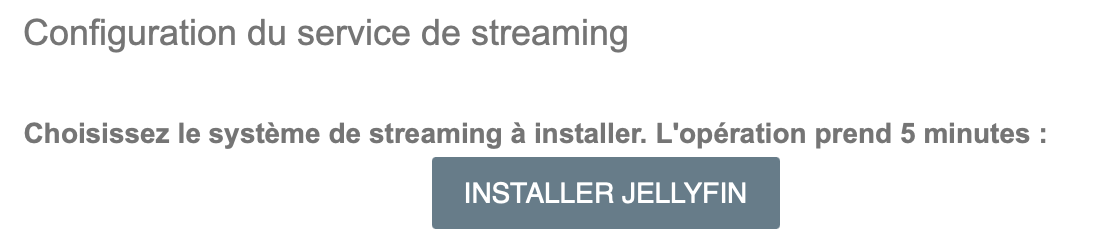
In your console, click on "Install streaming service" then "Install Jellyfin"
Please wait a few minutes, the page will refresh automatically.
Language selection
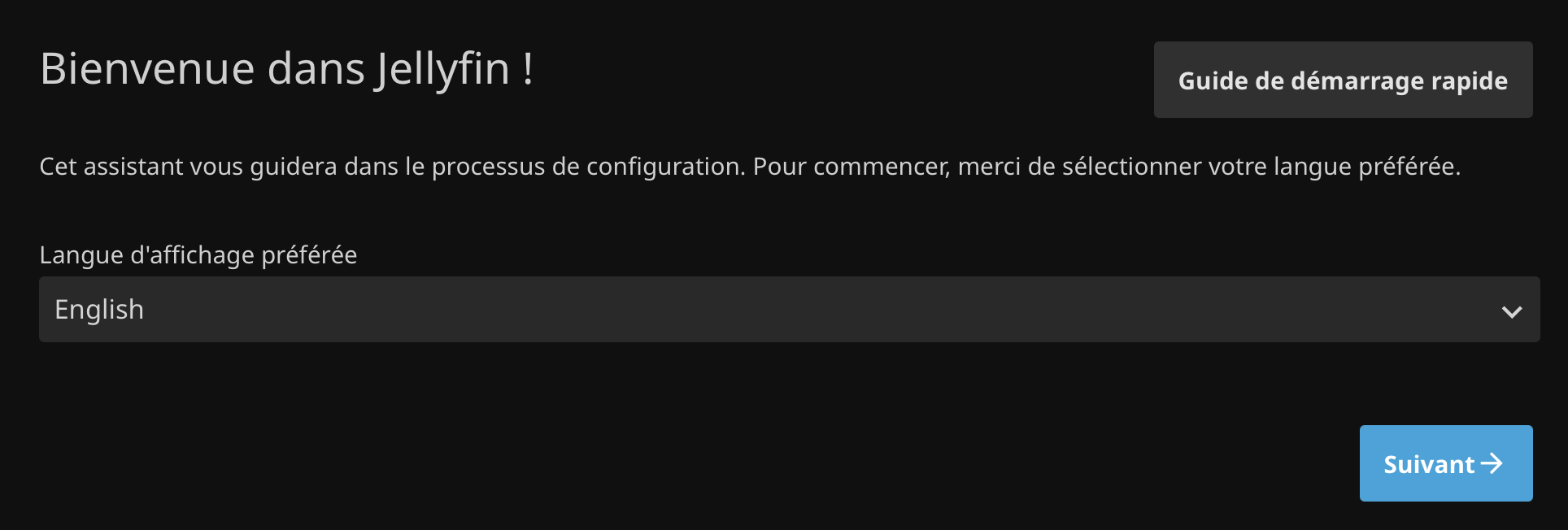
Click on Jellyfin then choose the interface language.
Create the user
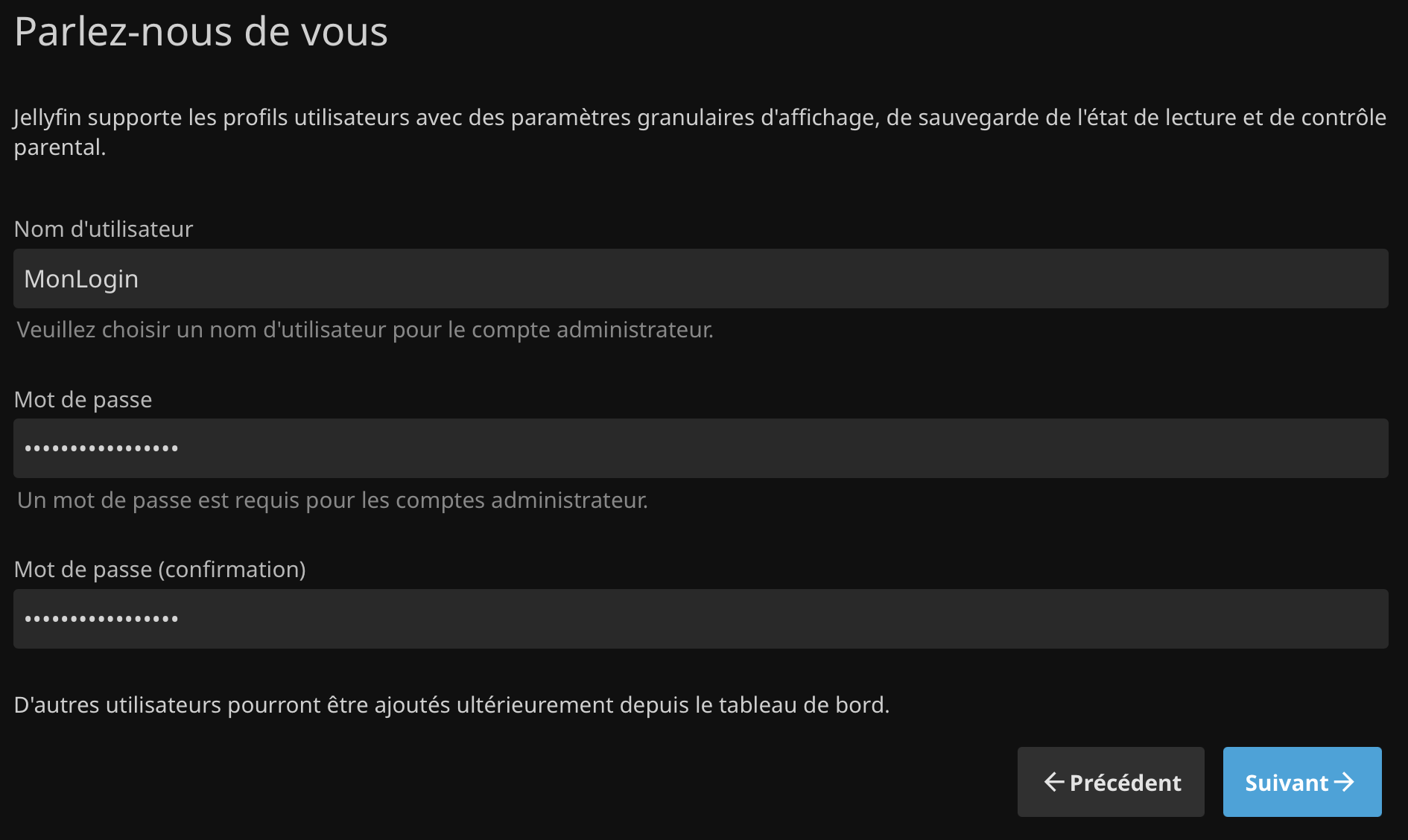
These credentials will be used to log in to the interface. Enter a login and password of your choice. You can use your Seedbox credentials if you wish.
Create your first library
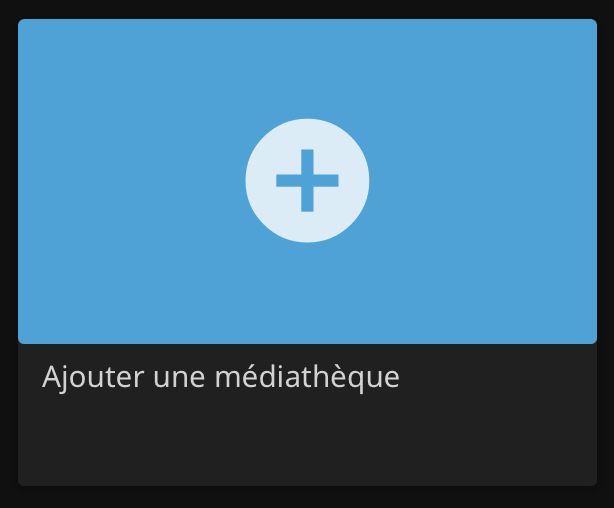
Click on the "+" to create a library.
Library settings
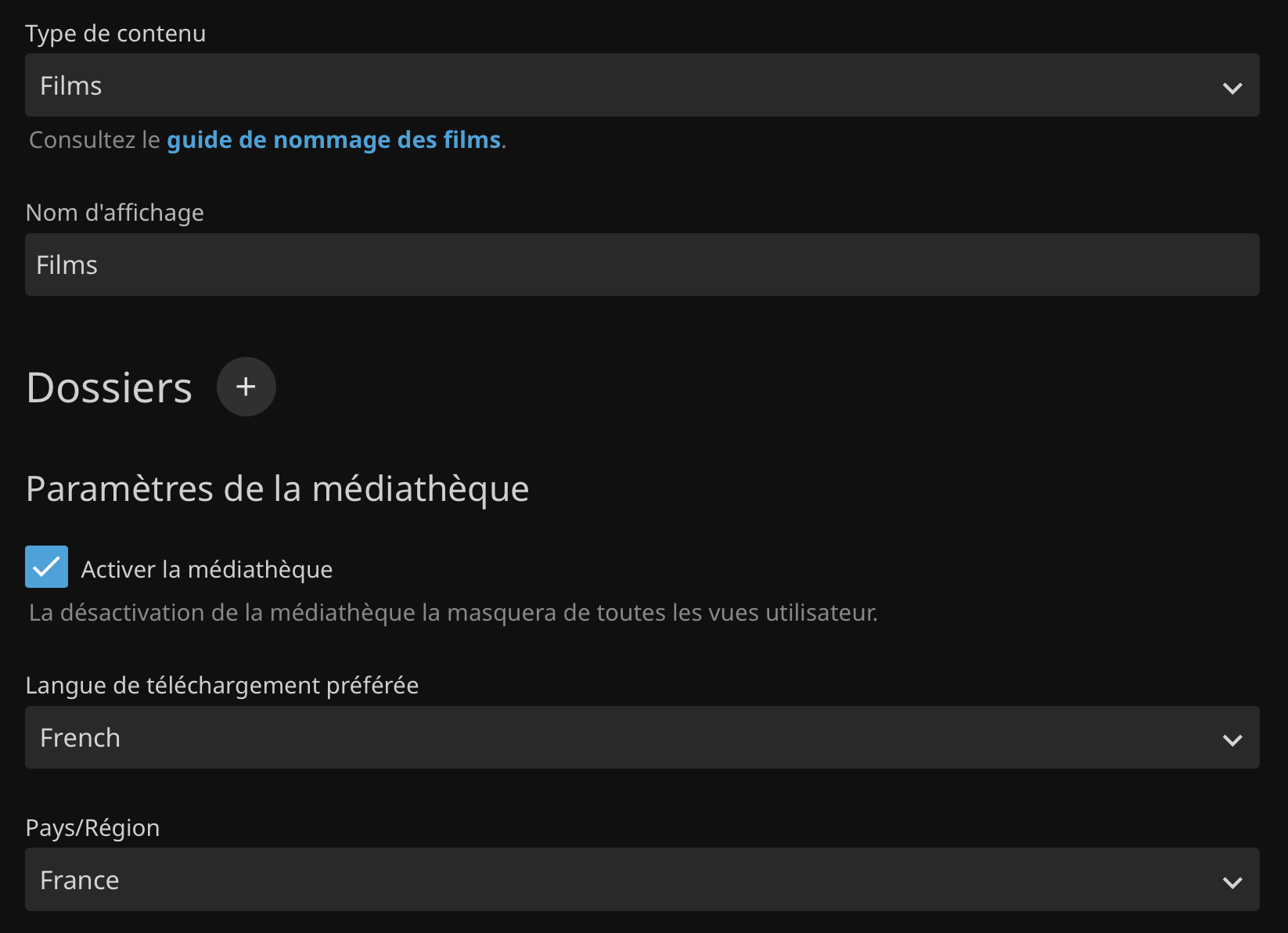
First create a "Movies" library:
- Content type: Movies
- Display name: Movies
- Download language: English
- Country/Region: United Kingdom
Then click on the "+" next to "Folder"
Source folder selection
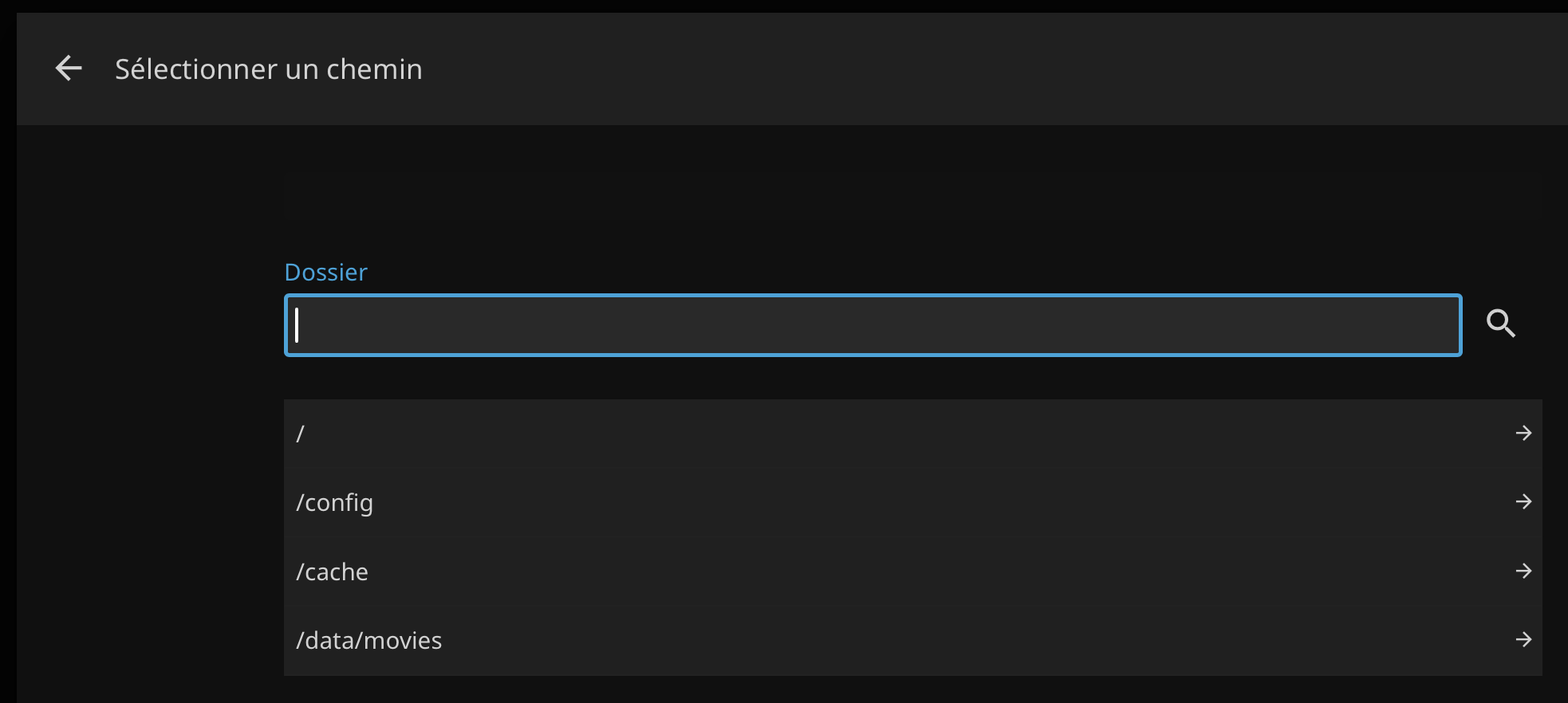
Choose the folder /data/movies then the folder containing your movies. Confirm twice to validate the library creation.
Validate the general configuration
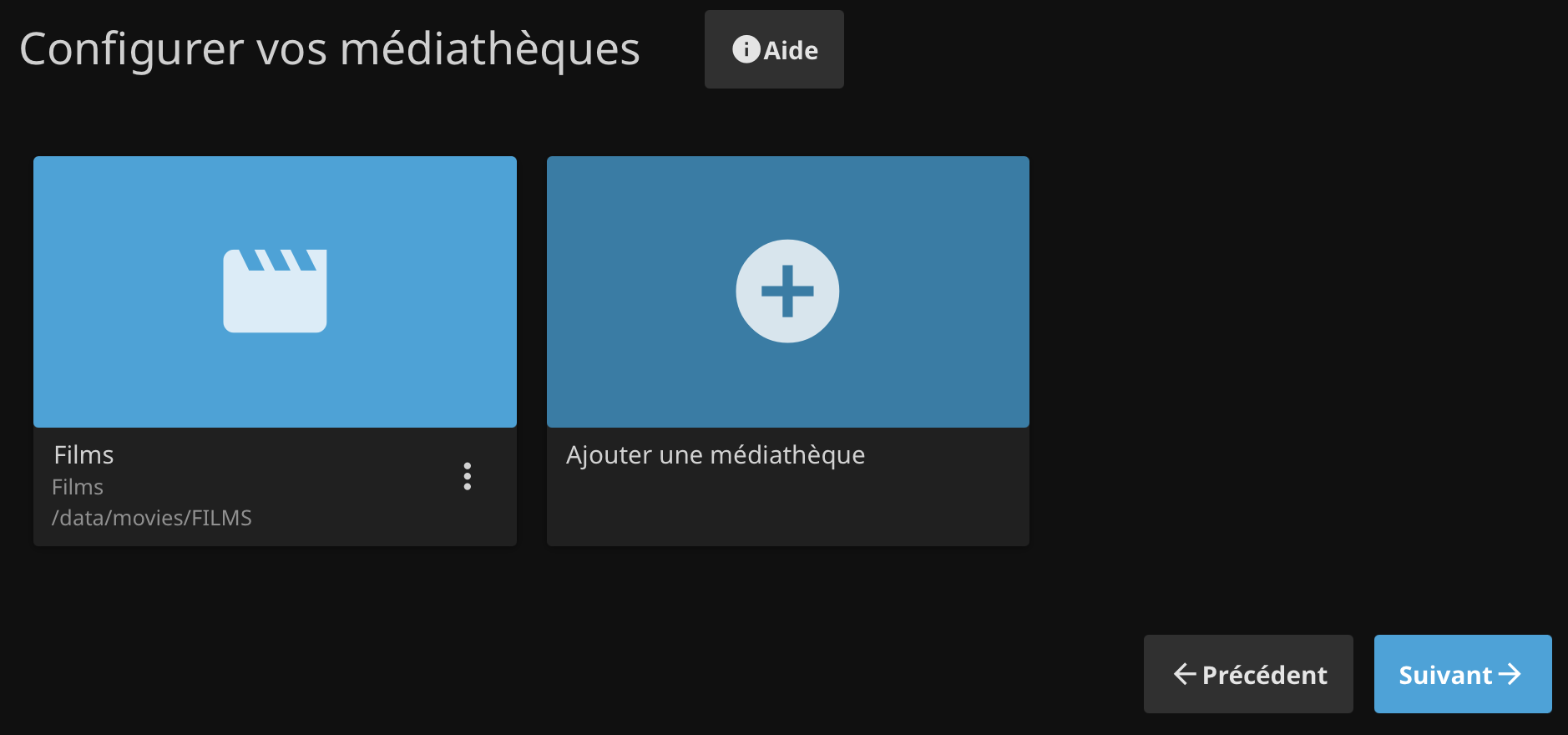
The library is now created. Click "Next" to confirm.
Metadata
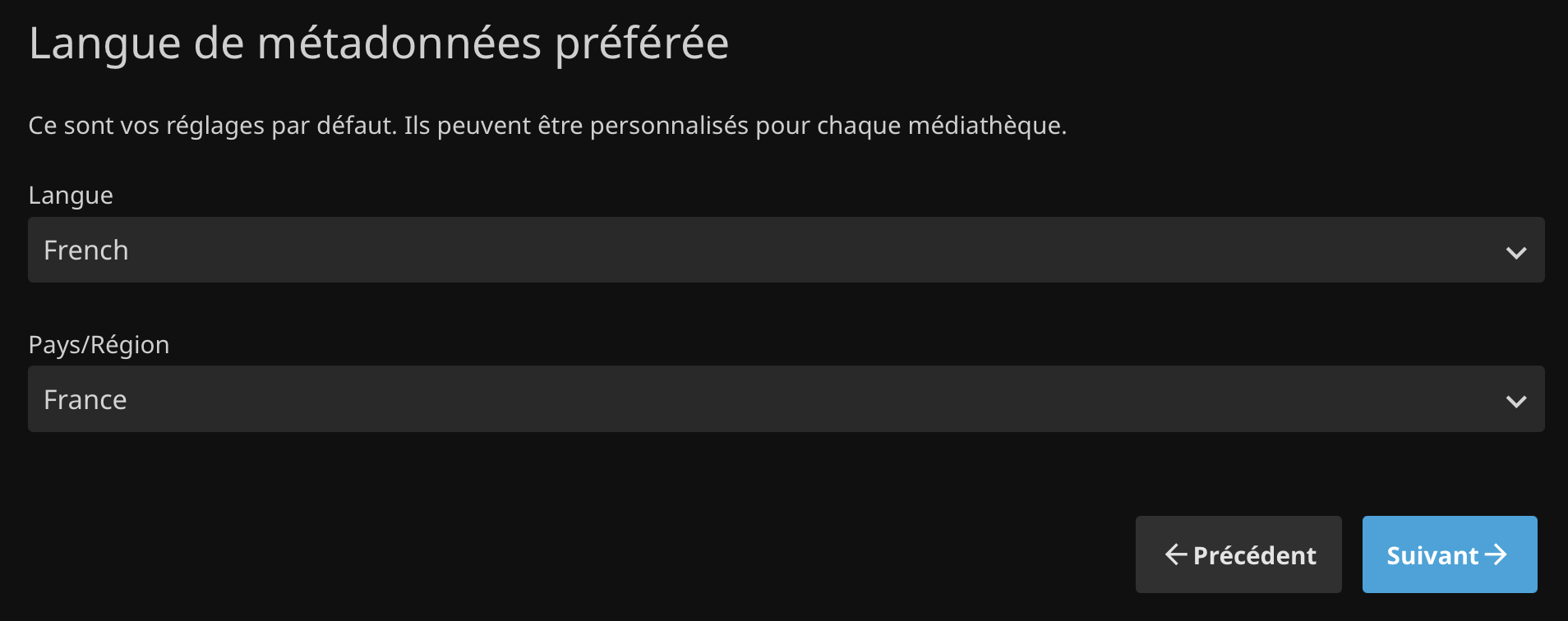
Choose the metadata language. These settings are used to download information about your files (summaries, for example).
Network settings
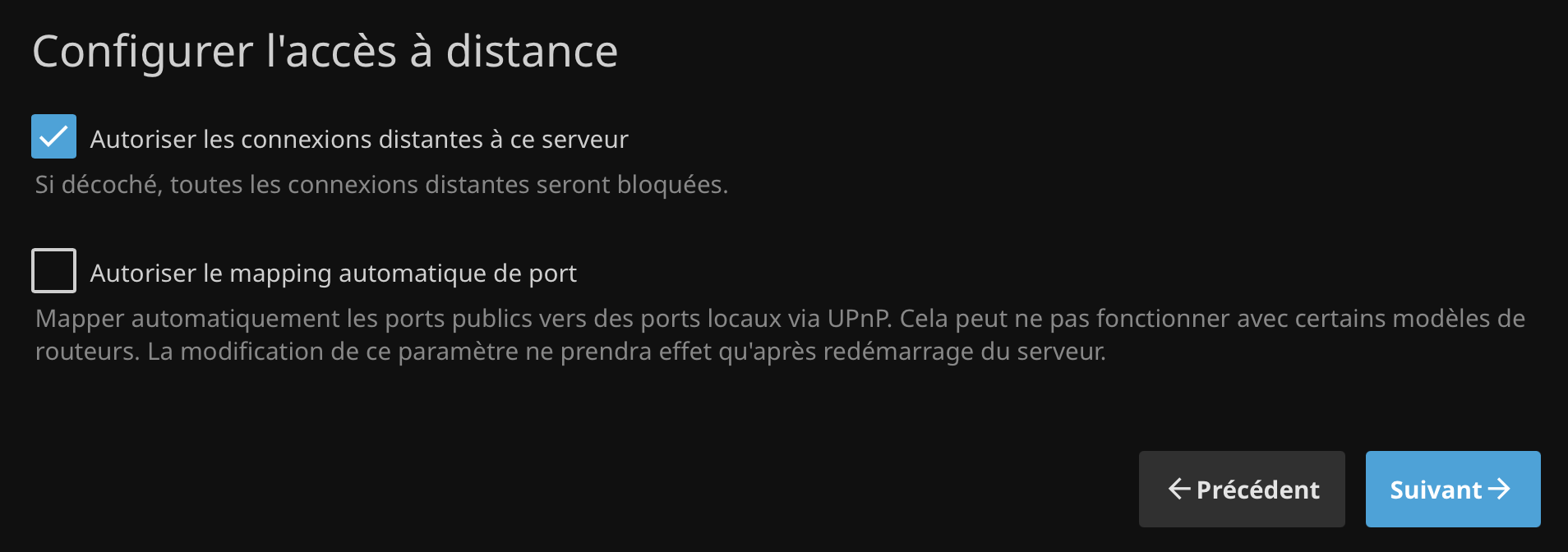
Leave the default settings and confirm.
Configuration complete!
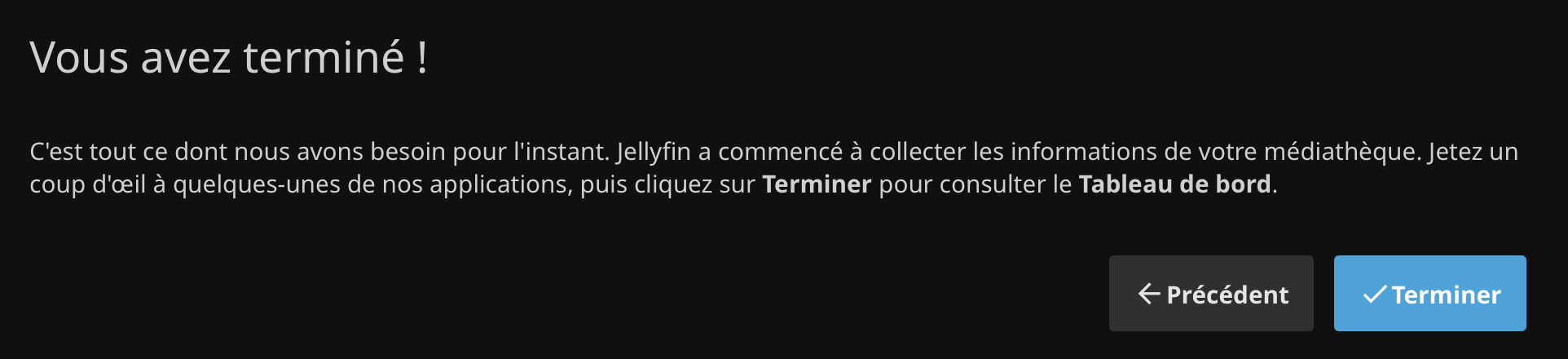
Click Next, you will now be redirected to the Dashboard. That's it!
Log in to the Dashboard
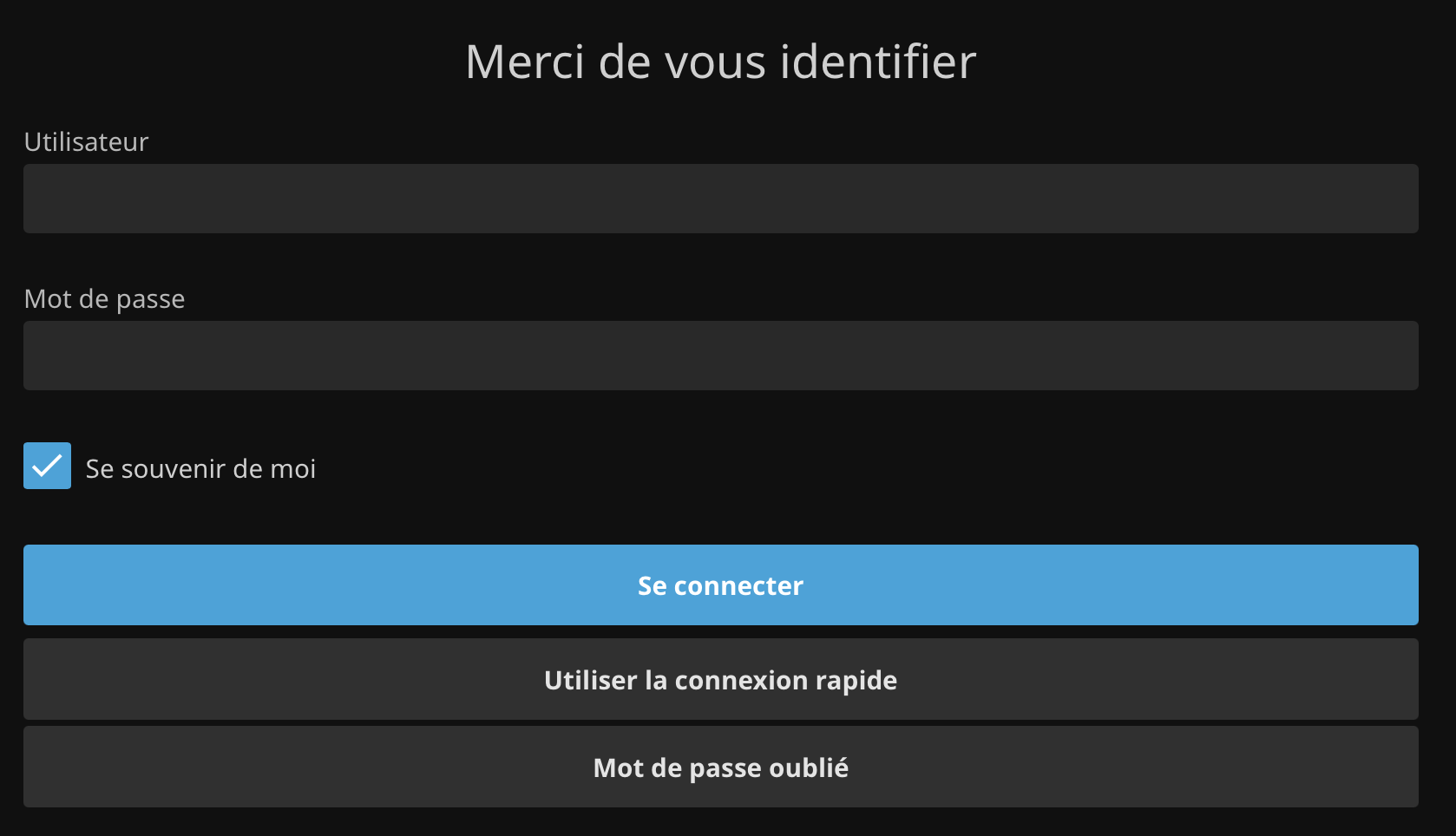
Log in using the credentials you set at the beginning of the tutorial.
Let's go!
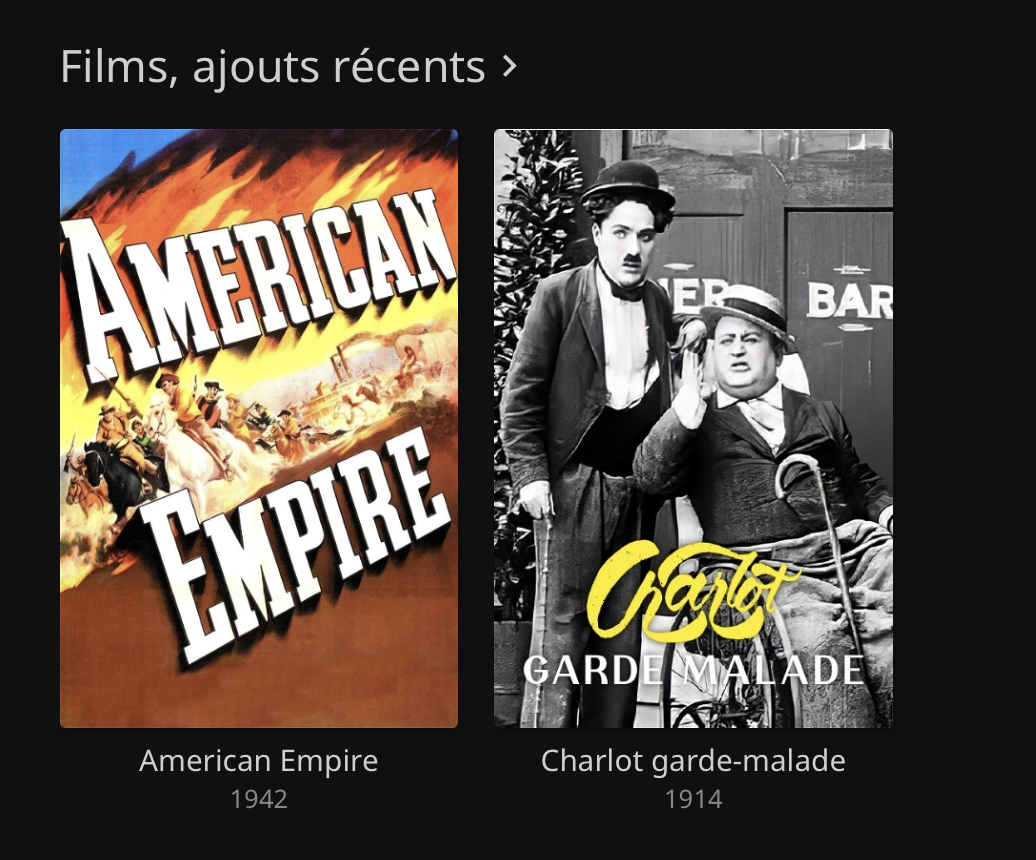
Your library is ready, just click on the media of your choice to start streaming.