
 Français
 English
 Deutsch
 Español
 Italiano
 Português
 Português (BR)
 Nederlands
 Русский
 العربية
 Türkçe
 Svenska
 Norsk
Norsk Dansk
Dansk Magyar
 Čeština
 Română
 Hrvatski
 Eesti
Eesti فارسی
فارسی עברית
עברית Azərbaycan
 Македонски
 Українська
The Console
A single screen to run your applications, your quotas, your access. Built for speed, never a terminal in sight.
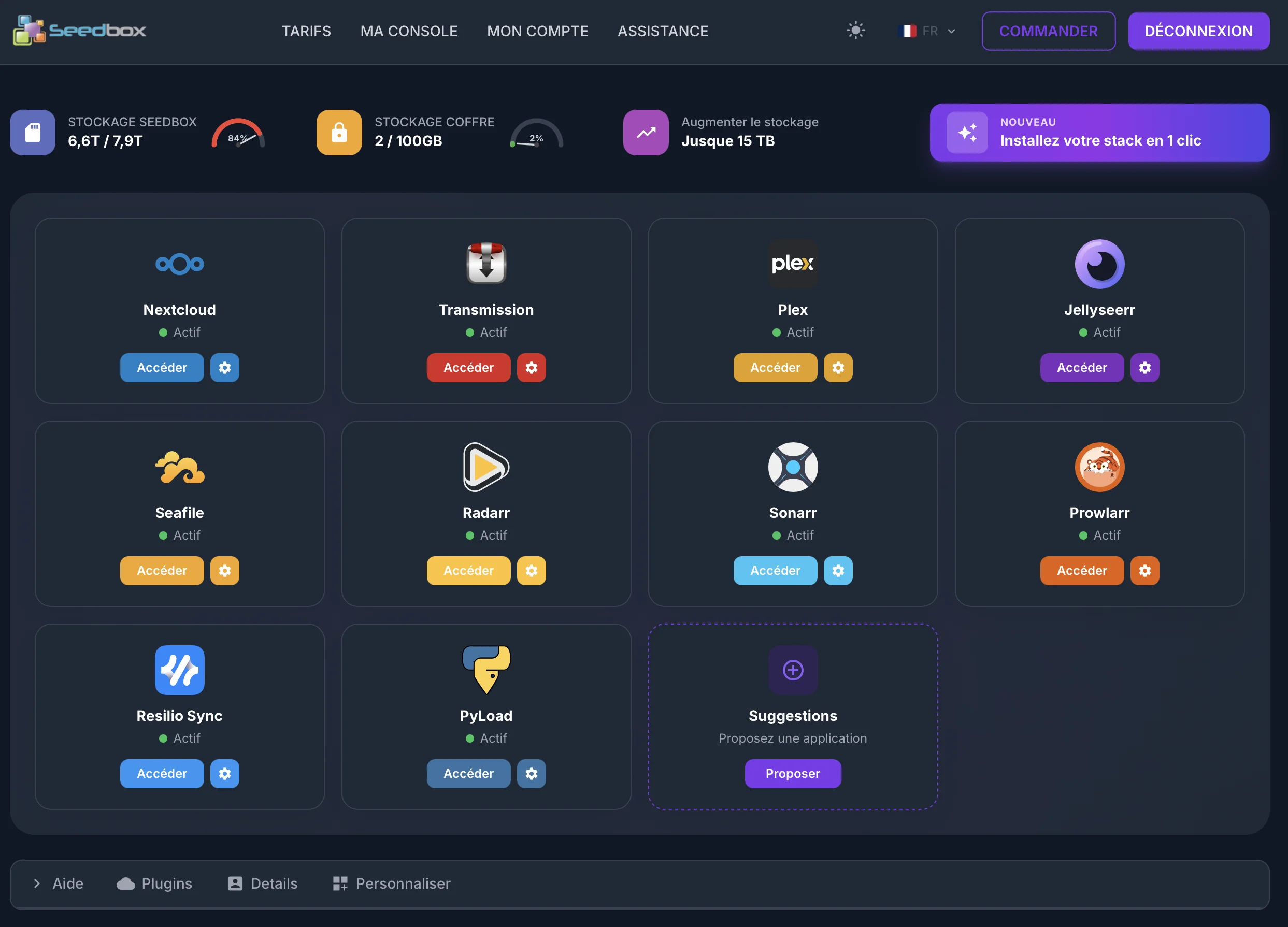
Your entire server fits in one page. Storage, applications, settings, support, billing. No command line, no SSH, no documentation to dig through. You open it, you use it.
New engine
A console rebuilt from scratch.
After 20 years of seedbox, we know our customers: they want to launch an app, not read a manual. They want to see their quota, not dissect graphs. They want to install Radarr and Sonarr, not configure six YAML files. Our new console was rewritten with that in mind: everything that really matters, nothing else.
Same interface whether you're on your PC, phone, or the tablet on the couch. Dark mode by default, 25 languages, zero friction. You open it, it's yours.
- Everything fits on a single page, no hidden menus
- Built for speed: 3 clicks max for any action
- Responsive on mobile, tablet, desktop, no compromise
The heart of the console
All your apps, a single grid.
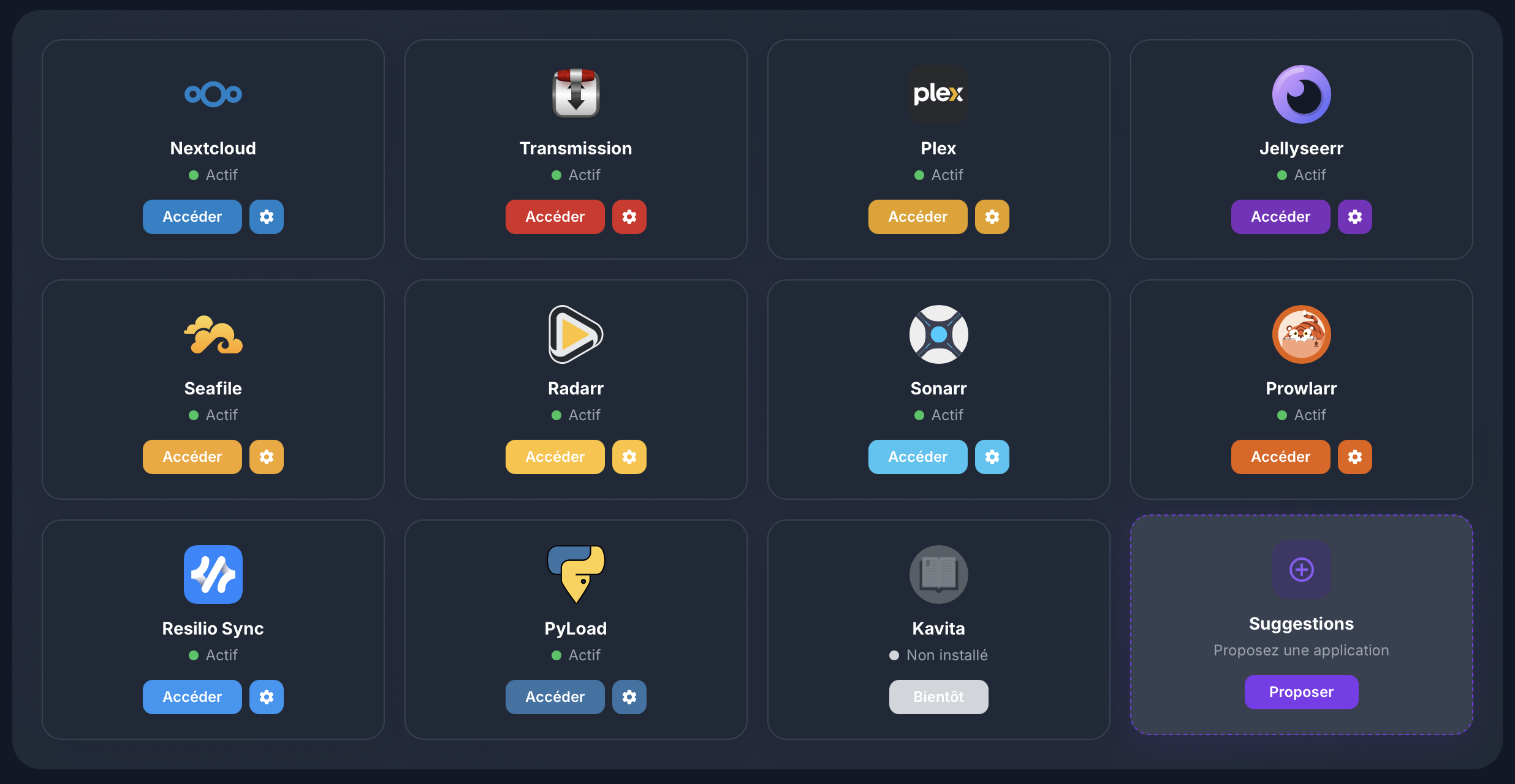
The center of the console displays your pre-installed applications as cards. Each card has its own visual identity: logo, accent color, and colored access button so you can spot them at a glance.
Next to each access button, a settings icon opens advanced options: port change, password reset, logs, restart. And the status (Active, paused, error) is always visible under the name.
- Unique color code per app, instant identification
- Live status: active, stopped, error
- Direct app access with your credentials pre-filled
- Advanced settings in one click, no menu diving
Shortcut to start
Your full ecosystem, in 30 seconds.
The violet button in the top right is our favorite shortcut: it installs Radarr, Sonarr, Prowlarr, Jellyseerr and your choice of Plex or Jellyfin all at once. The five media automation apps, connected to each other, ready to run.
APIs are pre-configured: Radarr and Sonarr already know where to find Prowlarr, Jellyseerr knows how to send requests, Plex or Jellyfin automatically scans the right folders. You save an hour of setup.
- 5 apps installed and interconnected in under a minute
- APIs wired automatically, no copy-pasting tokens
- Media folders created and mounted to your structure

To go further
Plugins to extend your seedbox.
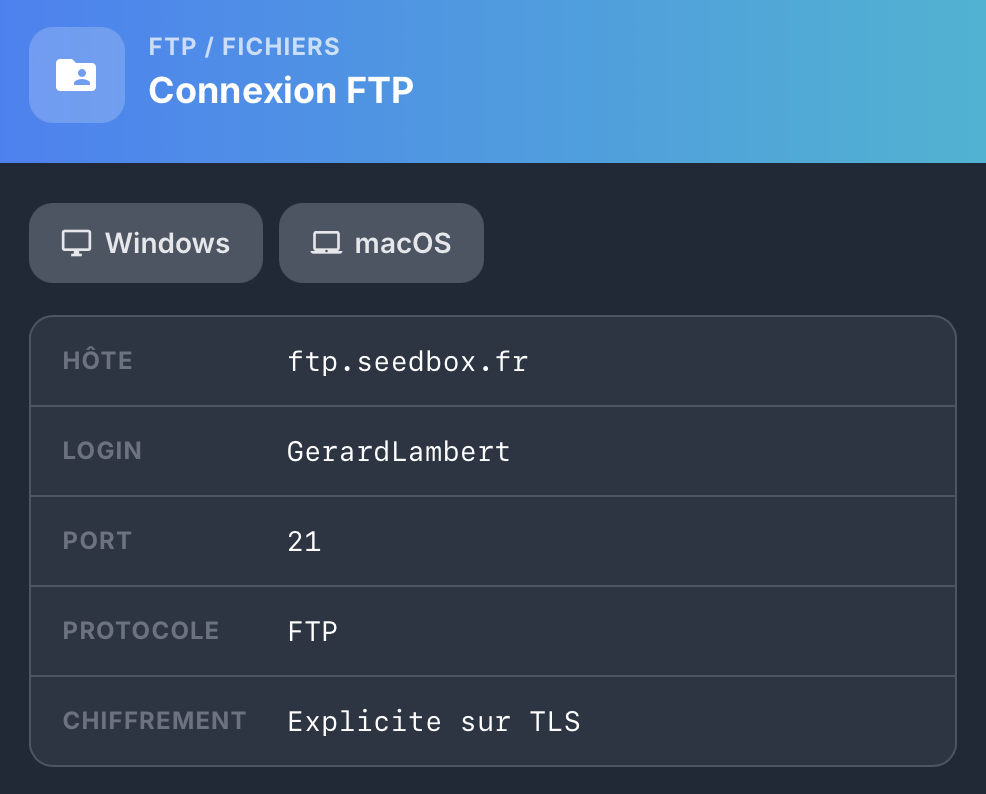
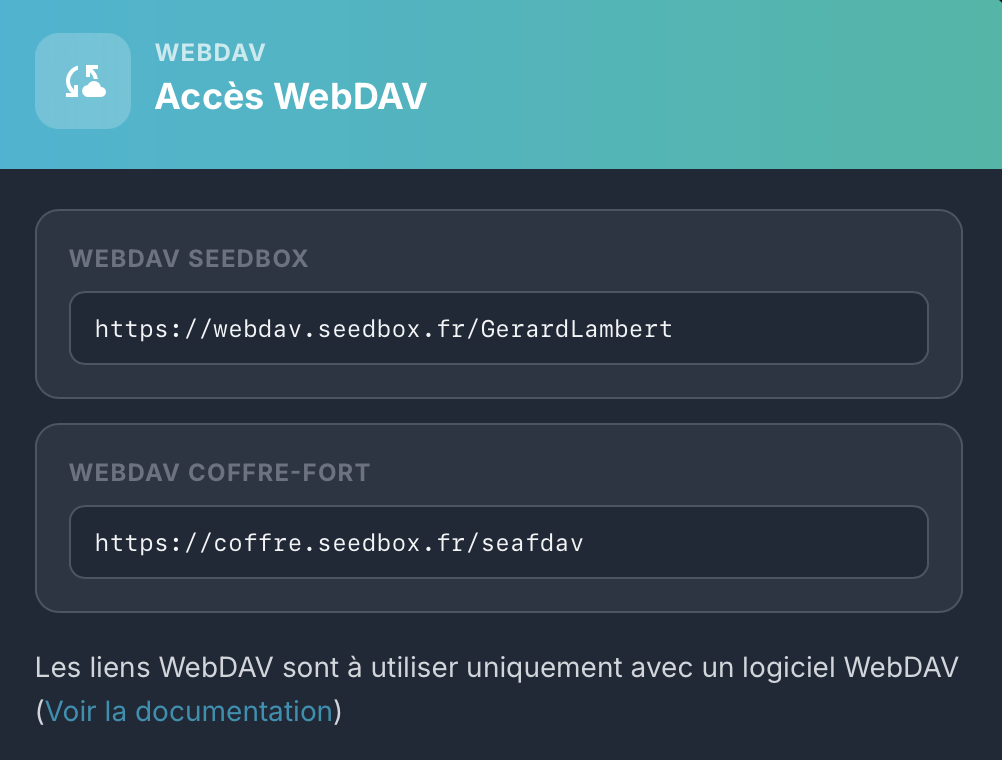
Beyond the pre-installed applications, a plugin catalog rounds out your seedbox for more technical uses. Sorted by family: file access, security and network, remote clients.
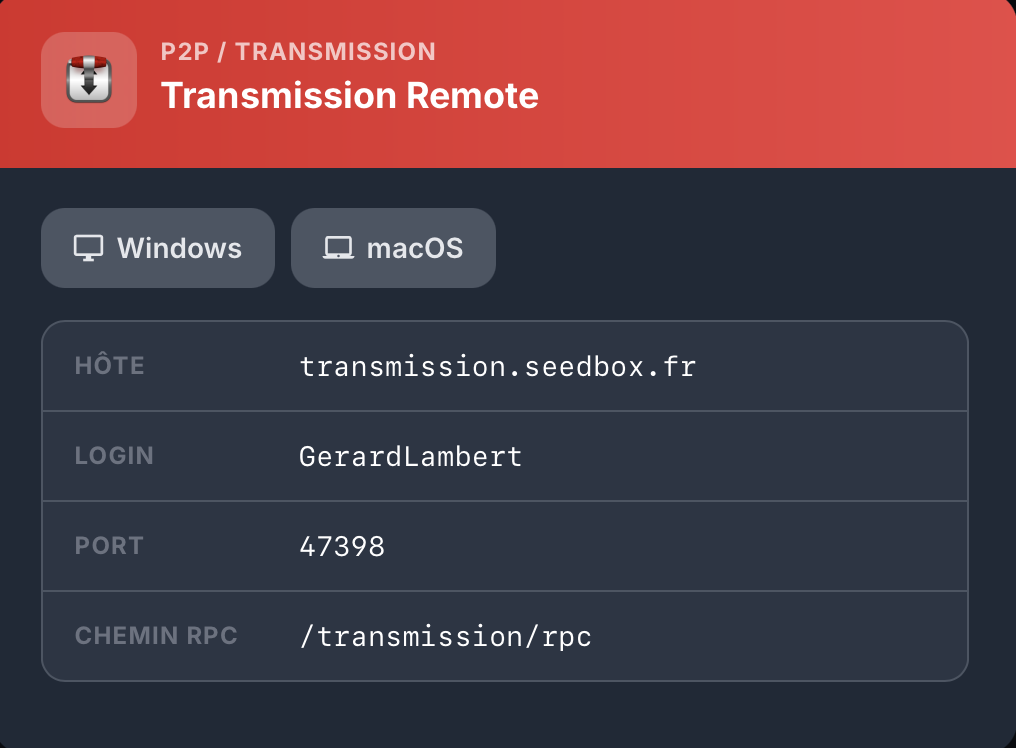
One click on a plugin opens a simple and precise sheet: host, port, protocol, encryption, login. Everything is already filled in with your seedbox credentials. You copy, you paste into your software, it's connected.
- FTP and WebDAV for direct file access
- OpenVPN and proxy servers to anonymize your traffic
- Remote Transmission to control from a third-party client
- Browser extensions to send torrents in one click
Main gauge
Your space, always in sight.
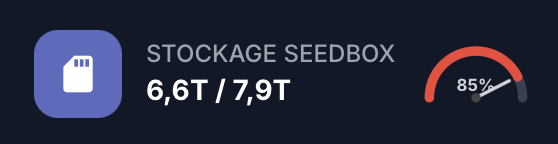
The first card shows you in real time the space used on your seedbox. Clear format: Terabytes used over total available, occupancy percentage, and a colored gauge that shifts from green to red as it fills.
No mental math, no folder diving. The info is there, visible on arrival, no click, no refresh.
- Automatic updates, no manual refresh
- Color gauge warns before you hit the limit
- Usage history available in the details
Encrypted space
A second space, for what really matters.
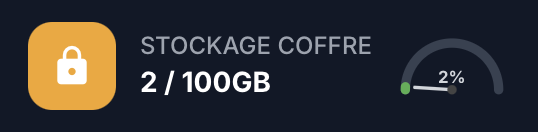
The Safe is storage separate from your seedbox, designed for your sensitive data: personal documents, family photos, archives. Client-side encryption, independent from downloads.
Its quota is distinct from the main one. You can fill up your seedbox with no impact on the Safe, and vice versa. The second gauge shows its state in real time, same display logic as the first.
- Up to several terabytes depending on the option
- Data encryption at rest and in transit
- Accessible via Seafile, WebDAV, or mobile clients
Instant upgrade
More space? Two clicks.
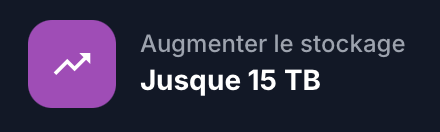
When your gauge nears saturation, a dedicated button lets you increase your quota up to 15 terabytes. No migration, no downtime, no file transfers to handle.
Billing is prorated to the time left on your subscription. You pay only the difference, not a full month. The upgrade is permanent: your new quota stays acquired for the entire subscription period.
- Up to 15 TB for your main seedbox
- Automatic proration, no hidden fees
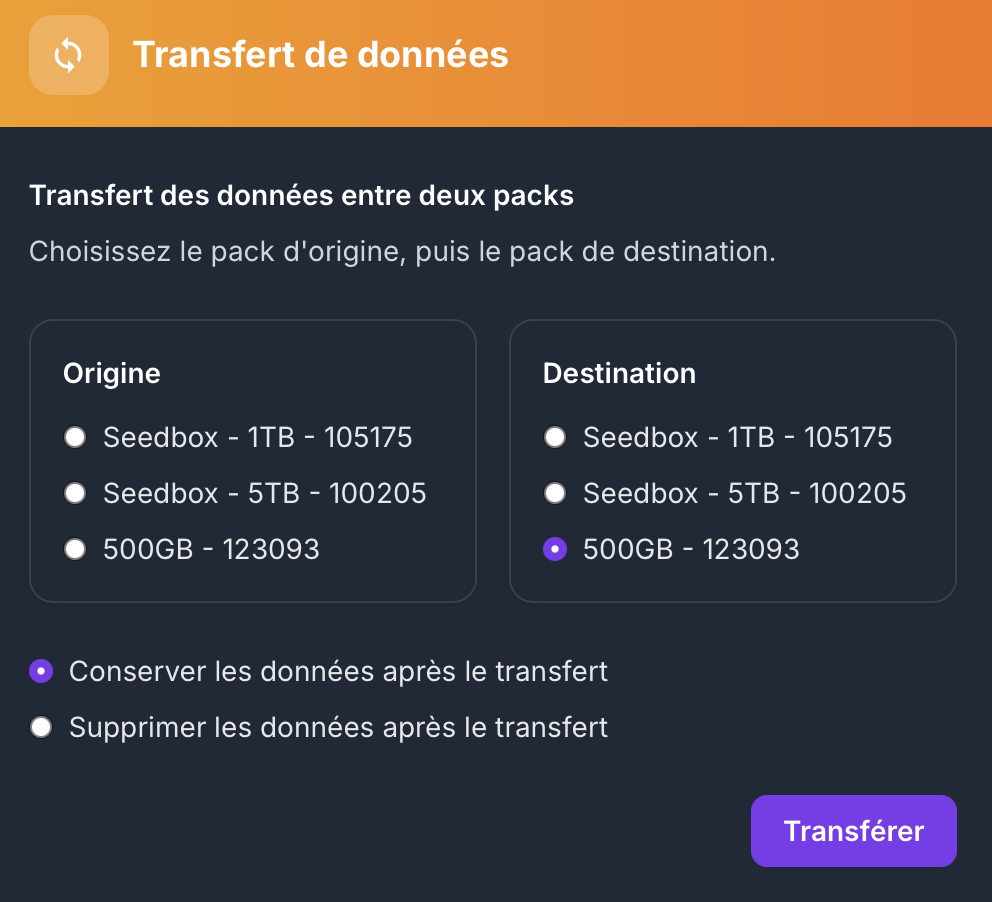
Multi-pack automation
Several packs? We handle it all.
When you have several seedbox packs, the console offers a dedicated tool to move your data from one to another. You choose the source pack, the destination pack, you confirm. The transfer runs in the background without interrupting your downloads.
An option lets you choose: keep the data on the source pack (to migrate without losing), or delete it after transfer (to free up space). No manual rsync, no command line.
- Transfer between any of your packs
- Keep or delete at source, your choice
- Runs in the background, your apps keep running
Dashboard à la carte
Your dashboard, your rules.
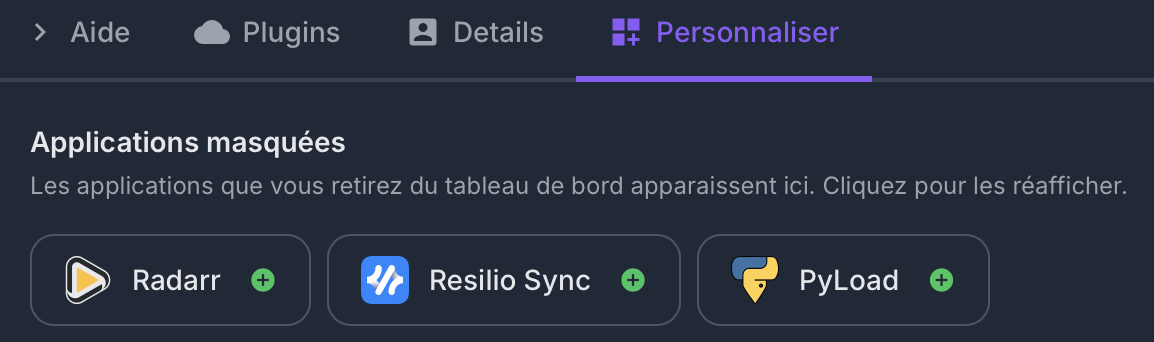
Don't use all the applications? Hide the ones you don't need. The Customize tab gathers your hidden apps in a "Hidden Applications" section at the bottom of the console.
One click on a hidden app and it instantly reappears in your main grid, in the same spot as last time. No reinstallation, no data loss. It's just a display thing.
- Hide / unhide in 1 click, no restart
- Hidden apps keep running in the background
- Rearrange your grid with drag & drop to highlight your favorites
Built-in anonymity
A VPN ready to import, everywhere.
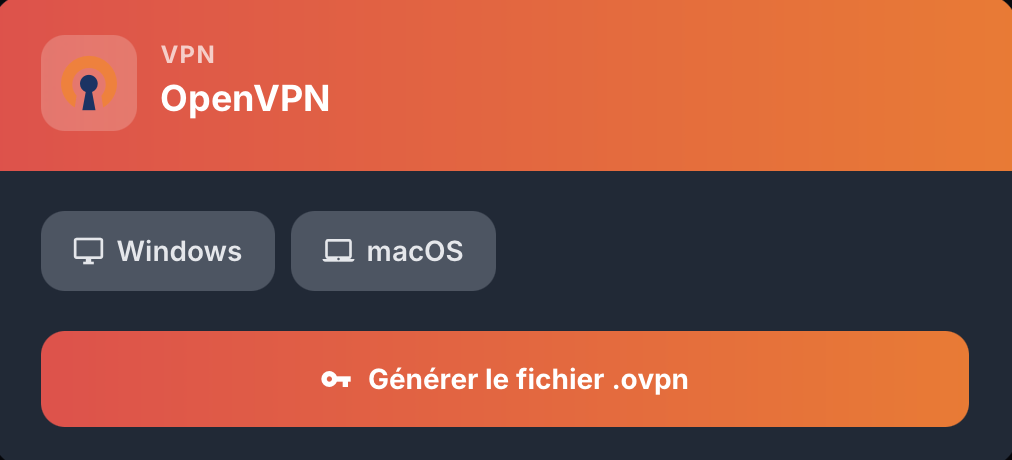
The easiest VPN setup on the market: click "Generate .ovpn file", grab your certificate, import it into any OpenVPN client. Done.
Compatible with absolutely all devices: Windows, macOS, Linux, iOS, Android, routers, NAS, smart TV. AES-256 encryption, kill-switch, unlimited bandwidth on your seedbox. Your traffic vanishes.
- A single .ovpn file to import, nothing else
- Compatible with all OS and all OpenVPN clients
- AES-256, kill-switch, zero logs on the seedbox side
Easy migration
Switching host? We bring your data over.
When you migrate from another seedbox provider, the console offers you a dedicated tool to import your files directly. You enter your old host's FTP credentials (host, port, login, password), we handle the rest.
The transfer runs as a background task on our infrastructure, without you needing to leave your PC on. Encrypted connection, credentials used only for the import and then destroyed. You recover your years of downloads without lifting a finger.
- FTP / FTPS compatible with every host on the market
- Server-to-server transfer, PC off, at top speed
- Encrypted credentials, used only for the import, then deleted

Less, but better.
Classic control panels are often designed by developers, for developers. Too many options, too much jargon, too many hidden tabs. Our console takes the opposite approach: a single page, one piece of info per screen, direct actions.
Every element was designed to answer a concrete question. How much space do I have left? Is my Plex running? How do I install Radarr? You're never more than one click from the answer.
And for the rare cases where you want to go deeper, the advanced settings are there, neatly arranged, accessible without ever cluttering the main interface.
Frequently asked questions
Do I need technical skills to use the console? expand_more
Can I access the console from my phone? expand_more
Does the console work in dark mode? expand_more
Ready to take command?
Your pre-installed applications, your real-time quotas, your centralized settings. All of it from your very first login.