
 Français
 English
 Deutsch
 Español
 Italiano
 Português
 Português (BR)
 Nederlands
 Русский
 العربية
 Türkçe
 Svenska
 Norsk
 Dansk
 Magyar
 Čeština
 Română
 Hrvatski
 Eesti
 فارسی
 עברית
 Azərbaycan
 Македонски
 Українська
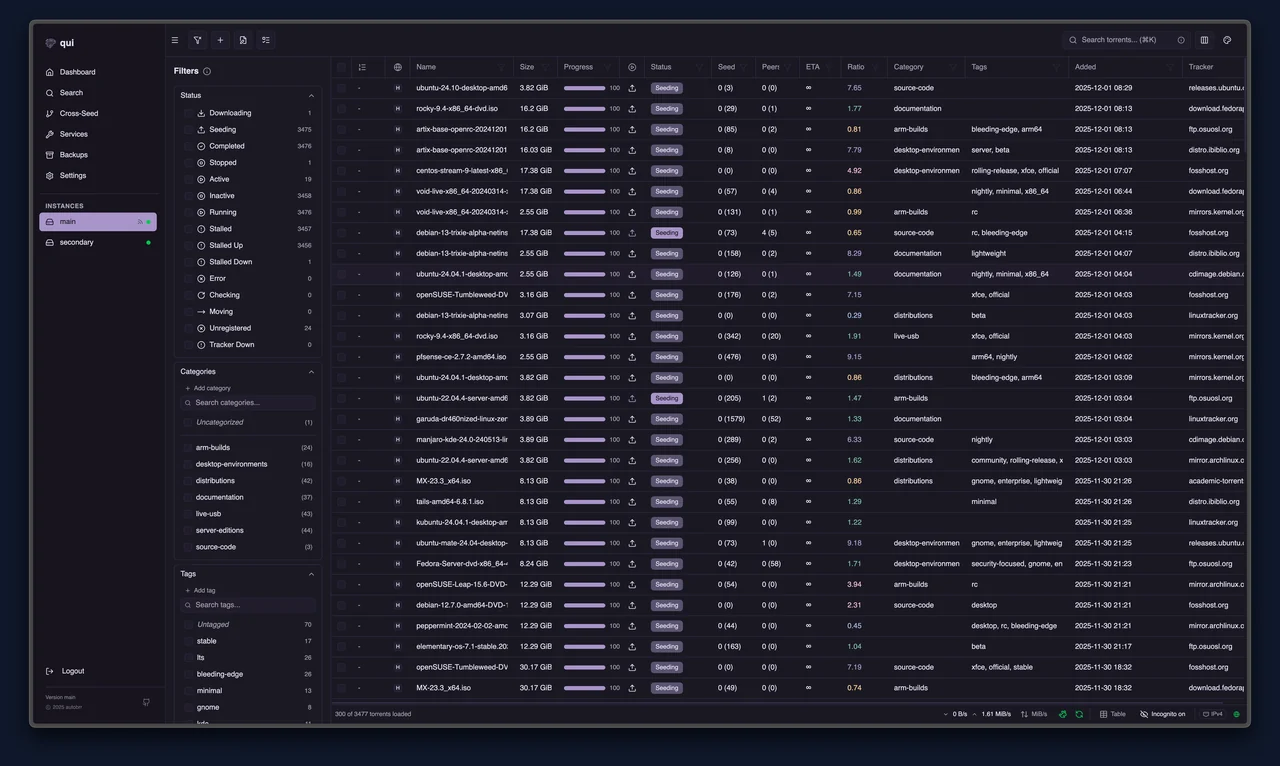

Discover the QUI interface
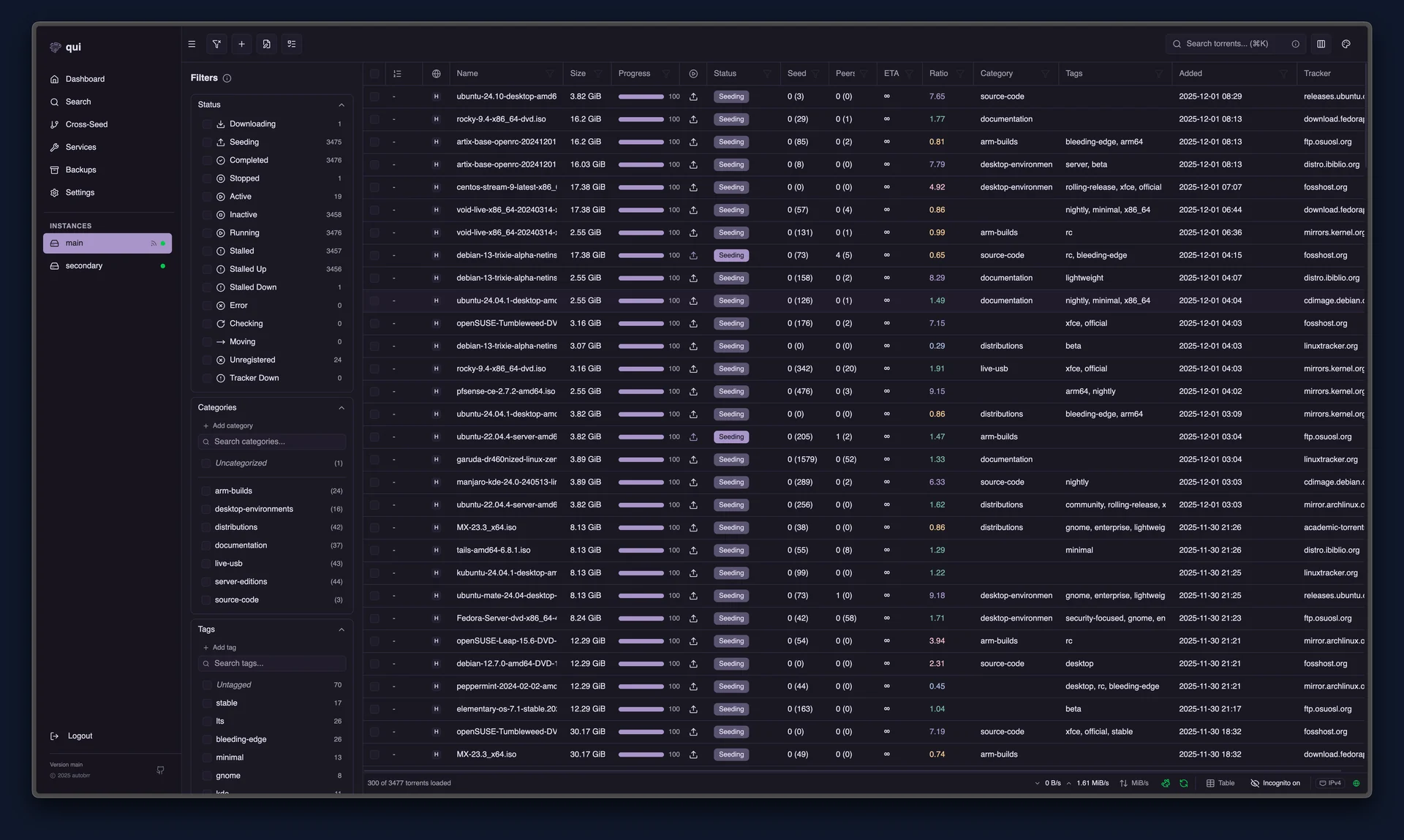
Overview
QUI is an additional web interface for qBittorrent, developed by the autobrr team. It lets you monitor your transfers and organise your torrents from a computer or mobile device.
On Seedbox, first install qBittorrent, either on its own or as the client for your Full Arr stack, then add QUI from the console. qBittorrent’s usual interface remains accessible.
Highlights
Smooth management, even with many torrents
Track your transfers, search and filter your torrents in a smoothly scrolling list on desktop.
Your torrent details, adapted for mobile
On a phone, a torrent’s details fill the screen. A bar at the bottom lets you switch between sections, while client icons make the peer list easier to read.
Better-organized cross-seeding
Choose the qBittorrent instance that will receive torrents from cross-seeding and find their destination in QUI.
Safer orphan-file searching
Find orphaned files while preserving files and empty folders still used by a torrent or another instance, including through symbolic links or bind mounts.
Optimized folder analysis
A full analysis scans the folder only once to look for matches and limit repeated reads.
Frequently asked questions
Do I need to install qBittorrent before QUI?
Does QUI replace qBittorrent?
Does QUI work with Transmission or Deluge?


Another interface for your qBittorrent
Find QUI and qBittorrent among the applications on your Seedbox.
See our plans