
 Français
 English
 Deutsch
 Español
 Italiano
 Português
 Português (BR)
 Nederlands
 Русский
 العربية
 Türkçe
 Svenska
 Norsk
Norsk Dansk
Dansk Magyar
 Čeština
 Română
 Hrvatski
 Eesti
Eesti فارسی
فارسی עברית
עברית Azərbaycan
 Македонски
 Українська
A look at backup monitoring
Overview
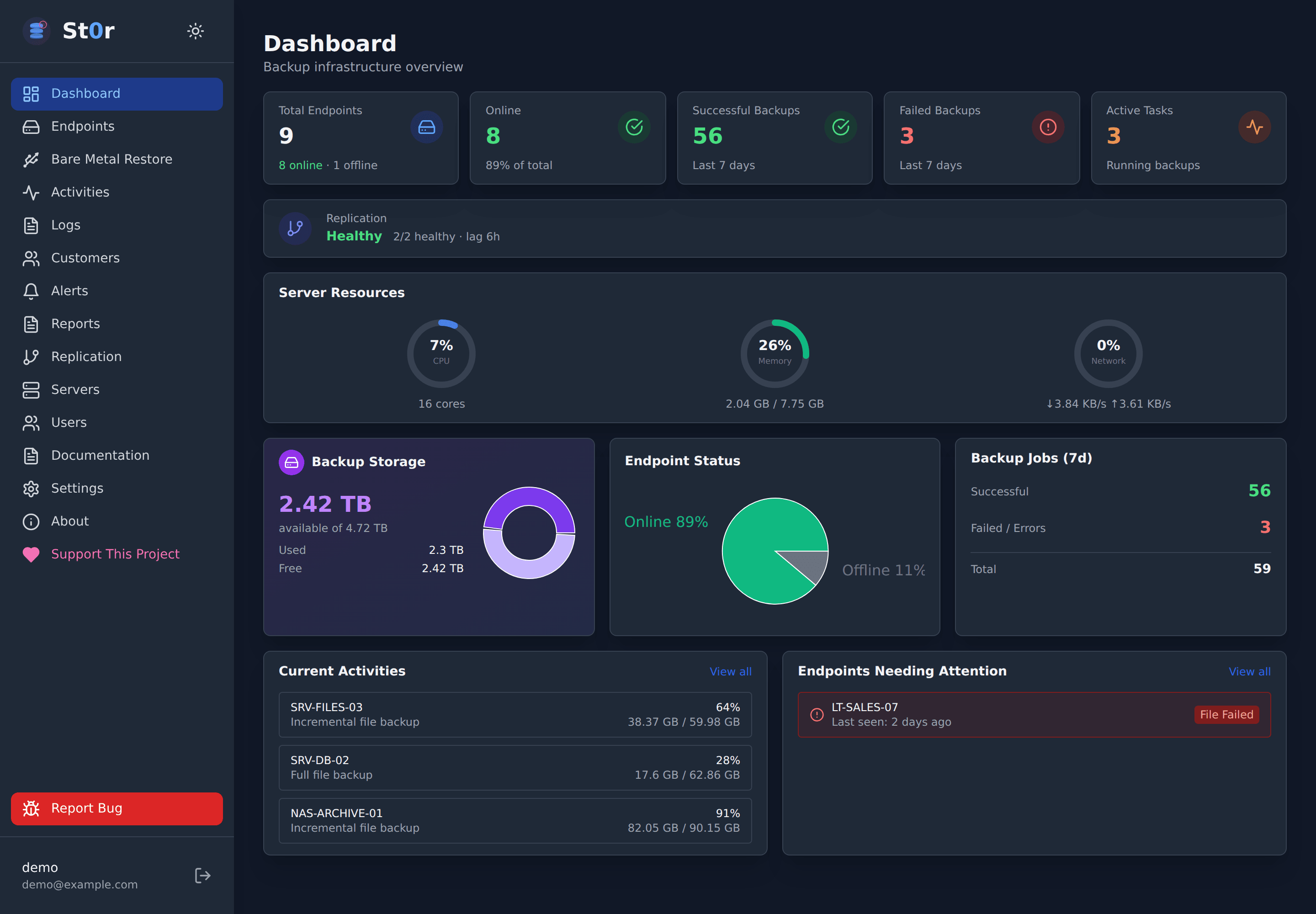
UrBackup is open-source client-server backup software. Its web interface brings together connected computers, their latest backups, and ongoing operations.
Define the folders to protect and view the available backups. Incremental backups transfer new or modified files instead of copying everything again.
The UrBackup client must be installed and configured on each computer to be backed up. Access to the web interface does not replace this setup.
Highlights
Centralized monitoring
Check the status of your computers, the date of their latest backups, and current activity.
Incremental backups
After an initial full copy, only new or modified files are transferred during incremental backups.
Find your files
Browse existing backups in your browser and retrieve the files you need.
Frequently asked questions
What is UrBackup used for?
UrBackup lets you manage backups from several computers and restore their files from a central server.
Do I need to install software on my computer?
Yes. Install the UrBackup client suited to your system, configure its connection to the server, and choose the folders to back up.
Does UrBackup replace a synchronization application?
No. Backup keeps restorable copies. It does not replace file synchronization between devices provided by Nextcloud or Resilio Sync.