
 Français
 English
 Deutsch
 Español
 Italiano
 Português
 Português (BR)
 Nederlands
 Русский
 العربية
 Türkçe
 Svenska
 Norsk
Norsk Dansk
Dansk Magyar
 Čeština
 Română
 Hrvatski
 Eesti
Eesti فارسی
فارسی עברית
עברית Azərbaycan
 Македонски
 Українська
Everything you need to get cooking.
Overview
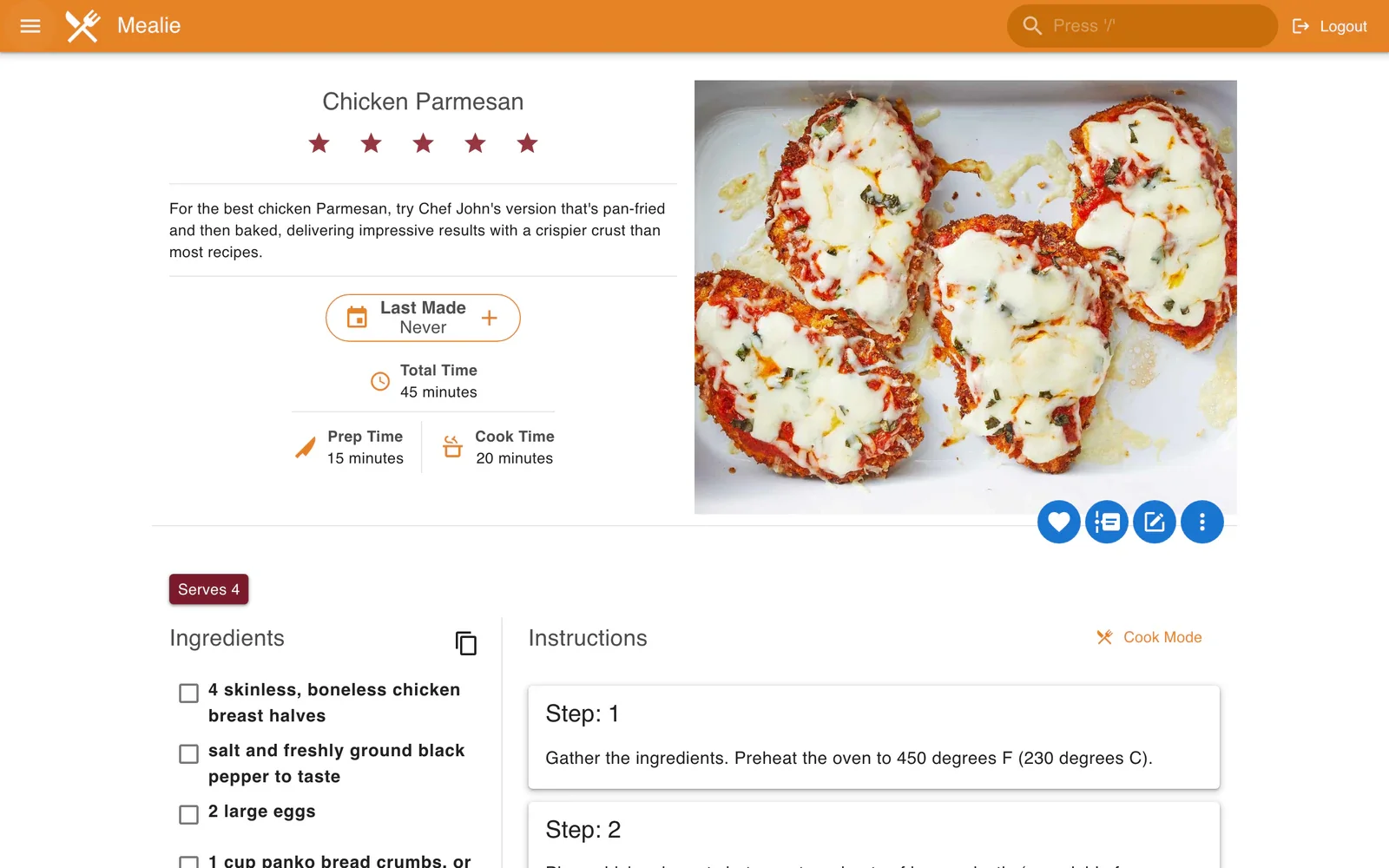
Mealie is an open-source application for bringing your recipes together and organising your meals. Find ingredients, steps and photos in a web interface accessible from your computer or phone.
Import a recipe by pasting its link from a compatible website, or enter your own preparations. Organise your collection with categories, tags and recipe books.
Plan your meals in the calendar and add recipe ingredients to a shopping list. Keep your meal ideas in one place, from weekly preparation to shopping.
Highlights
Keep the recipes you love
Paste the link to a recipe from a compatible website to import it. You can also create a recipe card manually and edit its ingredients or instructions.
A well-organised recipe book
Use categories, tags and recipe books to find a dish, group your favourites or explore your collection.
Meal plans for the whole week
Place your recipes in the meal calendar. Add notes for days when you plan to eat leftovers or have a meal without a recipe.
Ingredients become your list
Add a recipe’s ingredients to your shopping list, complete it manually and tick off items as you shop.
Integrated in your seedbox
In My dashboard, open Customise to show Mealie if its card is hidden. Start the installation, then use the Access button when it is complete. You can then create or import your recipes in the web interface.
- Installation from My dashboard
- Access to your Mealie space over HTTPS
- Interface accessible on desktop and mobile
- Your recipes, meal plans and shopping lists in one place
Frequently asked questions
Can I import a recipe from any website?
Can I view my recipes from my phone?
How do I install Mealie on my Seedbox?
In the same family


Your next meal ideas start here.
Bring your recipes together and simplify meal planning with Mealie on your Seedbox.
See our plans